
Prank Call PC
RTS Media
GameLoopエミュレーターを使用してPCにPrank Callをダウンロードします
Prank Call PC版
開発者RTS MediaからのPrank Callは、過去にAndroidsystermで実行されています。
これで、GameLoopを搭載したPCでPrank Callをスムーズにプレイできます。
GameLoopライブラリまたは検索結果にダウンロードしてください。 バッテリーに目を向けたり、間違った時間にイライラしたりすることはもうありません。
大画面でPrank CallPCを無料でお楽しみください!
Prank Call 序章
Prank Calls - Prank Caller ID, it's easy, anonym and works on any phone,!
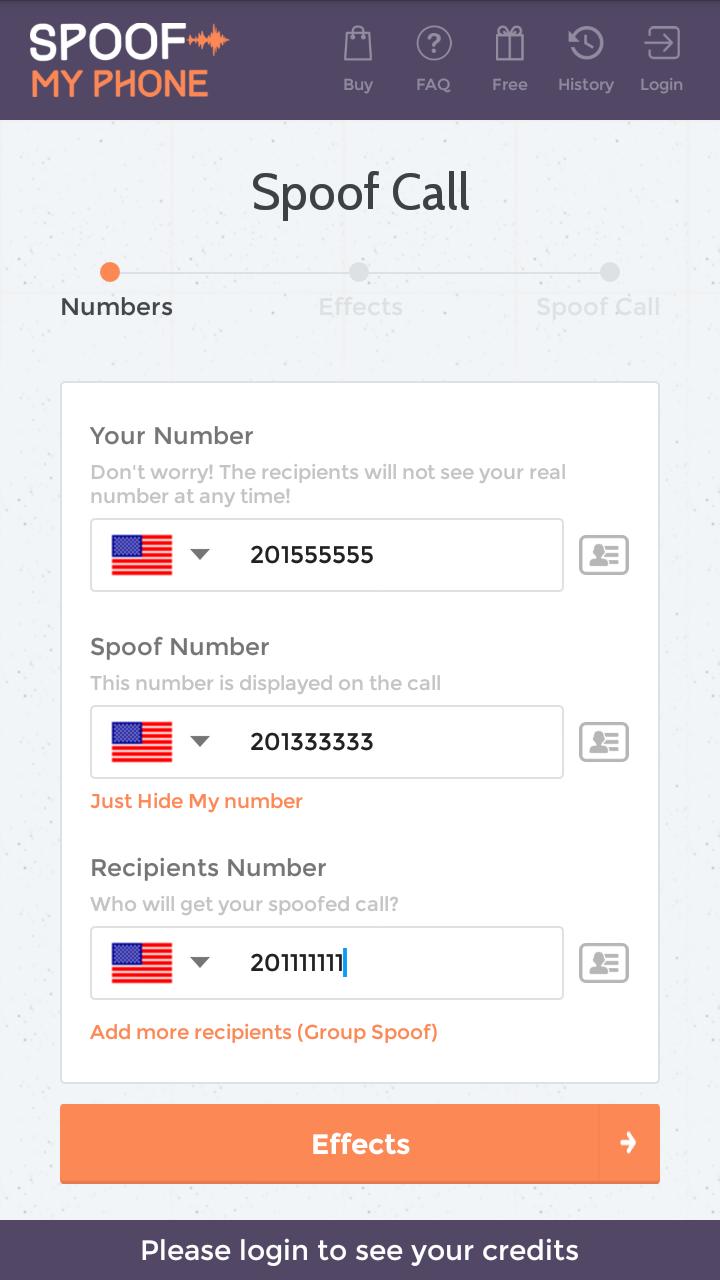
::Anonymous Prank Phone Calls
Prankyour phone number. You can enter any number to display. The person you're calling sees only that prankcaller ID, instead of yours. So you can easily emit as someone else.
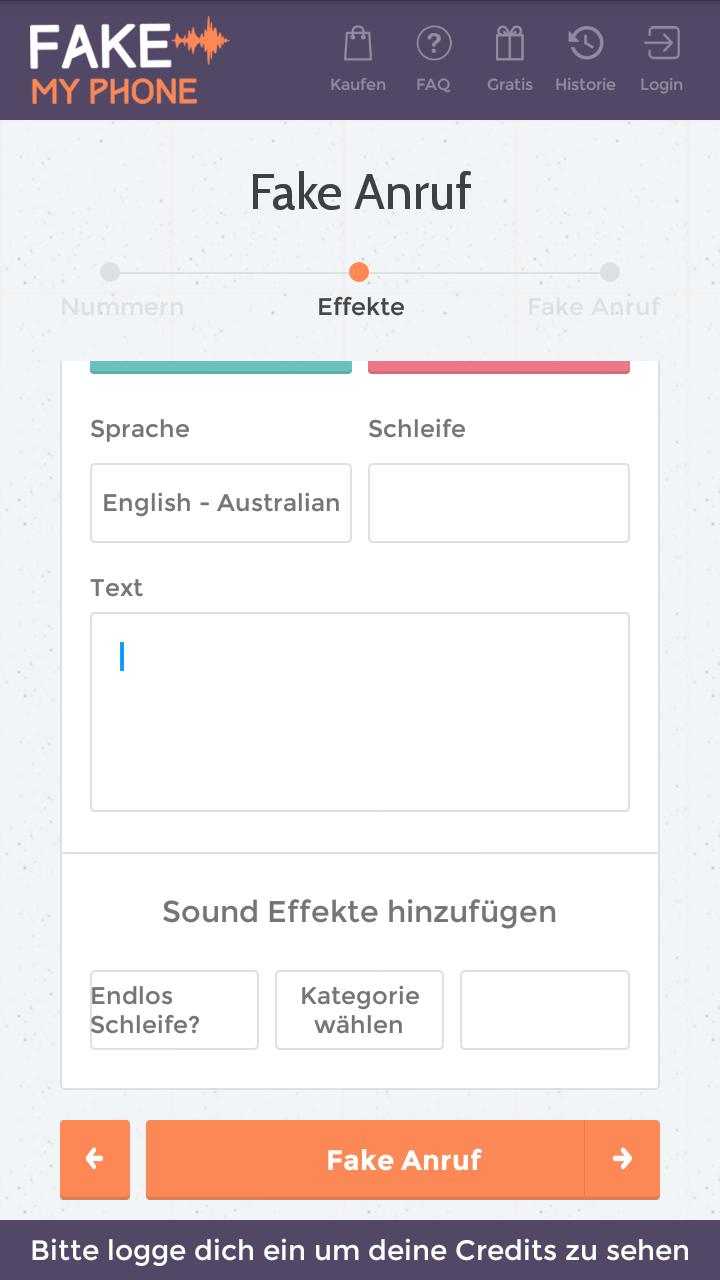
:: Add Prank Sound Effects
You can add custom background noises to make it more realistic! Want your prank calls to sound like it's coming from party or train station? Then you're right here.
:: Change Voice and Text-to-Speech
Use a different voice for your prank calls. You'll fool your family and friends into thinking your're another person. Simply change the setting before you place a prank call. Not enough? Enter any text that should be spoken by a male or female voice.
:: Record Prank Calls
Save your prank calls. Record your phone calls to keep backups of all your conversations. Maybe you need to catch a friends admitting they owe you money? Or your simply want to listen to your recordings later?
:: Group Prank Calls
With group prank you multiply the fun. Enable this feature to add multiple people to your prank call. Also it's a nice way that someone else can listen in the background.
:: Safe and Secure
All prank calls and traffic will be sent over HTTPS (SSL). So it's not possible for a third party to read with. We also support almost any phone.
プレビュー
情報
デベロッパー
RTS Media
最新バージョン
2.0.1
最終更新
2016-09-07
カテゴリー
ツール
上で利用可能
Google Play
もっと見せる
PCでGameLoopを使用してPrank Callをプレイする方法
1. 公式WebサイトからGameLoopをダウンロードし、exeファイルを実行してGameLoopをインストールします
2. GameLoopを開いて「Prank Call」を検索し、検索結果でPrank Callを見つけて、「インストール」をクリックします。
3. GameLoopでPrank Callを楽しんでください
Minimum requirements
OS
Windows 8.1 64-bit or Windows 10 64-bit
GPU
GTX 1050
CPU
i3-8300
Memory
8GB RAM
Storage
1GB available space
Recommended requirements
OS
Windows 8.1 64-bit or Windows 10 64-bit
GPU
GTX 1050
CPU
i3-9320
Memory
16GB RAM
Storage
1GB available space