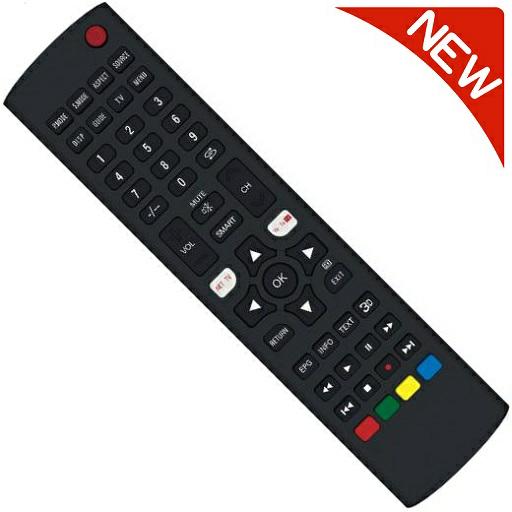
CORNEA Remote Control PC
Tv remotes
GameLoopエミュレーターを使用してPCにCORNEA Remote Controlをダウンロードします
CORNEA Remote Control PC版
開発者Tv remotesからのCORNEA Remote Controlは、過去にAndroidsystermで実行されています。
これで、GameLoopを搭載したPCでCORNEA Remote Controlをスムーズにプレイできます。
GameLoopライブラリまたは検索結果にダウンロードしてください。 バッテリーに目を向けたり、間違った時間にイライラしたりすることはもうありません。
大画面でCORNEA Remote ControlPCを無料でお楽しみください!
CORNEA Remote Control 序章
**Made In India**
This app is Designed to work with almost all CORNEA
**Disclaimer**
This app is not the official CORNEA Remote App.
It was designed with care to try and bring users an overall better experience
**** IMPORTANT ****
This app needs your phone to have an Infrared sensor
Not sure what this means? you can try downloading the app and see if it works
Your remote is missing? Just ask us for it from the app
Features:
* Best User Interface
* NO installation, just click and play
* AMAZING design with cool & easy interface
Have questions? remote isn't working? Email us: remotifyapp@gmail.com
プレビュー

情報
デベロッパー
Tv remotes
最新バージョン
1.0
最終更新
2021-06-04
カテゴリー
ツール
上で利用可能
Google Play
もっと見せる
PCでGameLoopを使用してCORNEA Remote Controlをプレイする方法
1. 公式WebサイトからGameLoopをダウンロードし、exeファイルを実行してGameLoopをインストールします
2. GameLoopを開いて「CORNEA Remote Control」を検索し、検索結果でCORNEA Remote Controlを見つけて、「インストール」をクリックします。
3. GameLoopでCORNEA Remote Controlを楽しんでください
Minimum requirements
OS
Windows 8.1 64-bit or Windows 10 64-bit
GPU
GTX 1050
CPU
i3-8300
Memory
8GB RAM
Storage
1GB available space
Recommended requirements
OS
Windows 8.1 64-bit or Windows 10 64-bit
GPU
GTX 1050
CPU
i3-9320
Memory
16GB RAM
Storage
1GB available space