Speak to Voice Translator PC
Biz Vid Studio
GameLoopエミュレーターを使用してPCにSpeak to Voice Translatorをダウンロードします
Speak to Voice Translator PC版
開発者Biz Vid StudioからのSpeak to Voice Translatorは、過去にAndroidsystermで実行されています。
これで、GameLoopを搭載したPCでSpeak to Voice Translatorをスムーズにプレイできます。
GameLoopライブラリまたは検索結果にダウンロードしてください。 バッテリーに目を向けたり、間違った時間にイライラしたりすることはもうありません。
大画面でSpeak to Voice TranslatorPCを無料でお楽しみください!
Speak to Voice Translator 序章
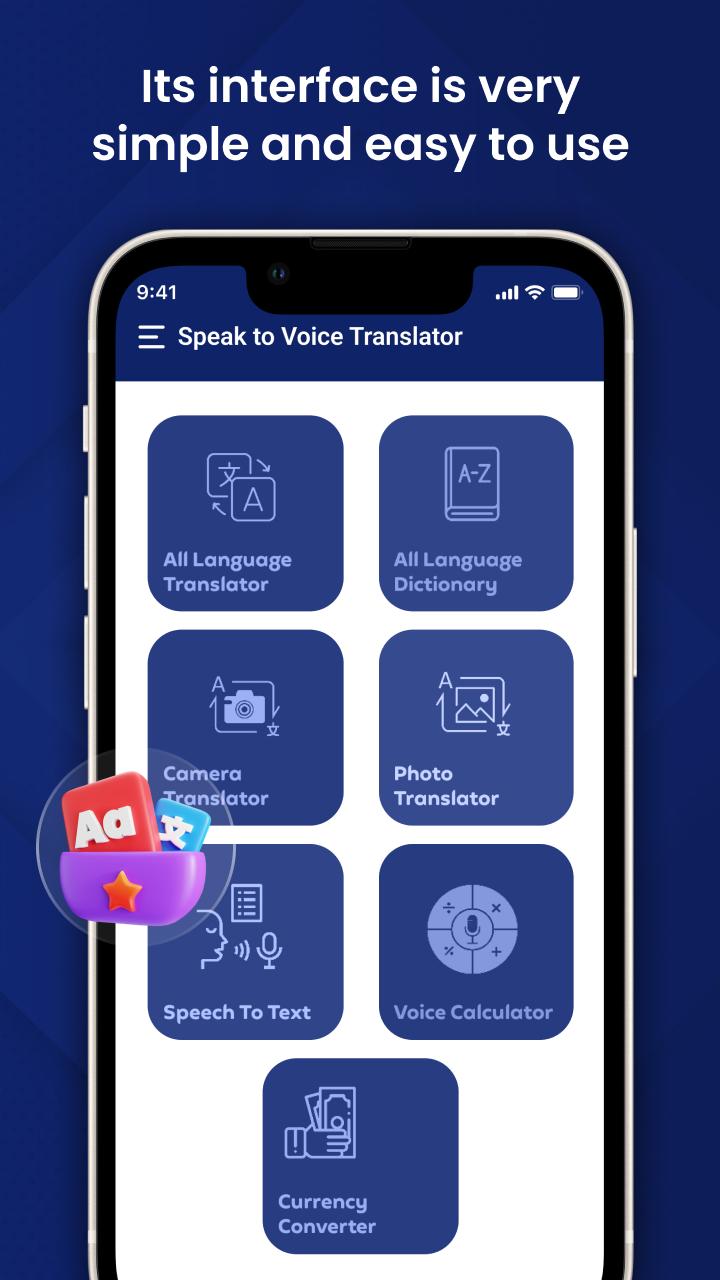
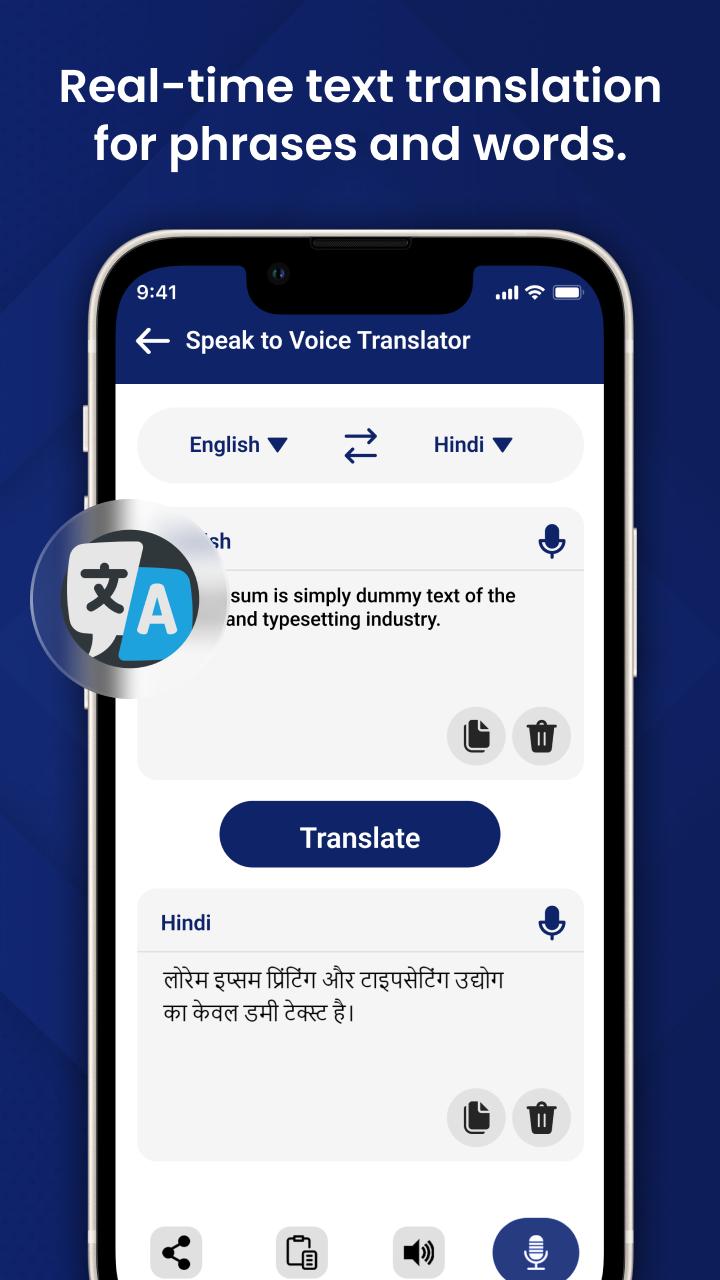
Speak to Voice Translator is a simple voice to text translator app for all android smartphones and tablets. You can record your voice by touching the voice record button or adding your voice recording to this phone translator app for instant translations!
▶️Highlights:
🔸 Click on a button for a quick voice translation
🔸 Translate all types of texts
🔸 Voice translator tool recognizes all languages
🔸 Copy the translation or take a screenshot of a text
🔸 Translate your voice into another language
⚛️Features:
🔹 Translate any language anytime
🔹 Image-to-text translation
🔹 Provides voice translation facility
🔹 Best screen translator app
🔹 Reads and recognizes text languages
🔹 Import or capture an image to translate
🔹 Speak to translate language
🔹 Learn new languages
🔹 Use the app as a dictionary
🔹 Easy to check recent translations
🔹 Share the app via social media
プレビュー
タグ
ツール情報
デベロッパー
Biz Vid Studio
最新バージョン
1.2
最終更新
2022-07-25
カテゴリー
ツール
上で利用可能
Google Play
もっと見せる
PCでGameLoopを使用してSpeak to Voice Translatorをプレイする方法
1. 公式WebサイトからGameLoopをダウンロードし、exeファイルを実行してGameLoopをインストールします
2. GameLoopを開いて「Speak to Voice Translator」を検索し、検索結果でSpeak to Voice Translatorを見つけて、「インストール」をクリックします。
3. GameLoopでSpeak to Voice Translatorを楽しんでください
Minimum requirements
OS
Windows 8.1 64-bit or Windows 10 64-bit
GPU
GTX 1050
CPU
i3-8300
Memory
8GB RAM
Storage
1GB available space
Recommended requirements
OS
Windows 8.1 64-bit or Windows 10 64-bit
GPU
GTX 1050
CPU
i3-9320
Memory
16GB RAM
Storage
1GB available space