DocSign Upload Sign Docs PC
Qplay squard
GameLoopエミュレーターを使用してPCにDocSign Upload Sign Docsをダウンロードします
DocSign Upload Sign Docs PC版
開発者Qplay squardからのDocSign Upload Sign Docsは、過去にAndroidsystermで実行されています。
これで、GameLoopを搭載したPCでDocSign Upload Sign Docsをスムーズにプレイできます。
GameLoopライブラリまたは検索結果にダウンロードしてください。 バッテリーに目を向けたり、間違った時間にイライラしたりすることはもうありません。
大画面でDocSign Upload Sign DocsPCを無料でお楽しみください!
DocSign Upload Sign Docs 序章
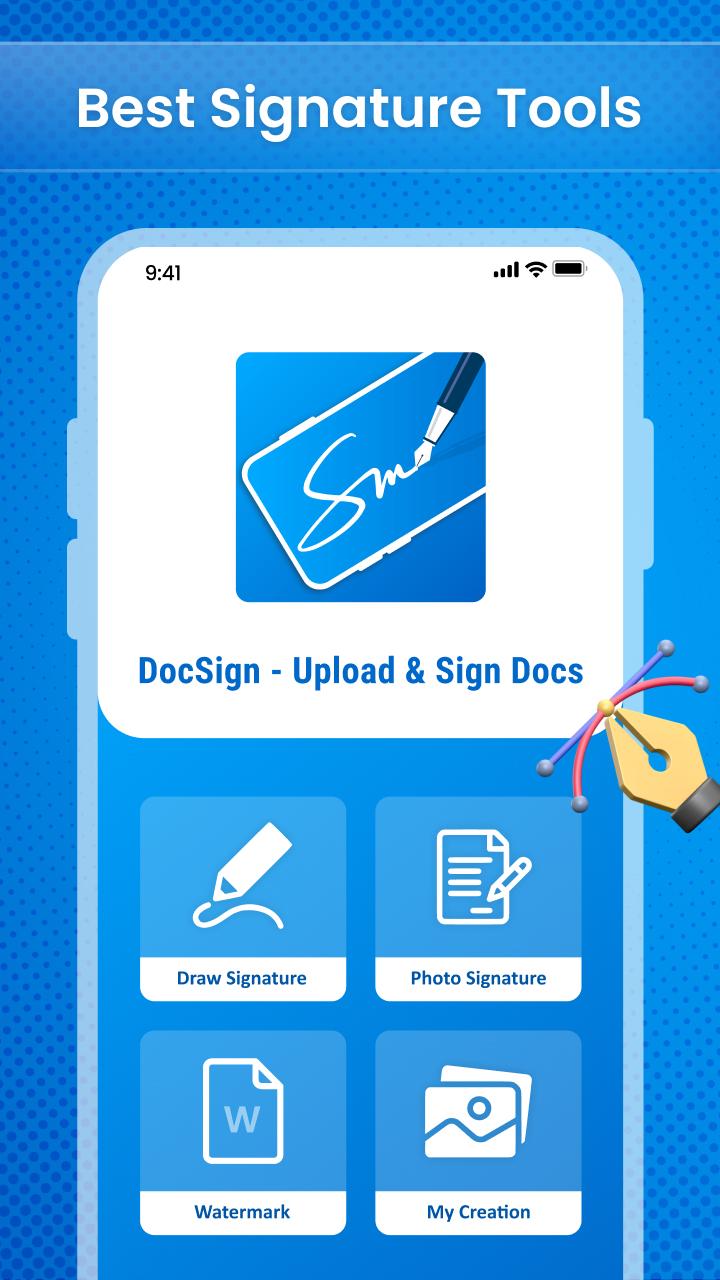
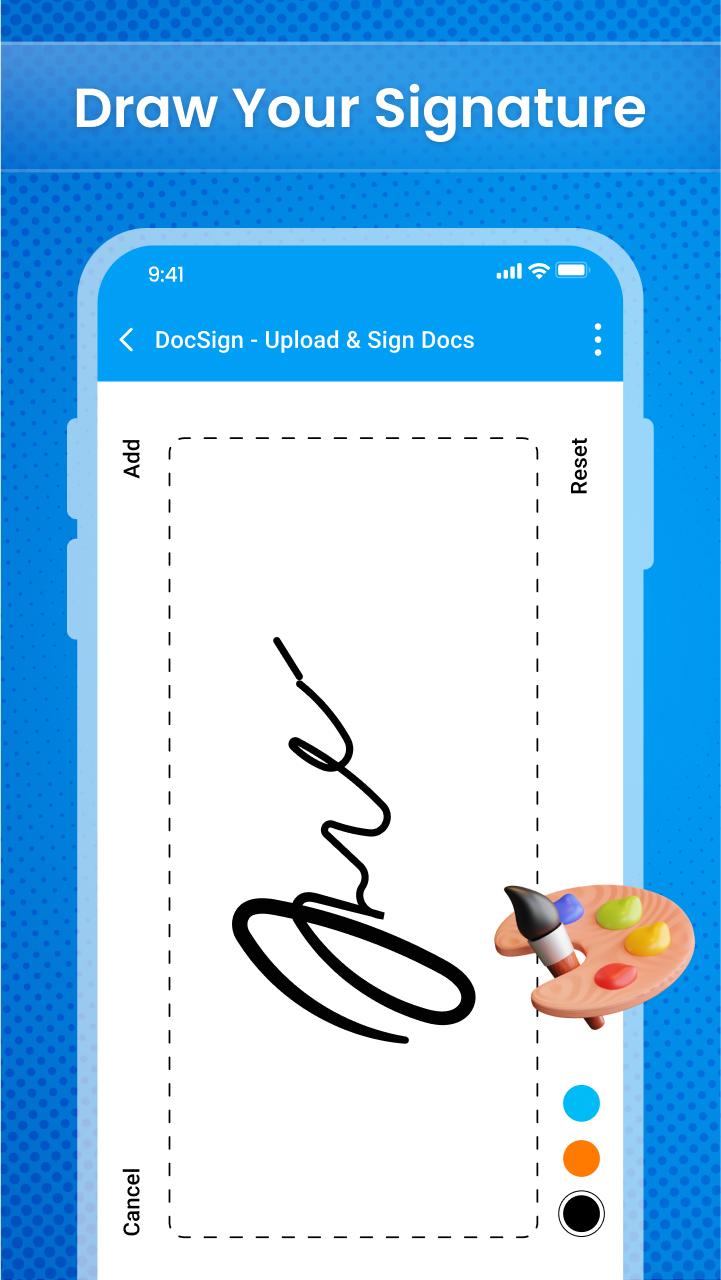
DocSign - Upload & Sign Docs app ✍️ is a free signature app in today's digital age, digital signatures and electronic signatures are required. This electronic signature doc 🖋 program may be used as a pdf signature as well as an email signature. So, using the Signature docx app📝, you can make digital signatures and update signatures.
Main Features
• Add auto signature
• Digital signature with lots of features
• Adjust the thickness of the signature pen
• Store your signature in storage
• Choose signature pen colour
• Make your signature bold and underline
• Organize the signing order
• Privacy and security
The simplest and fastest way to sign documents or have documents signed from your Android phone or tablet is with the help of the online signature app🖊. Use the document e-signature app 📄to easily and without extra effort govern document cycles and track modifications.
Other Features
• Delete previously drawn digital signature
• Simple and easy to use
• User interface
We built the digital sign doc app, and use the app's feature to sign papers. If you have any suggestions regarding this application then let us know at:
プレビュー
タグ
ツール情報
デベロッパー
Qplay squard
最新バージョン
1.0.2
最終更新
2022-08-10
カテゴリー
ツール
上で利用可能
Google Play
もっと見せる
PCでGameLoopを使用してDocSign Upload Sign Docsをプレイする方法
1. 公式WebサイトからGameLoopをダウンロードし、exeファイルを実行してGameLoopをインストールします
2. GameLoopを開いて「DocSign Upload Sign Docs」を検索し、検索結果でDocSign Upload Sign Docsを見つけて、「インストール」をクリックします。
3. GameLoopでDocSign Upload Sign Docsを楽しんでください
Minimum requirements
OS
Windows 8.1 64-bit or Windows 10 64-bit
GPU
GTX 1050
CPU
i3-8300
Memory
8GB RAM
Storage
1GB available space
Recommended requirements
OS
Windows 8.1 64-bit or Windows 10 64-bit
GPU
GTX 1050
CPU
i3-9320
Memory
16GB RAM
Storage
1GB available space