PC Controller by Cell Phone – Wifi Remote Control PC
Voice Text
GameLoopエミュレーターを使用してPCにPC Controller by Cell Phone – Wifi Remote Controlをダウンロードします
PC Controller by Cell Phone – Wifi Remote Control PC版
開発者Voice TextからのPC Controller by Cell Phone – Wifi Remote Controlは、過去にAndroidsystermで実行されています。
これで、GameLoopを搭載したPCでPC Controller by Cell Phone – Wifi Remote Controlをスムーズにプレイできます。
GameLoopライブラリまたは検索結果にダウンロードしてください。 バッテリーに目を向けたり、間違った時間にイライラしたりすることはもうありません。
大画面でPC Controller by Cell Phone – Wifi Remote ControlPCを無料でお楽しみください!
PC Controller by Cell Phone – Wifi Remote Control 序章
The Remote-Control Collection is a compilation of remotes, which you can use to wirelessly control your Windows PC or Mac. The unified remotes enable you to control the PC beyond mouse and keyboard, browsing, media, explore and many more.
Basic purpose of app:
Basic purpose of this app is to control your PC/Laptop with your Android cell phone like mouse, keyboard, browsing etc.
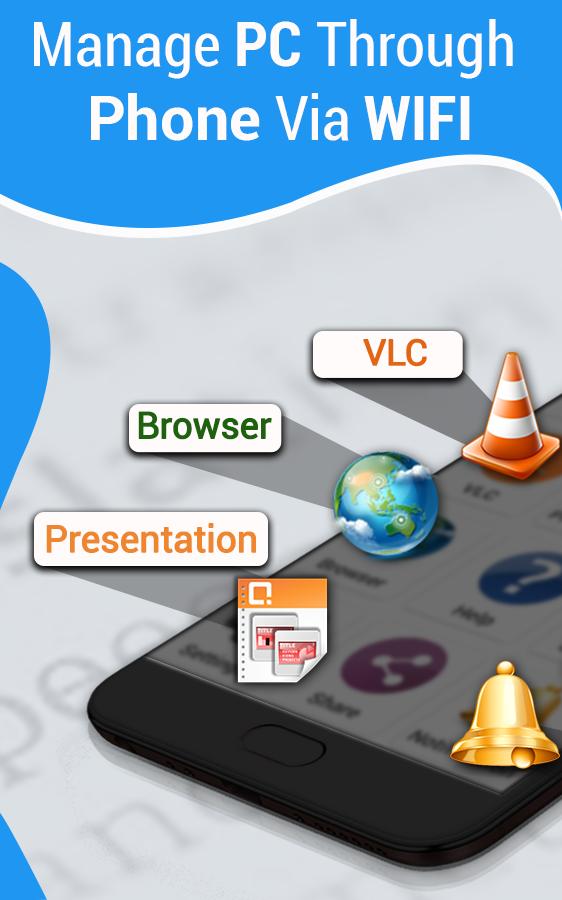
Transform your android into a wireless mouse, keyboard, media player for your computer/pc directly from your phone, it enables you to control your PC, Mac etc. effortlessly just through a internet connection. Media player controlling, presentation controlling and pc file explorer are all in this pc controller through android app.
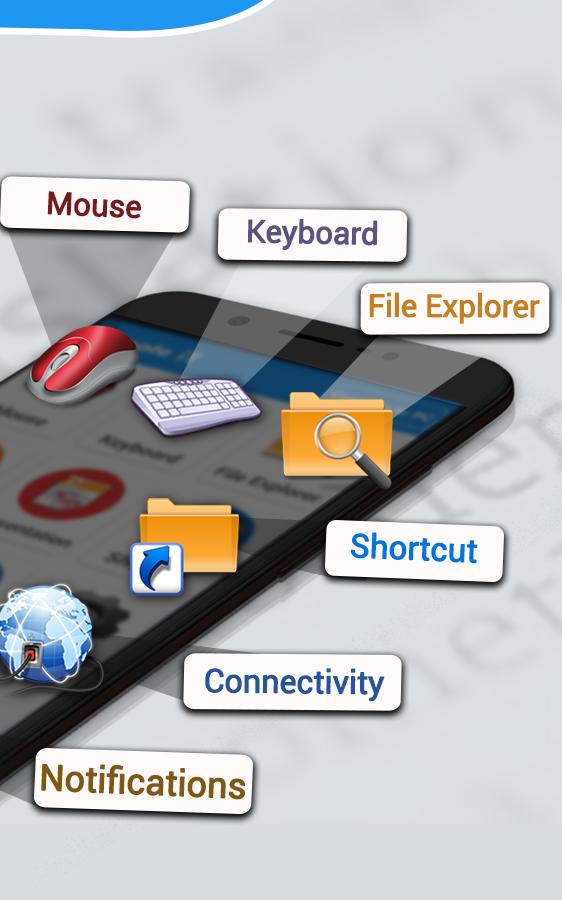
Wifi remote app includes following features
Mouse control:
You can control your PC/Laptop mouse through Android phone by sitting away from your PC
Keyboard control:
You can use the PC keyboard from your phone. You can type in search engines to search, write a document in MS word. you can use it in system just like original keyboard
Media player:
This app has the media player that helps to view and listen videos, you can play, pause, fast-forward, backward, Next or previous videos by buttons from your device
Browser control:
You can easily control your browser from your device. You can open new tab, close existing tab, close all, search etc. are accessible directly from device
How it works:
Note* you must Connect your device and PC to same Landline or WIFI
1-Copy this link to your PC and install the file from given link to your pc
https://storage.googleapis.com/remote-server/RemoteiT-Server.jar
2-After installing, press WINDOWS+R, then type CMD and press ok, after that type "IPCONFIG"
3-You will see a tab where IPV4 address is given which is like 192.168.xx.xx
4-Now go to connectivity option from device and type the IPV4 address, password(which is 12345).
5-You can confirm the password and Port from pc task bar where server option is available. Right click on server and reconfirm your password and port
6-Now you are connected, Use this app and enjoy.
Download this pc controller through android app and give true comments to help us improve our app for you
プレビュー
情報
デベロッパー
Voice Text
最新バージョン
1.0.4
最終更新
2021-10-15
カテゴリー
ツール
上で利用可能
Google Play
もっと見せる
PCでGameLoopを使用してPC Controller by Cell Phone – Wifi Remote Controlをプレイする方法
1. 公式WebサイトからGameLoopをダウンロードし、exeファイルを実行してGameLoopをインストールします
2. GameLoopを開いて「PC Controller by Cell Phone – Wifi Remote Control」を検索し、検索結果でPC Controller by Cell Phone – Wifi Remote Controlを見つけて、「インストール」をクリックします。
3. GameLoopでPC Controller by Cell Phone – Wifi Remote Controlを楽しんでください
Minimum requirements
OS
Windows 8.1 64-bit or Windows 10 64-bit
GPU
GTX 1050
CPU
i3-8300
Memory
8GB RAM
Storage
1GB available space
Recommended requirements
OS
Windows 8.1 64-bit or Windows 10 64-bit
GPU
GTX 1050
CPU
i3-9320
Memory
16GB RAM
Storage
1GB available space