
Element TV Remote PC
Remote Control For All TV
GameLoopエミュレーターを使用してPCにElement TV Remoteをダウンロードします
Element TV Remote PC版
開発者Remote Control For All TVからのElement TV Remoteは、過去にAndroidsystermで実行されています。
これで、GameLoopを搭載したPCでElement TV Remoteをスムーズにプレイできます。
GameLoopライブラリまたは検索結果にダウンロードしてください。 バッテリーに目を向けたり、間違った時間にイライラしたりすることはもうありません。
大画面でElement TV RemotePCを無料でお楽しみください!
Element TV Remote 序章
On users demand and successful launch of other remotes, CodeAcity presents Element TV Remote Control.
This remote has all the features that a traditional remote have, easily installed and smoothly controlled this Element Remote will bring comfort to your life.
Is your remote broken or lost, why you have to worry when you can simply use this app without any configuration.
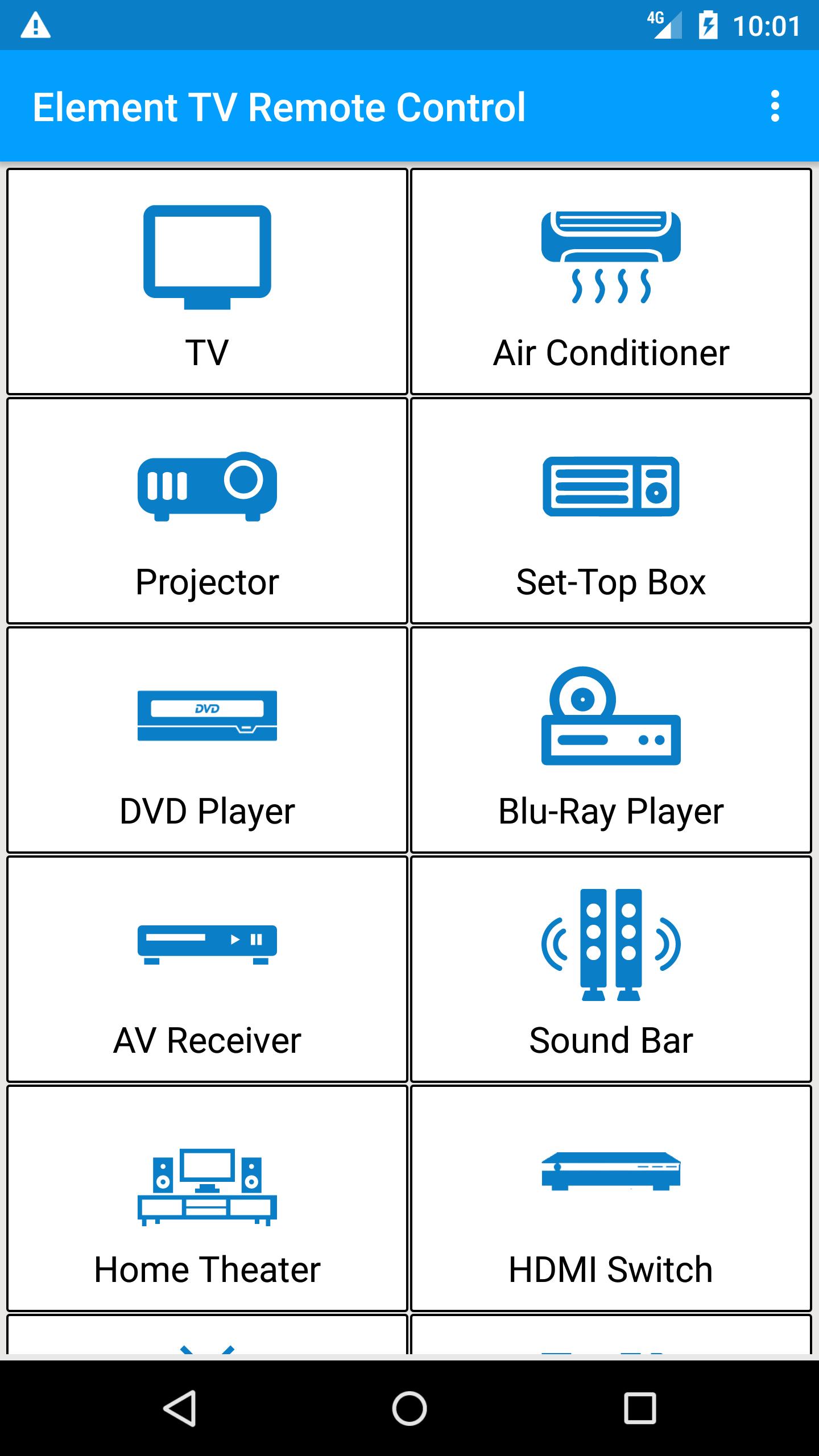
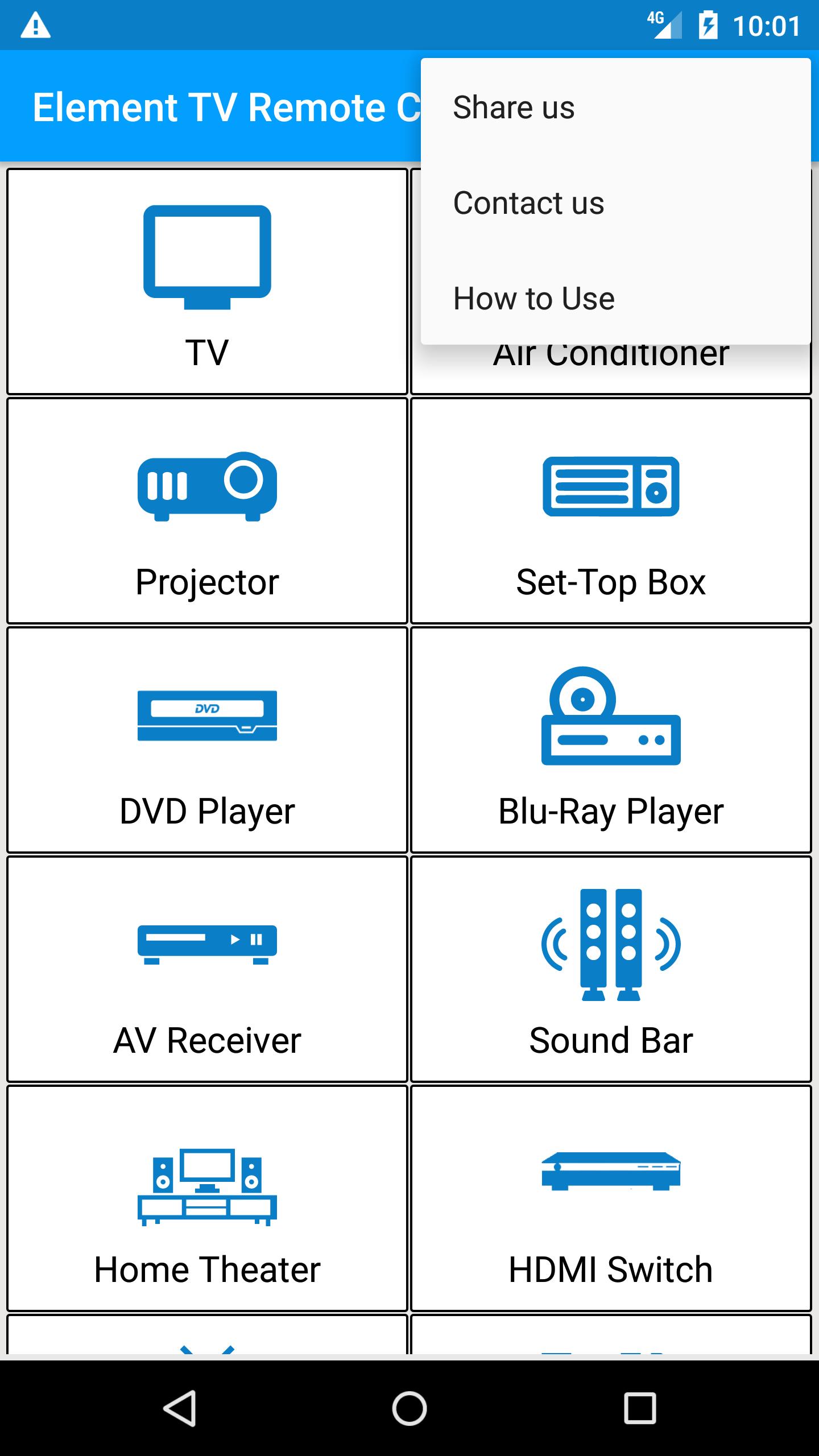
Simply select your TV remote and start controlling from your Android phone.
Do not miss your favorite Drama Seasons, Movies or sports enjoy controlling your TV with Element TV Remote.
How does it work?
> Point your Phone Towards TV
> Press Power Button, wait for 2 seconds and wait for Element TV to Turn ON or OFF
> IF it worked Press Working and Enjoy
> IF not then Press Not Working and try next remote
Some of Features:
> Channel Control
> Volume Control
> Menu
> Nevigation Down / Up / Left / Right
We have large database having all models of Element TV.
Still if your TV is not being controlled by this Element remote please let us know via email
help@remotecontrolforalltv.com
プレビュー
情報
デベロッパー
Remote Control For All TV
最新バージョン
1.6
最終更新
2019-01-28
カテゴリー
ツール
上で利用可能
Google Play
もっと見せる
PCでGameLoopを使用してElement TV Remoteをプレイする方法
1. 公式WebサイトからGameLoopをダウンロードし、exeファイルを実行してGameLoopをインストールします
2. GameLoopを開いて「Element TV Remote」を検索し、検索結果でElement TV Remoteを見つけて、「インストール」をクリックします。
3. GameLoopでElement TV Remoteを楽しんでください
Minimum requirements
OS
Windows 8.1 64-bit or Windows 10 64-bit
GPU
GTX 1050
CPU
i3-8300
Memory
8GB RAM
Storage
1GB available space
Recommended requirements
OS
Windows 8.1 64-bit or Windows 10 64-bit
GPU
GTX 1050
CPU
i3-9320
Memory
16GB RAM
Storage
1GB available space