
Quick Browser PC
Zoftech divine
GameLoopエミュレーターを使用してPCにQuick Browserをダウンロードします
Quick Browser PC版
開発者Zoftech divineからのQuick Browserは、過去にAndroidsystermで実行されています。
これで、GameLoopを搭載したPCでQuick Browserをスムーズにプレイできます。
GameLoopライブラリまたは検索結果にダウンロードしてください。 バッテリーに目を向けたり、間違った時間にイライラしたりすることはもうありません。
大画面でQuick BrowserPCを無料でお楽しみください!
Quick Browser 序章
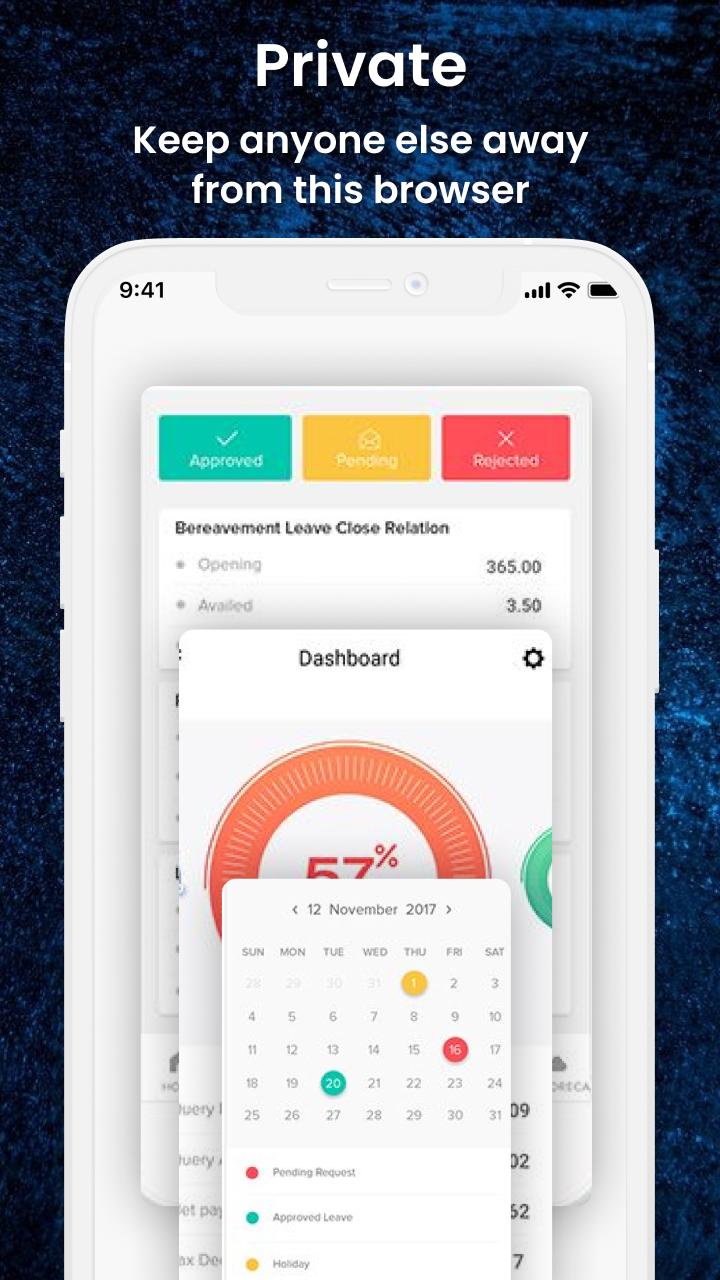
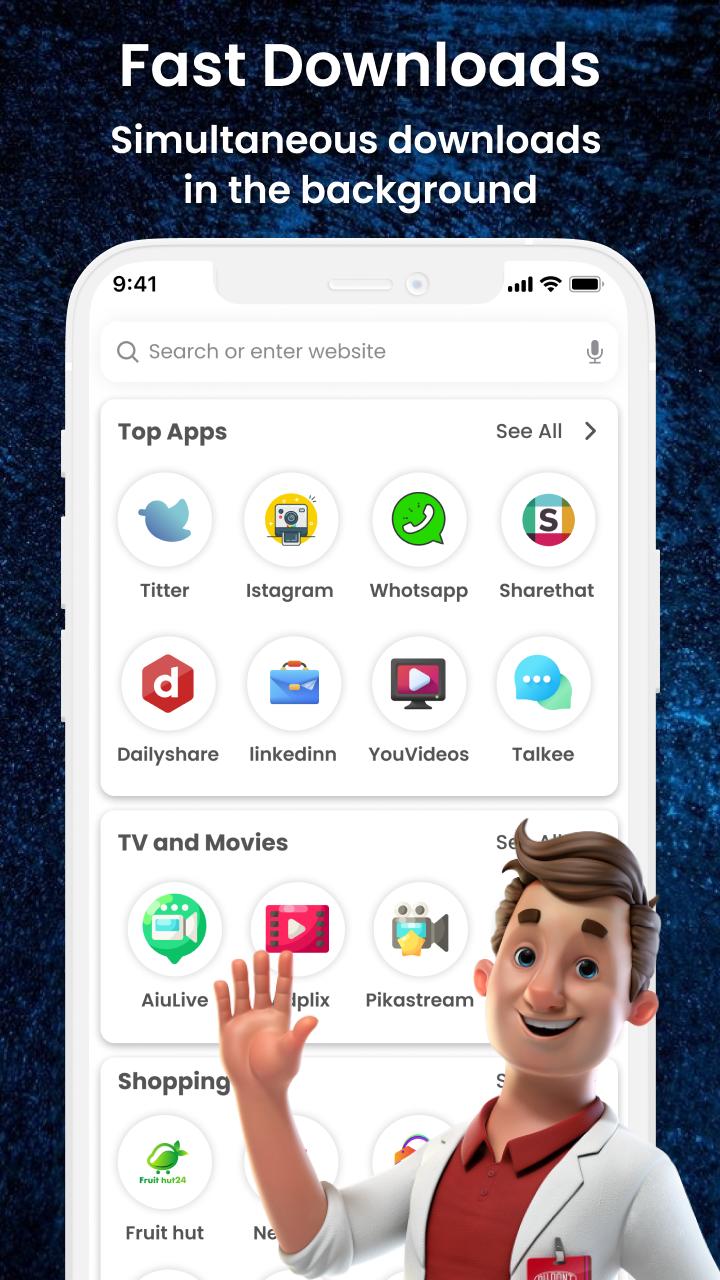
Quick Browser app protects your privacy and gives the best search and browsing experience. Personal Browser app provides a fast and secure surfing experience. This Browser Hub app enables you to have an advertisement-free web experience to see more and more content.
Main Features
• Fast browsing
• Multi-tabs manage
• Font size customized
• Import/export bookmarks
• Faster page load
• Get private mode easily
• Private browsing
• Saves data and battery
This Fast and Secure Browser app has so many functions like private browsing, ad blocking, history, bookmark lock, etc. It is a secure browsing app where you can view whatever you want to see.
Other Features
• Light-weight
• QR code
• Block ad trackers automatically
• Language choice
If you have any suggestions about this application then let us know at: zoftechdivine557@gmail.com
プレビュー
タグ
ツール情報
デベロッパー
Zoftech divine
最新バージョン
1.0.3
最終更新
2022-08-07
カテゴリー
ツール
上で利用可能
Google Play
もっと見せる
PCでGameLoopを使用してQuick Browserをプレイする方法
1. 公式WebサイトからGameLoopをダウンロードし、exeファイルを実行してGameLoopをインストールします
2. GameLoopを開いて「Quick Browser」を検索し、検索結果でQuick Browserを見つけて、「インストール」をクリックします。
3. GameLoopでQuick Browserを楽しんでください
Minimum requirements
OS
Windows 8.1 64-bit or Windows 10 64-bit
GPU
GTX 1050
CPU
i3-8300
Memory
8GB RAM
Storage
1GB available space
Recommended requirements
OS
Windows 8.1 64-bit or Windows 10 64-bit
GPU
GTX 1050
CPU
i3-9320
Memory
16GB RAM
Storage
1GB available space