Sarimin File Manager PC
Oscar Perdanakusuma
GameLoopエミュレーターを使用してPCにSarimin File Managerをダウンロードします
Sarimin File Manager PC版
開発者Oscar PerdanakusumaからのSarimin File Managerは、過去にAndroidsystermで実行されています。
これで、GameLoopを搭載したPCでSarimin File Managerをスムーズにプレイできます。
GameLoopライブラリまたは検索結果にダウンロードしてください。 バッテリーに目を向けたり、間違った時間にイライラしたりすることはもうありません。
大画面でSarimin File ManagerPCを無料でお楽しみください!
Sarimin File Manager 序章
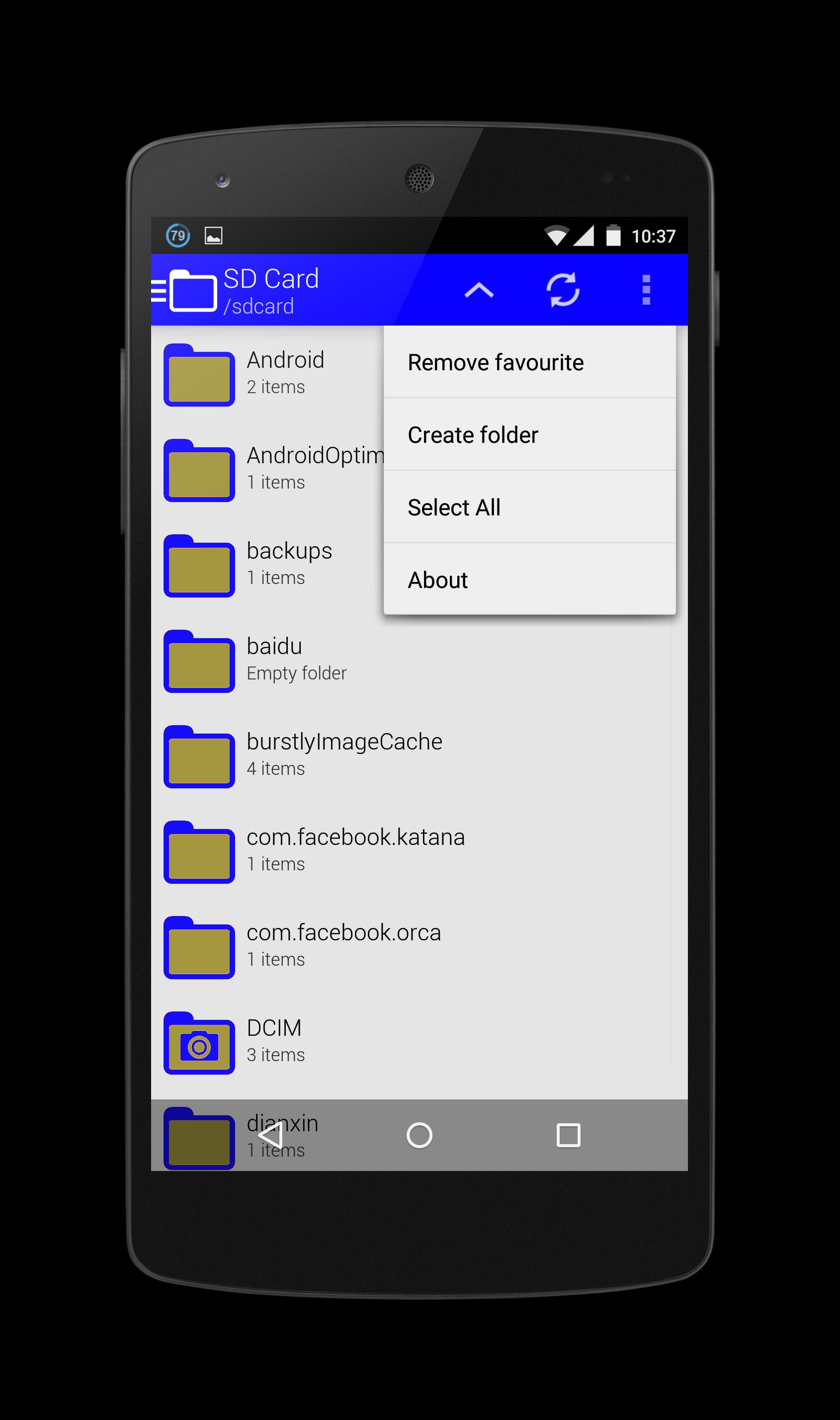
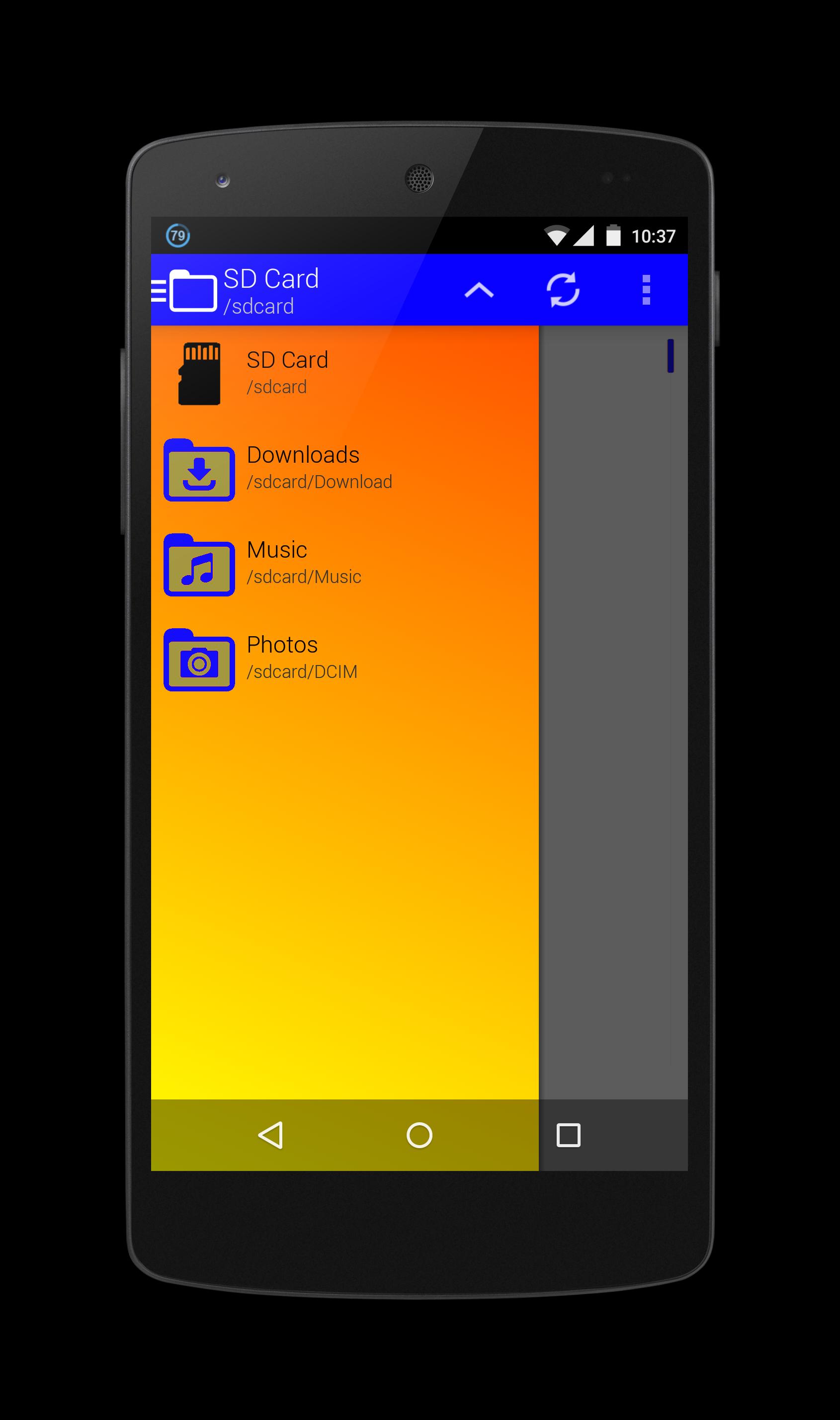
Sarimin file manager let user interaction with the files and can restrict access when required. In addition to functions of the user interface, they can carry out security functions in the background automatically. When operating on a network, such a program can let users share work, collaborate on projects and coordinate schedules.
Operation functions let the users interact with the files. These functions typically include "Open," "Save," "Close," "Copy," "Move," "Delete," "Rename," "New." A "Print" function is sometimes included if an associated printer is compatible with Sarimin file manager, and a "Manage" or "Properties" function lets users configure the program and how it stores the files.
The security aspects of a file management program include access and data integrity. The program can restrict access to itself or to particular files with log-in procedures. It can specify a user name and a password for program or folder access, or it can encrypt files and require a password to access the data. With regard to data integrity, it can keep track of modifications and deletions to make sure users can reverse unauthorized changes.
プレビュー
情報
デベロッパー
Oscar Perdanakusuma
最新バージョン
1.0
最終更新
2015-07-15
カテゴリー
ツール
上で利用可能
Google Play
もっと見せる
PCでGameLoopを使用してSarimin File Managerをプレイする方法
1. 公式WebサイトからGameLoopをダウンロードし、exeファイルを実行してGameLoopをインストールします
2. GameLoopを開いて「Sarimin File Manager」を検索し、検索結果でSarimin File Managerを見つけて、「インストール」をクリックします。
3. GameLoopでSarimin File Managerを楽しんでください
Minimum requirements
OS
Windows 8.1 64-bit or Windows 10 64-bit
GPU
GTX 1050
CPU
i3-8300
Memory
8GB RAM
Storage
1GB available space
Recommended requirements
OS
Windows 8.1 64-bit or Windows 10 64-bit
GPU
GTX 1050
CPU
i3-9320
Memory
16GB RAM
Storage
1GB available space