Wi-fi Keyboard PC
Ishwarya Prasanna
GameLoopエミュレーターを使用してPCにWi-fi Keyboardをダウンロードします
Wi-fi Keyboard PC版
開発者Ishwarya PrasannaからのWi-fi Keyboardは、過去にAndroidsystermで実行されています。
これで、GameLoopを搭載したPCでWi-fi Keyboardをスムーズにプレイできます。
GameLoopライブラリまたは検索結果にダウンロードしてください。 バッテリーに目を向けたり、間違った時間にイライラしたりすることはもうありません。
大画面でWi-fi KeyboardPCを無料でお楽しみください!
Wi-fi Keyboard 序章
1.Please install Wi-fi Keyboard receiver on your computer before using Wi-fi Keyboard.
2.Download the Wi-fi Keyboard receiver from the link below:
https://drive.google.com/open?id=10YXRhjvY0TDpOiX5ej2c1WCPVmOCs7Vh
Features:
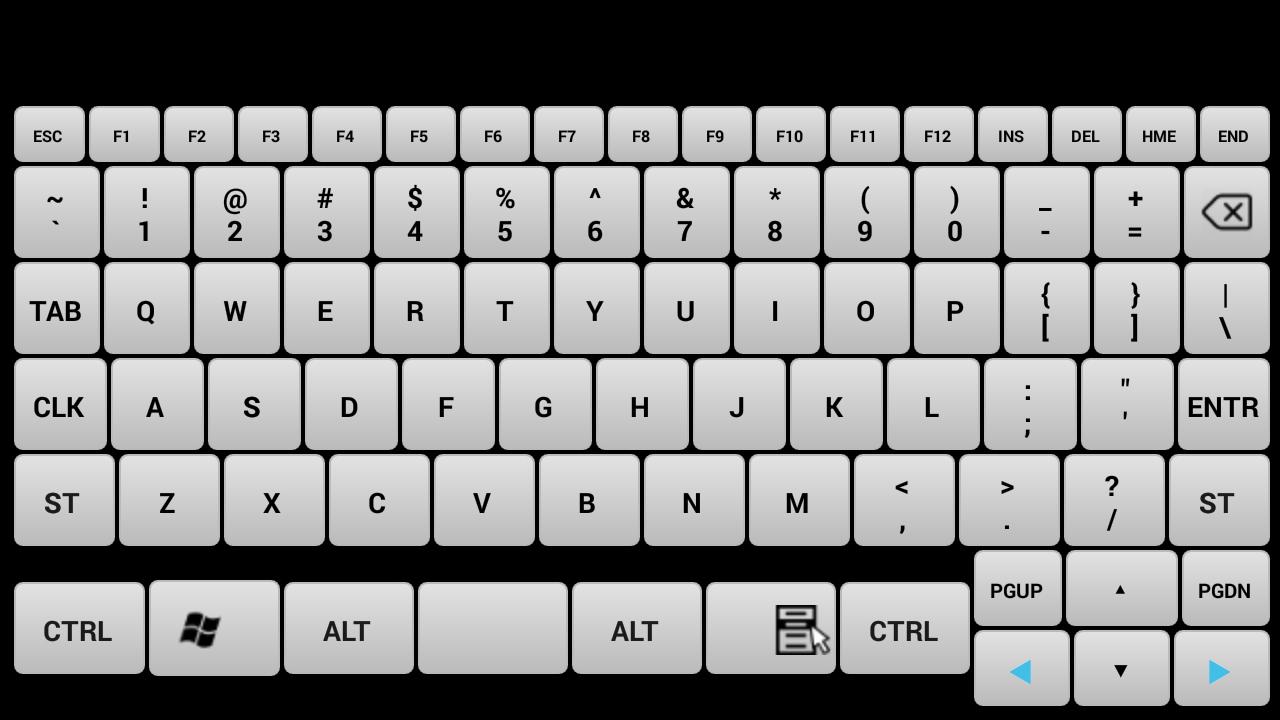
Device Simulation-Turn your mobile into a real keyboard.
Keys- All the keys are equal to your keyboard keys.
How to Connect:
1.Install Wi-fi Keyboard receiver from https://drive.google.com/open?id=10YXRhjvY0TDpOiX5ej2c1WCPVmOCs7Vhn the PC that you want to use.
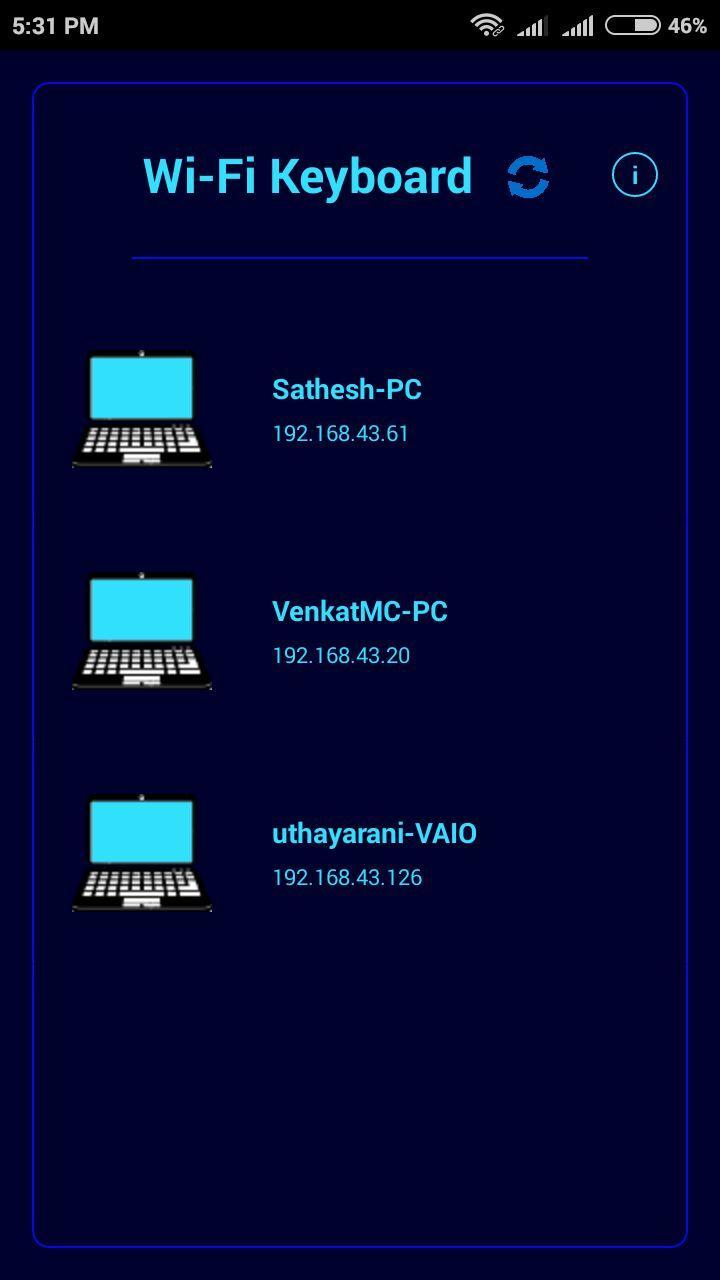
2.Open Wi-fi Keyboard app and connect to the PC on the same network.
System Requirements:
1.Wi-fi Keyboard receiver running on target PC(install from https://drive.google.com/open?id=10YXRhjvY0TDpOiX5ej2c1WCPVmOCs7Vh
2.Target PC must be connected to the same network(Wi-fi or Ethernet).
3.Target PC must be Windows.(If you want to use it for linux or mac with wine IP address shown in receiver is incorrect so you have to enter your pc ip address).
Note: If cannot connect, please make sure the phone and the pc are in the same network and check the firewall setting on pc. If you want to use it in linux or mac you need wine and you have to enter ip address of your device.
プレビュー
情報
デベロッパー
Ishwarya Prasanna
最新バージョン
1.2
最終更新
2017-03-24
カテゴリー
ツール
上で利用可能
Google Play
もっと見せる
PCでGameLoopを使用してWi-fi Keyboardをプレイする方法
1. 公式WebサイトからGameLoopをダウンロードし、exeファイルを実行してGameLoopをインストールします
2. GameLoopを開いて「Wi-fi Keyboard」を検索し、検索結果でWi-fi Keyboardを見つけて、「インストール」をクリックします。
3. GameLoopでWi-fi Keyboardを楽しんでください
Minimum requirements
OS
Windows 8.1 64-bit or Windows 10 64-bit
GPU
GTX 1050
CPU
i3-8300
Memory
8GB RAM
Storage
1GB available space
Recommended requirements
OS
Windows 8.1 64-bit or Windows 10 64-bit
GPU
GTX 1050
CPU
i3-9320
Memory
16GB RAM
Storage
1GB available space