
Auto Clicker: Multiple Tapping PC
Higher-Studio
GameLoopエミュレーターを使用してPCにAuto Clicker: Multiple Tappingをダウンロードします
Auto Clicker: Multiple Tapping PC版
開発者Higher-StudioからのAuto Clicker: Multiple Tappingは、過去にAndroidsystermで実行されています。
これで、GameLoopを搭載したPCでAuto Clicker: Multiple Tappingをスムーズにプレイできます。
GameLoopライブラリまたは検索結果にダウンロードしてください。 バッテリーに目を向けたり、間違った時間にイライラしたりすることはもうありません。
大画面でAuto Clicker: Multiple TappingPCを無料でお楽しみください!
Auto Clicker: Multiple Tapping 序章
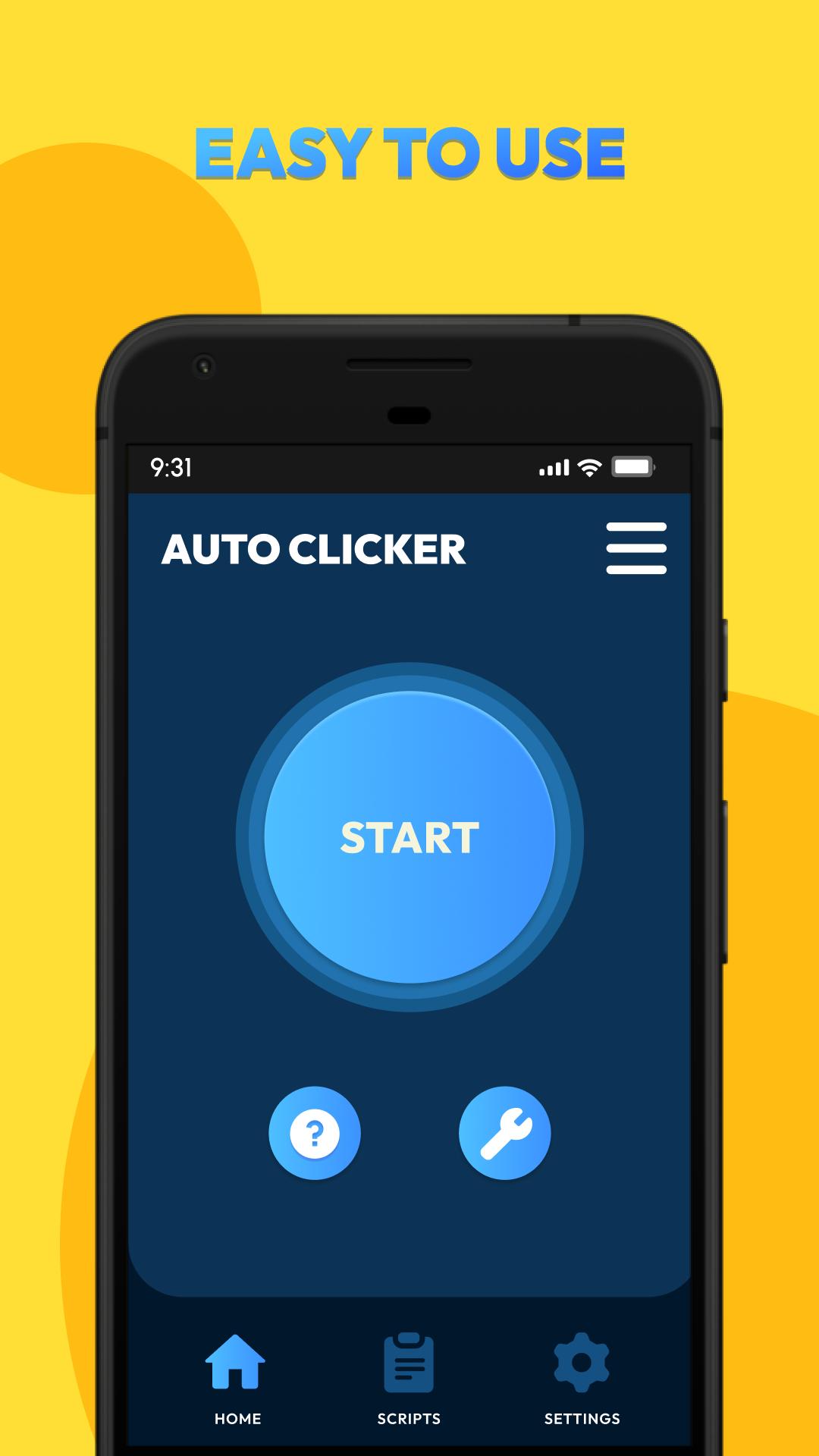
Auto Clicker: Multiple Tapping is a tool that simulates clicks repeatedly. NO root access ! Designed for gamers, professionals, and casual users alike, this versatile tool enhances productivity, optimizes gaming performance, and streamlines repetitive tasks on apps, websites, and games. With its user-friendly interface and robust features, Auto Clicker: Multiple Tapping is your go-to solution for achieving precision and efficiency effortlessly.
Feature:
- Easy to use: NOT require root access, press the button to get started
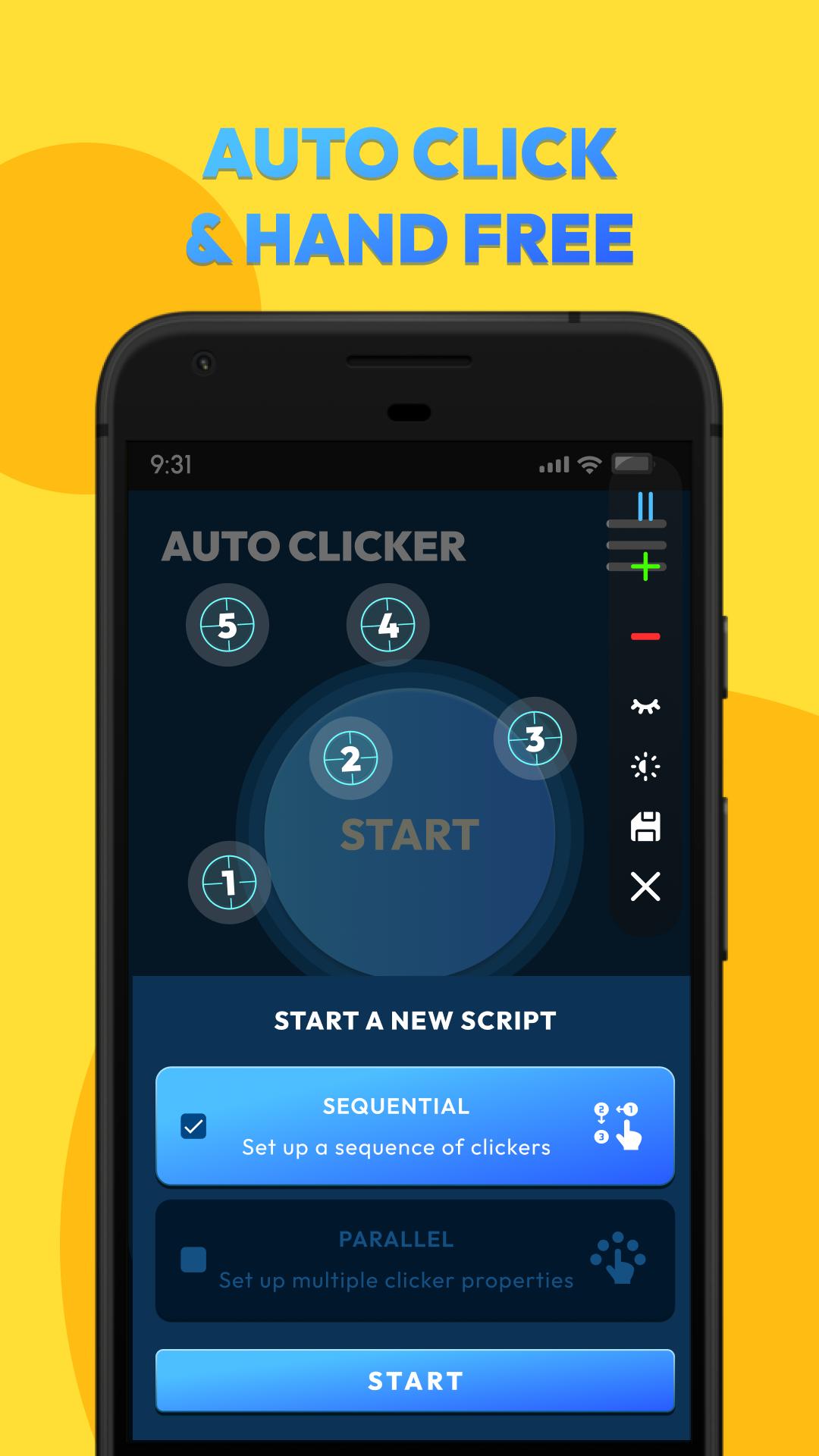
- Automatic clicking: Support click anywhere, free your hands
- Multi-Target Mode: Target multiple areas on your screen simultaneously
- Scheduled tasks: Setting time intervals and click sequences - save your config.
- Easily adjustable : Adjust the parameters of all clickers on the same popup
- Save/load scripts: Stores previous scripts to optimize setting time
- Beginner guide: Full instructions on how to use for first-time users
- Customization: Flexibly adjust UI elements such as: orientation, action point, control bar
Note:
- Available for Android 7.0 or above
- Require Accessibility Service to realize scripts
Important:
- Why do we use AccessibilityService API?
We use API services to help implement our app's main features, such as simulating auto clicks on the screen.
- Do we collect your private data?
We do not collect your private data through this permission.
Unlock the full potential of your device with Auto Clicker: Multiple Tapping. Whether you're looking to level up your gaming experience, increase your speed operation, or simply save time on repetitive tasks, this app is designed to make your life easier.
Download now and experience the difference!
プレビュー
タグ
ツール情報
デベロッパー
Higher-Studio
最新バージョン
2.4.2.3
最終更新
2025-04-28
カテゴリー
ツール
上で利用可能
Google Play
もっと見せる
PCでGameLoopを使用してAuto Clicker: Multiple Tappingをプレイする方法
1. 公式WebサイトからGameLoopをダウンロードし、exeファイルを実行してGameLoopをインストールします
2. GameLoopを開いて「Auto Clicker: Multiple Tapping」を検索し、検索結果でAuto Clicker: Multiple Tappingを見つけて、「インストール」をクリックします。
3. GameLoopでAuto Clicker: Multiple Tappingを楽しんでください
Minimum requirements
OS
Windows 8.1 64-bit or Windows 10 64-bit
GPU
GTX 1050
CPU
i3-8300
Memory
8GB RAM
Storage
1GB available space
Recommended requirements
OS
Windows 8.1 64-bit or Windows 10 64-bit
GPU
GTX 1050
CPU
i3-9320
Memory
16GB RAM
Storage
1GB available space