Easy File Manager PC
cruises studio
GameLoopエミュレーターを使用してPCにEasy File Managerをダウンロードします
Easy File Manager PC版
開発者cruises studioからのEasy File Managerは、過去にAndroidsystermで実行されています。
これで、GameLoopを搭載したPCでEasy File Managerをスムーズにプレイできます。
GameLoopライブラリまたは検索結果にダウンロードしてください。 バッテリーに目を向けたり、間違った時間にイライラしたりすることはもうありません。
大画面でEasy File ManagerPCを無料でお楽しみください!
Easy File Manager 序章
Easy File Manager is a powerful file manager & file explorer app, It’s free, fast and full-featured. help you manage files on local device & SD card very easily, you can quick to find files by browsing, Get the memory status and the same files so you can clear the extra files.
• Manage All Files
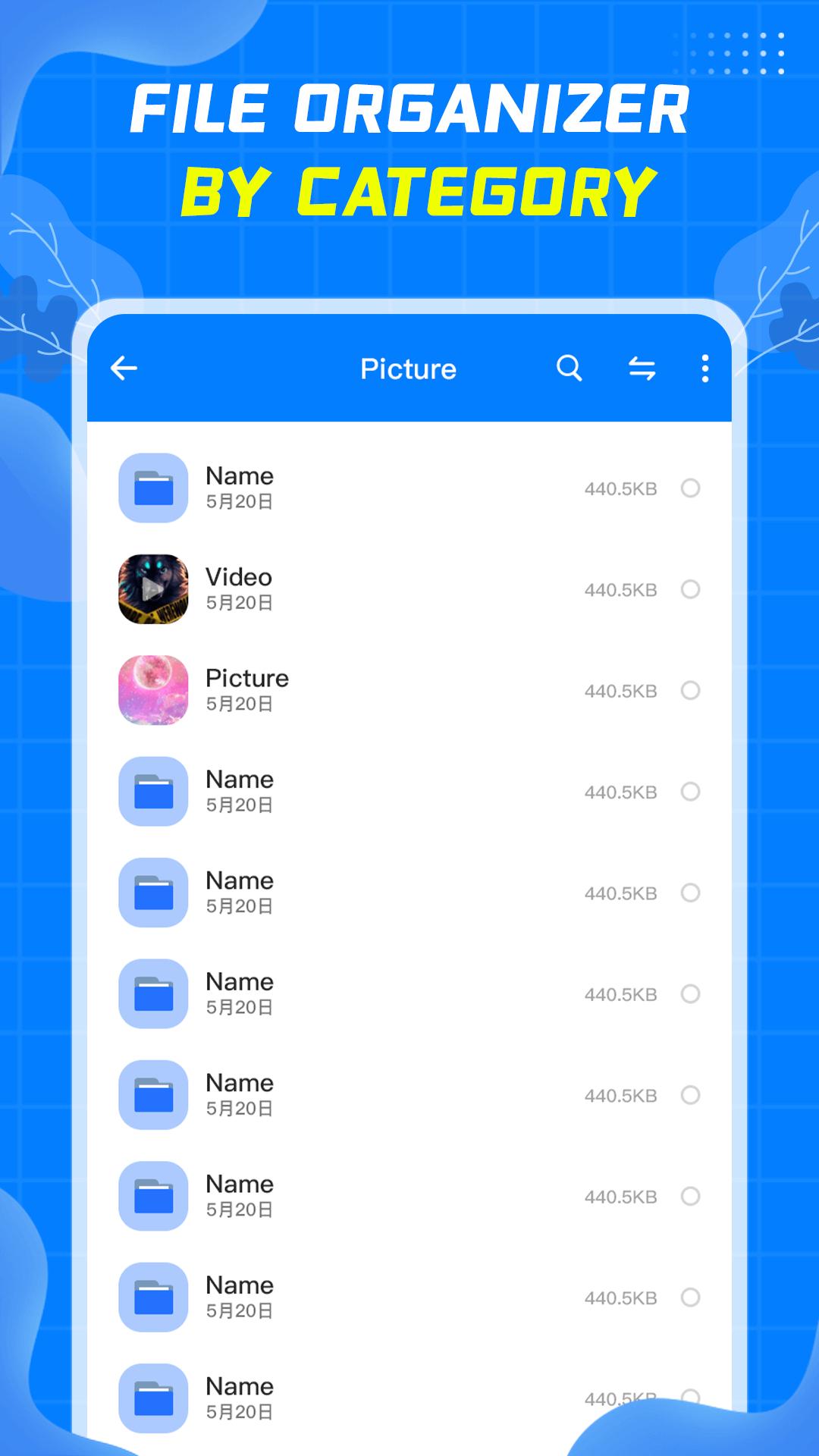
- Easy File Manager supports all file management action, include open, search, navigate directory, copy and paste, cut, delete, rename and organize.
• Easily to find files
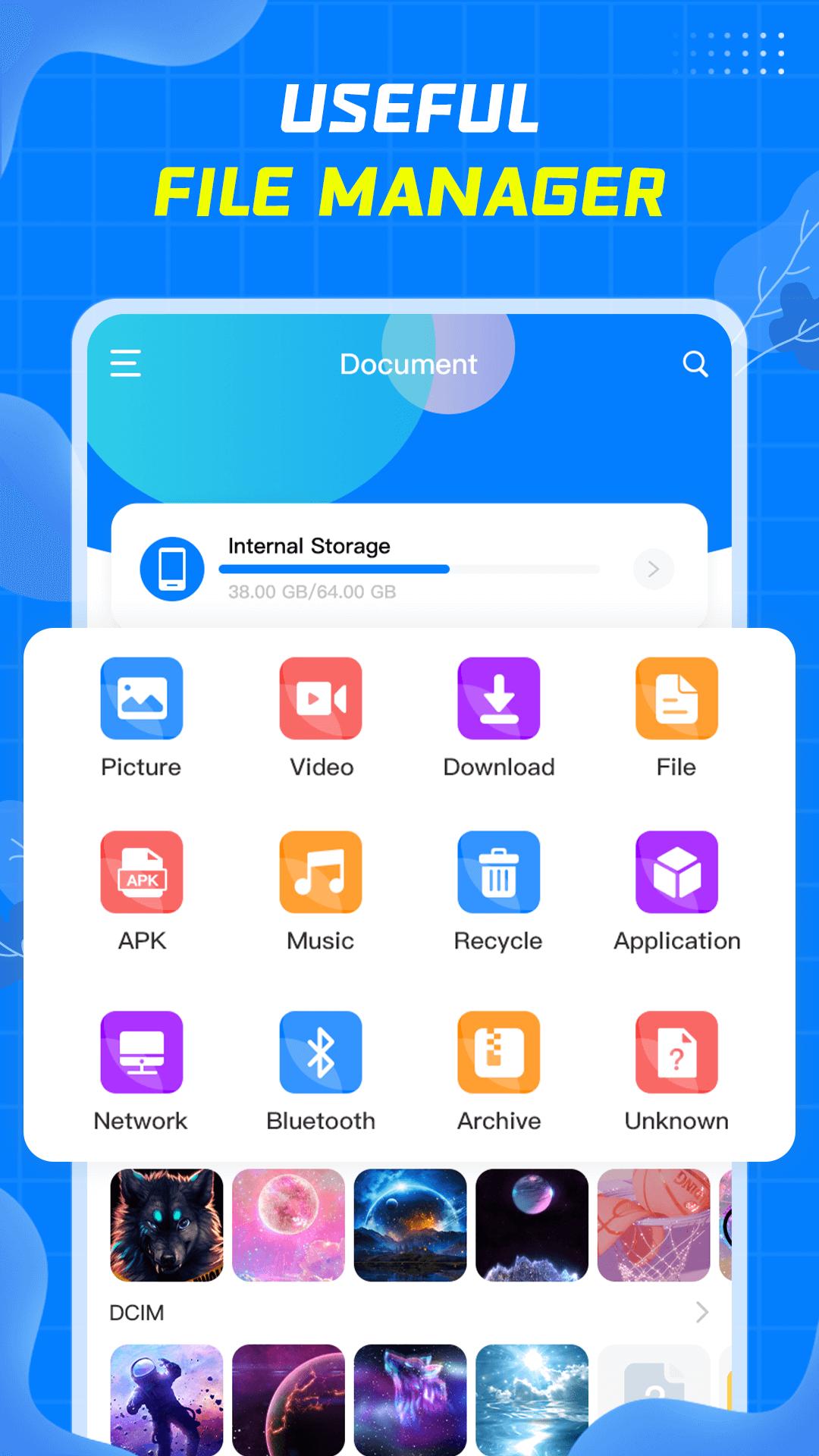
- Easy File Manager automatically categorizes files, including Picture, Video, Download, Apk, Music, Arctic, allowing you to quickly find the files you are looking for.
- You can search by file name in the search box, which is very convenient.
- Display the files you have recently operated on for your convenience.
• Clean up junk files
- Automatically compare similar files to facilitate users to delete unnecessary files.
- Quickly find large files, which is convenient for users to clean up space.
Easy File Manager is a good helper for your daily file management. If you encounter problems during use, please send an email to cruisebai2201@gmail.com to contact us, we will do better. Come and try it.
プレビュー
タグ
ツール情報
デベロッパー
cruises studio
最新バージョン
1.05
最終更新
2022-08-24
カテゴリー
ツール
上で利用可能
Google Play
もっと見せる
PCでGameLoopを使用してEasy File Managerをプレイする方法
1. 公式WebサイトからGameLoopをダウンロードし、exeファイルを実行してGameLoopをインストールします
2. GameLoopを開いて「Easy File Manager」を検索し、検索結果でEasy File Managerを見つけて、「インストール」をクリックします。
3. GameLoopでEasy File Managerを楽しんでください
Minimum requirements
OS
Windows 8.1 64-bit or Windows 10 64-bit
GPU
GTX 1050
CPU
i3-8300
Memory
8GB RAM
Storage
1GB available space
Recommended requirements
OS
Windows 8.1 64-bit or Windows 10 64-bit
GPU
GTX 1050
CPU
i3-9320
Memory
16GB RAM
Storage
1GB available space