
Smart Battery Saver PC
Elite Apps Studio
GameLoopエミュレーターを使用してPCにSmart Battery Saverをダウンロードします
Smart Battery Saver PC版
開発者Elite Apps StudioからのSmart Battery Saverは、過去にAndroidsystermで実行されています。
これで、GameLoopを搭載したPCでSmart Battery Saverをスムーズにプレイできます。
GameLoopライブラリまたは検索結果にダウンロードしてください。 バッテリーに目を向けたり、間違った時間にイライラしたりすることはもうありません。
大画面でSmart Battery SaverPCを無料でお楽しみください!
Smart Battery Saver 序章
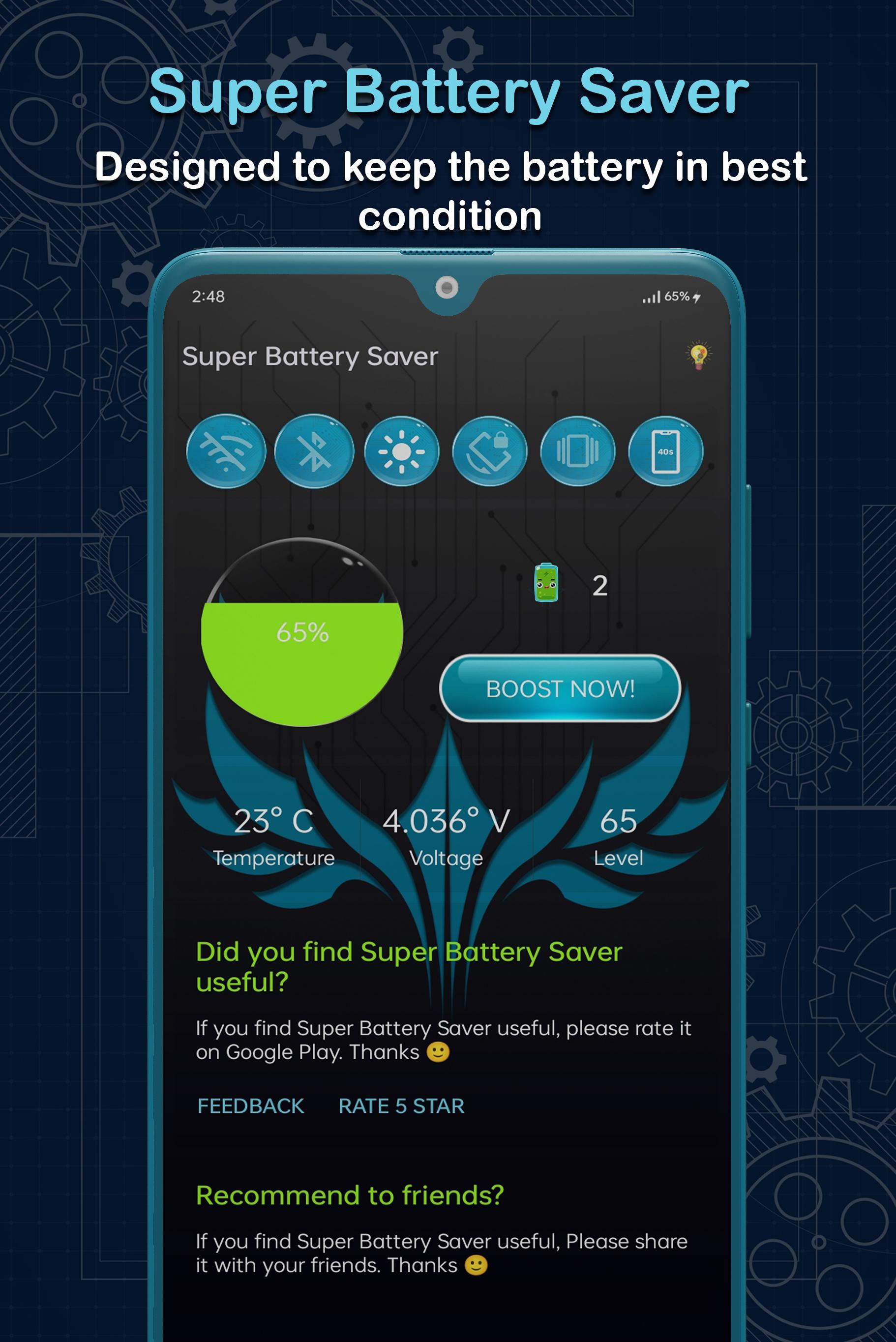
Smart Battery Saver – Battery Optimizer Boost your mobile battery life, Monitor its voltage and temperature, shows you every little detail about your phone's battery, Boost your mobile battery life! Monitor battery levels while applying battery-saving profiles that turn off those pesky apps eating up your battery power. Now you can save energy and make the most out of your phone or tablet. Shut down unnecessary apps and maximize your phone battery power every single day.
Features:
• One Touch Battery Saver
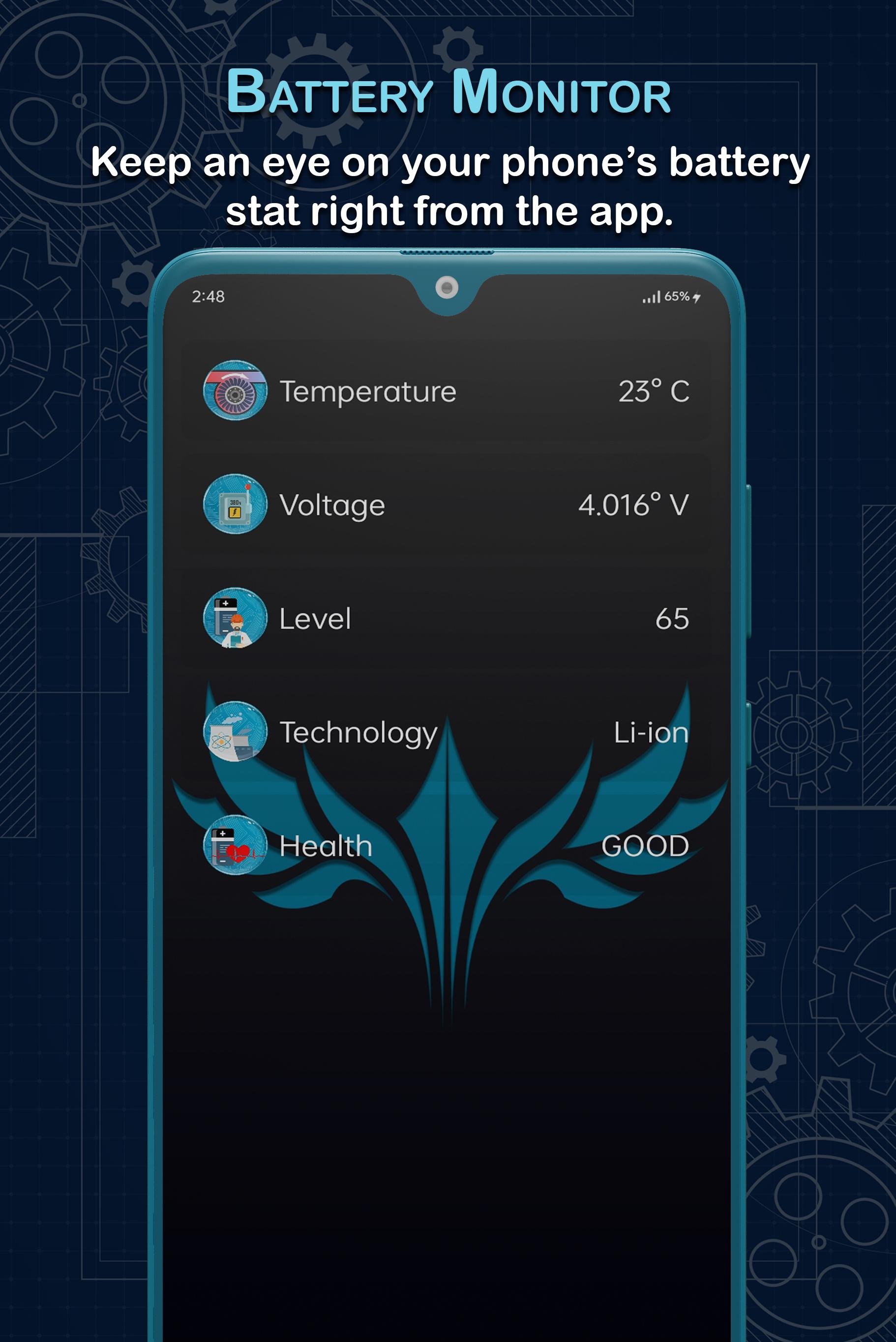
• Battery Health Checker
• Easy to use interface.
• Get Tips to save your phone’s battery.
• Battery Voltage Monitor
• Switch On or Off features like Wi-Fi, Bluetooth right from the app.
• Battery Temperature Monitor.
Feedback
- If you like Super Battery Saver, please write a review and give us 5 star
- If you have any problem with this app please send us a feedback regarding your issue, we will fix it quickly.
プレビュー
情報
デベロッパー
Elite Apps Studio
最新バージョン
1.0.3
最終更新
2022-02-05
カテゴリー
ツール
上で利用可能
Google Play
もっと見せる
PCでGameLoopを使用してSmart Battery Saverをプレイする方法
1. 公式WebサイトからGameLoopをダウンロードし、exeファイルを実行してGameLoopをインストールします
2. GameLoopを開いて「Smart Battery Saver」を検索し、検索結果でSmart Battery Saverを見つけて、「インストール」をクリックします。
3. GameLoopでSmart Battery Saverを楽しんでください
Minimum requirements
OS
Windows 8.1 64-bit or Windows 10 64-bit
GPU
GTX 1050
CPU
i3-8300
Memory
8GB RAM
Storage
1GB available space
Recommended requirements
OS
Windows 8.1 64-bit or Windows 10 64-bit
GPU
GTX 1050
CPU
i3-9320
Memory
16GB RAM
Storage
1GB available space