
Classic Clock with Second Hand PC
QBee520
GameLoopエミュレーターを使用してPCにClassic Clock with Second Handをダウンロードします
Classic Clock with Second Hand PC版
開発者QBee520からのClassic Clock with Second Handは、過去にAndroidsystermで実行されています。
これで、GameLoopを搭載したPCでClassic Clock with Second Handをスムーズにプレイできます。
GameLoopライブラリまたは検索結果にダウンロードしてください。 バッテリーに目を向けたり、間違った時間にイライラしたりすることはもうありません。
大画面でClassic Clock with Second HandPCを無料でお楽しみください!
Classic Clock with Second Hand 序章
Classic Clock – Elegant & Functional Desktop Timepiece
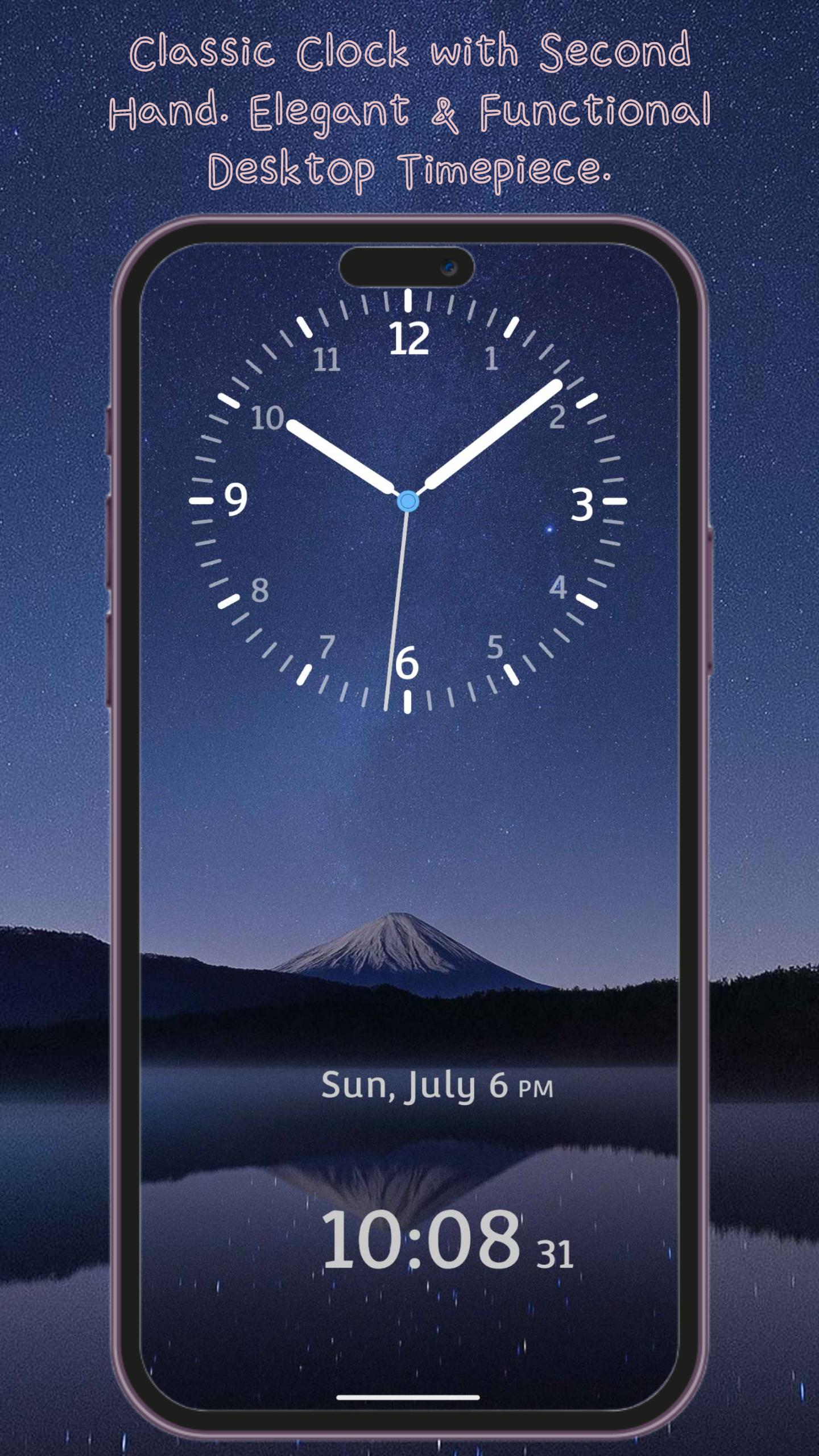
Bring the charm of a traditional clock to your phone with Classic Clock. With smooth, realistic ticking hands and a timeless design, this app turns your device into a stylish desktop clock. Perfect for your office desk, nightstand, or as a meeting timer — it's more than just a clock; it's a statement of style.
Practical Features, Designed for Daily Use
• Dual Time Display – See both analog and digital clocks at a glance
• Landscape & Portrait Modes – Fully optimized for any screen orientation
• 12/24-Hour Format – Easily switch between formats based on your preference
• Adjustable Hand Styles – Choose from different hour and minute hand designs for a customized look
Make It Yours – Personalization Options
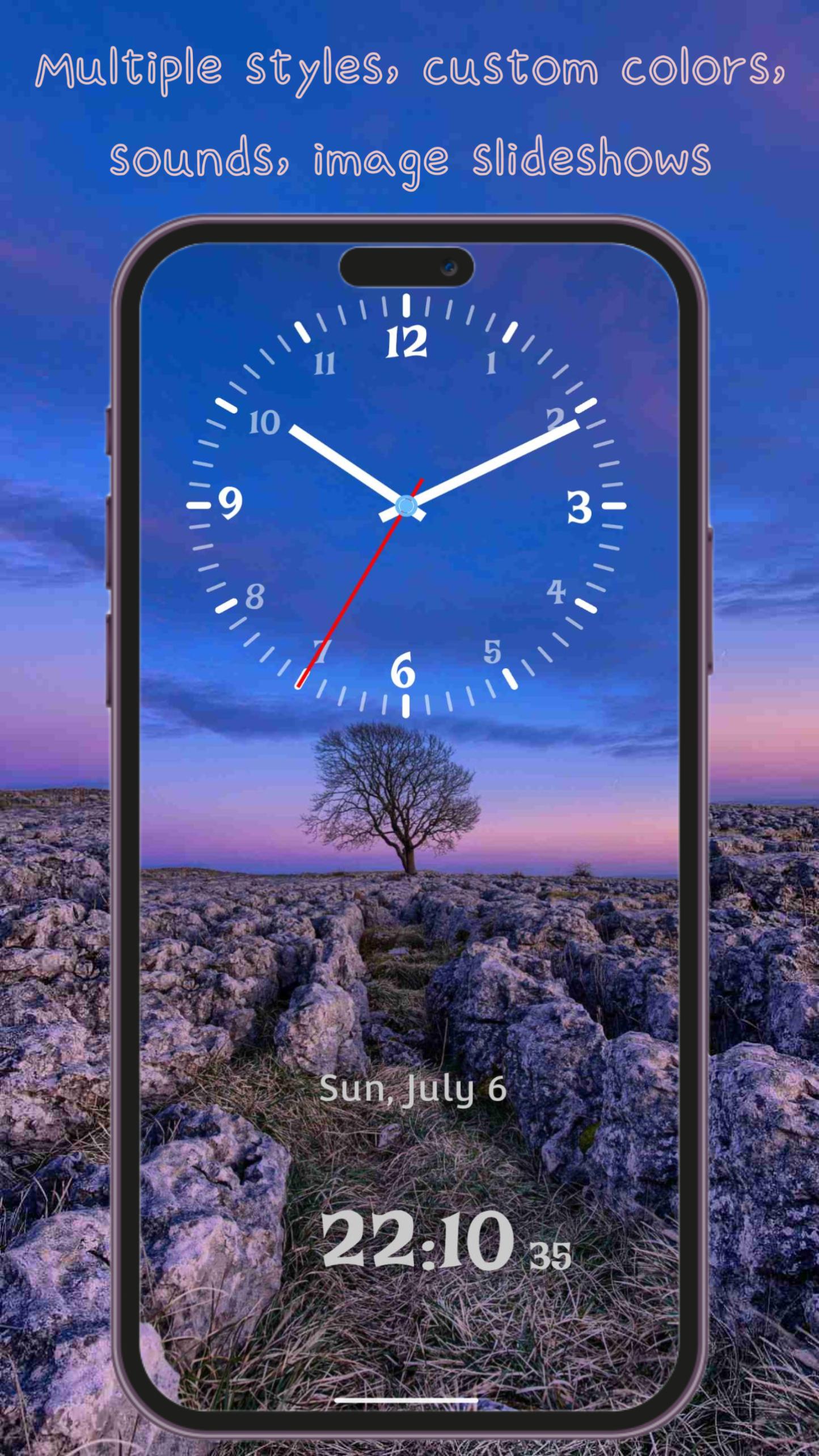
• Multiple Hand Styles – From classic simplicity to modern elegance, pick the design that suits your style
• Custom Clock Fonts – A wide selection of font styles, from traditional to contemporary
• Custom Colors – Independently adjust the color of the clock face, hour hand, minute hand, and second hand
• Dynamic & Static Backgrounds – Choose from beautiful animated scenes, solid colors, or image slideshows
• Clock Shadow Option – Enable realistic shadow effects for added depth and dimension
Immersive Experience
• Background Sounds – Choose from 14 ambient sounds including ticking, nature, birdsong, rain, and more
• Clean & Simple Interface – Easy to use with intuitive controls and no unnecessary clutter
• Home Screen Widget – View the time right from your home screen without opening the app
Classic Clock isn't just a time tool — it’s a beautiful blend of design and function.
Download now and elevate your space with timeless elegance.
プレビュー
タグ
ツール情報
デベロッパー
QBee520
最新バージョン
1.4.2
最終更新
2025-08-04
カテゴリー
ツール
上で利用可能
Google Play
もっと見せる
PCでGameLoopを使用してClassic Clock with Second Handをプレイする方法
1. 公式WebサイトからGameLoopをダウンロードし、exeファイルを実行してGameLoopをインストールします
2. GameLoopを開いて「Classic Clock with Second Hand」を検索し、検索結果でClassic Clock with Second Handを見つけて、「インストール」をクリックします。
3. GameLoopでClassic Clock with Second Handを楽しんでください
Minimum requirements
OS
Windows 8.1 64-bit or Windows 10 64-bit
GPU
GTX 1050
CPU
i3-8300
Memory
8GB RAM
Storage
1GB available space
Recommended requirements
OS
Windows 8.1 64-bit or Windows 10 64-bit
GPU
GTX 1050
CPU
i3-9320
Memory
16GB RAM
Storage
1GB available space