Calculator Launcher PC
andybenard
GameLoopエミュレーターを使用してPCにCalculator Launcherをダウンロードします
Calculator Launcher PC版
開発者andybenardからのCalculator Launcherは、過去にAndroidsystermで実行されています。
これで、GameLoopを搭載したPCでCalculator Launcherをスムーズにプレイできます。
GameLoopライブラリまたは検索結果にダウンロードしてください。 バッテリーに目を向けたり、間違った時間にイライラしたりすることはもうありません。
大画面でCalculator LauncherPCを無料でお楽しみください!
Calculator Launcher 序章
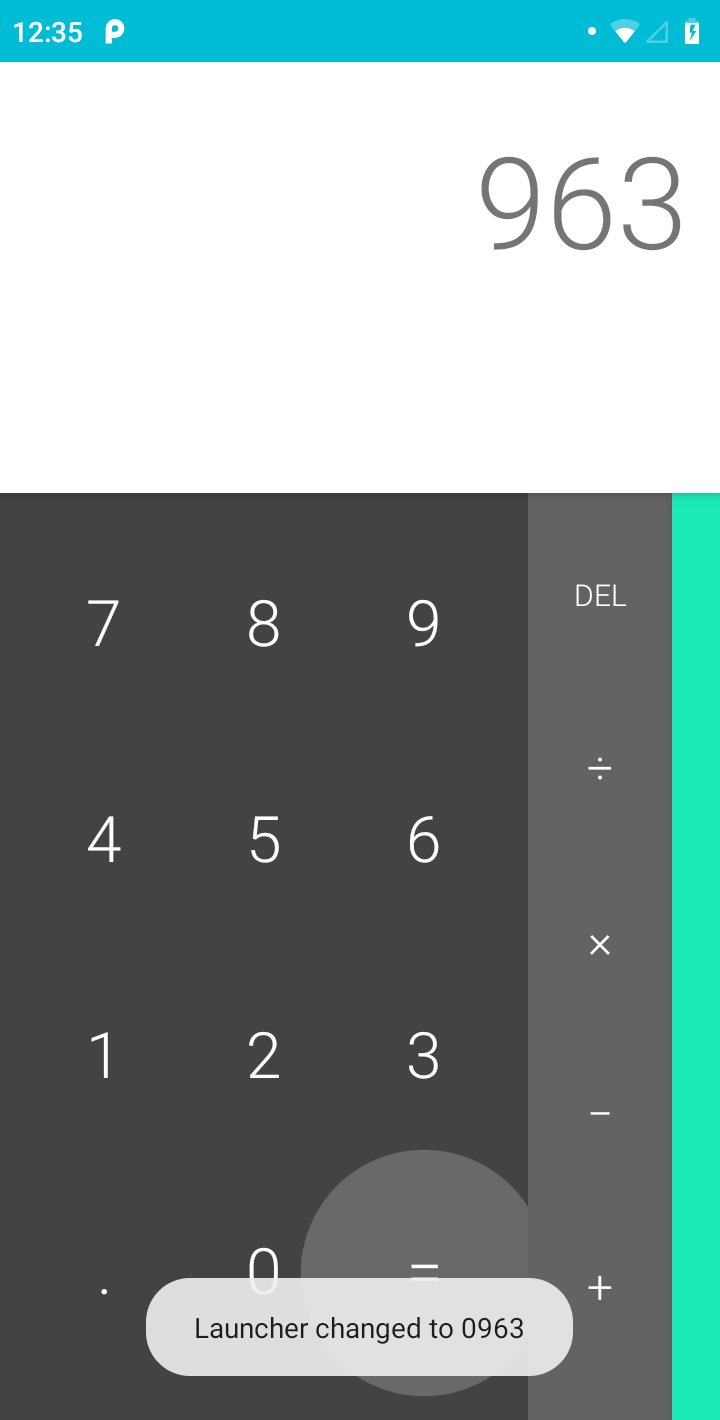
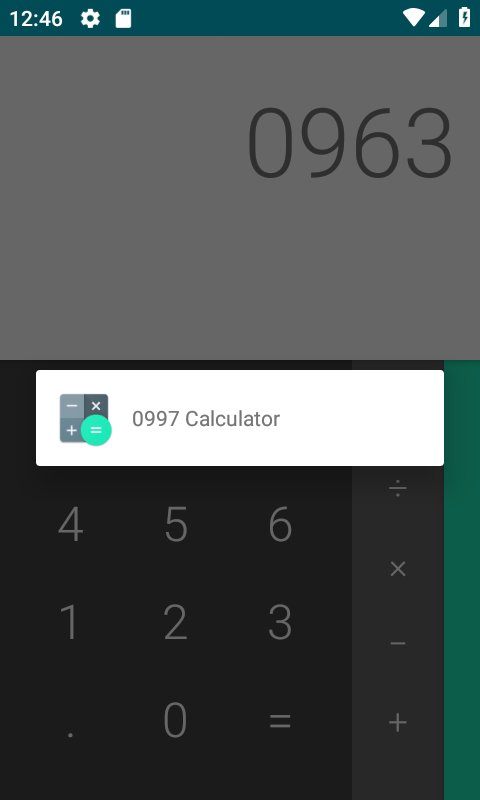
Based on the Android (AOSP) calculator, this application has some secret key combinations to launch applications.
**Use in combination with a launcher that allows you to hide applications from your application drawer.**
Feel free to email me with any feature requests, Ideas, support requests, or issues. I am rushed with this, and I will publish the code under a copyleft license as soon as someone requests.
Important notes and features:
- All codes begin with 0 and have three more numbers.
- Default launcher code is 0000.
- Type three digits and press the '=' sign ten times to change the launcher code. The code will then be 0xxx.
- When an application is launched, the calculator will finish so nobody thinks you are a calculator obsessive.
- When you minimize or switch away from the launched application, it will not appear in your recent applications.
- Requires no permissions and collects no data.
- Will never have adverts or in app purchases. It will always be free.
プレビュー
タグ
ツール情報
デベロッパー
andybenard
最新バージョン
1.0
最終更新
2019-01-04
カテゴリー
ツール
上で利用可能
Google Play
もっと見せる
PCでGameLoopを使用してCalculator Launcherをプレイする方法
1. 公式WebサイトからGameLoopをダウンロードし、exeファイルを実行してGameLoopをインストールします
2. GameLoopを開いて「Calculator Launcher」を検索し、検索結果でCalculator Launcherを見つけて、「インストール」をクリックします。
3. GameLoopでCalculator Launcherを楽しんでください
Minimum requirements
OS
Windows 8.1 64-bit or Windows 10 64-bit
GPU
GTX 1050
CPU
i3-8300
Memory
8GB RAM
Storage
1GB available space
Recommended requirements
OS
Windows 8.1 64-bit or Windows 10 64-bit
GPU
GTX 1050
CPU
i3-9320
Memory
16GB RAM
Storage
1GB available space