Boot Animations Changer PC
Engineering Hub
GameLoopエミュレーターを使用してPCにBoot Animations Changerをダウンロードします
Boot Animations Changer PC版
開発者Engineering HubからのBoot Animations Changerは、過去にAndroidsystermで実行されています。
これで、GameLoopを搭載したPCでBoot Animations Changerをスムーズにプレイできます。
GameLoopライブラリまたは検索結果にダウンロードしてください。 バッテリーに目を向けたり、間違った時間にイライラしたりすることはもうありません。
大画面でBoot Animations ChangerPCを無料でお楽しみください!
Boot Animations Changer 序章
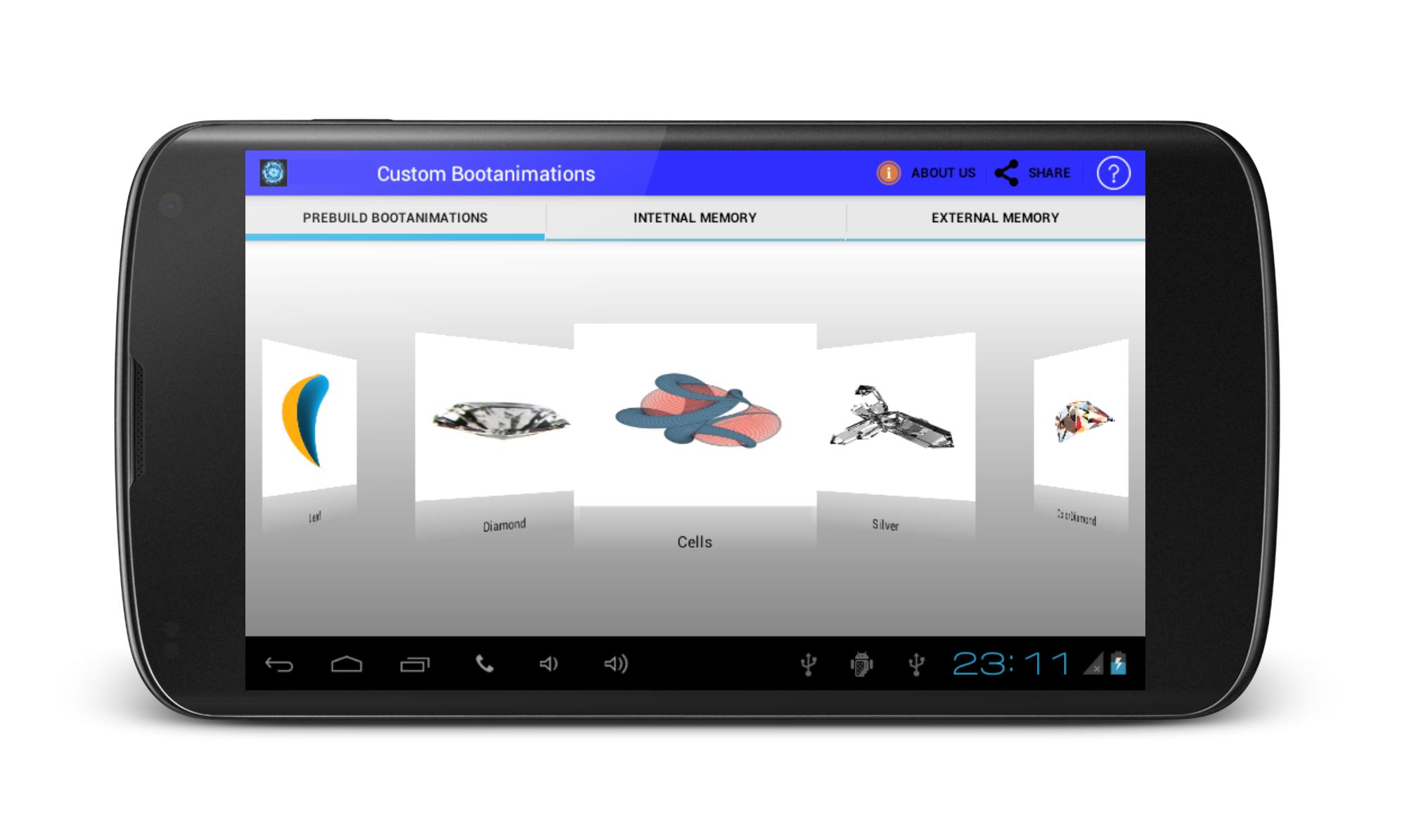
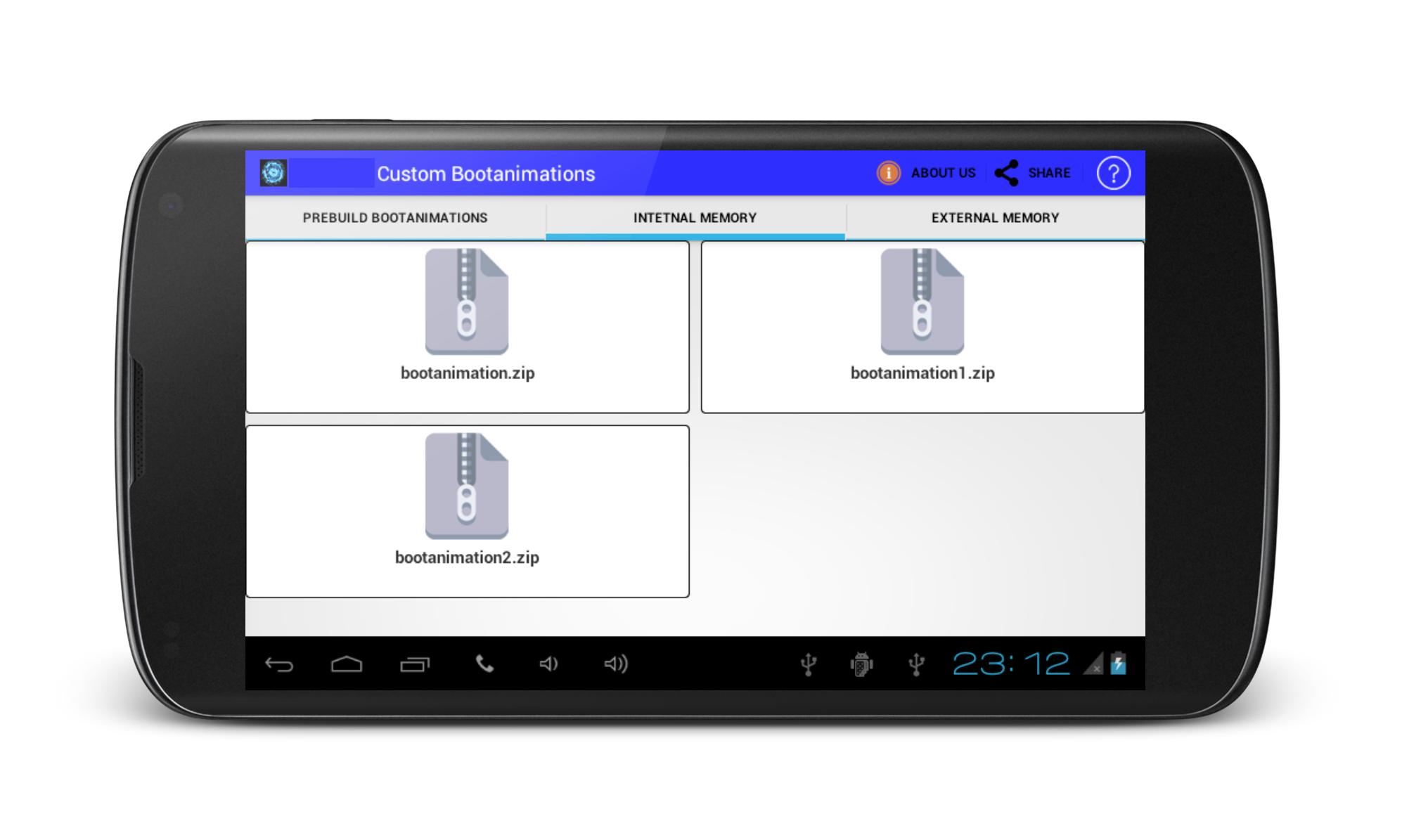
Custom BootAnimations is ROM Tool Box.If you are geting bored with your traditional boot animations on your phone, get change your phone pree-build custom boot animations if your device is rooted.Custom bootanimations Changer offered various types of pree installed bootanimations in applications. Install boot animations using sd card, But your phone must be rooted.
Note: It also works on non rooted device if your android device directory structure contain local folder.
Disclaimer:
Android OS has few places where boot anmimations can be installed.Many mobile manufacturer designed own Custom ROM & Kernel so it,s directory structure may be differ. So it may not work here. May be boot animation file format be diffrent from zip file so there it may failure to work.
Unfortunately,We have not tested on every device.We have tested on devices which owned.
プレビュー
情報
デベロッパー
Engineering Hub
最新バージョン
1.6
最終更新
2016-08-29
カテゴリー
ツール
上で利用可能
Google Play
もっと見せる
PCでGameLoopを使用してBoot Animations Changerをプレイする方法
1. 公式WebサイトからGameLoopをダウンロードし、exeファイルを実行してGameLoopをインストールします
2. GameLoopを開いて「Boot Animations Changer」を検索し、検索結果でBoot Animations Changerを見つけて、「インストール」をクリックします。
3. GameLoopでBoot Animations Changerを楽しんでください
Minimum requirements
OS
Windows 8.1 64-bit or Windows 10 64-bit
GPU
GTX 1050
CPU
i3-8300
Memory
8GB RAM
Storage
1GB available space
Recommended requirements
OS
Windows 8.1 64-bit or Windows 10 64-bit
GPU
GTX 1050
CPU
i3-9320
Memory
16GB RAM
Storage
1GB available space