Bluetooth Scanner for ATV PC
ZD Works Inc.
GameLoopエミュレーターを使用してPCにBluetooth Scanner for ATVをダウンロードします
Bluetooth Scanner for ATV PC版
開発者ZD Works Inc.からのBluetooth Scanner for ATVは、過去にAndroidsystermで実行されています。
これで、GameLoopを搭載したPCでBluetooth Scanner for ATVをスムーズにプレイできます。
GameLoopライブラリまたは検索結果にダウンロードしてください。 バッテリーに目を向けたり、間違った時間にイライラしたりすることはもうありません。
大画面でBluetooth Scanner for ATVPCを無料でお楽しみください!
Bluetooth Scanner for ATV 序章
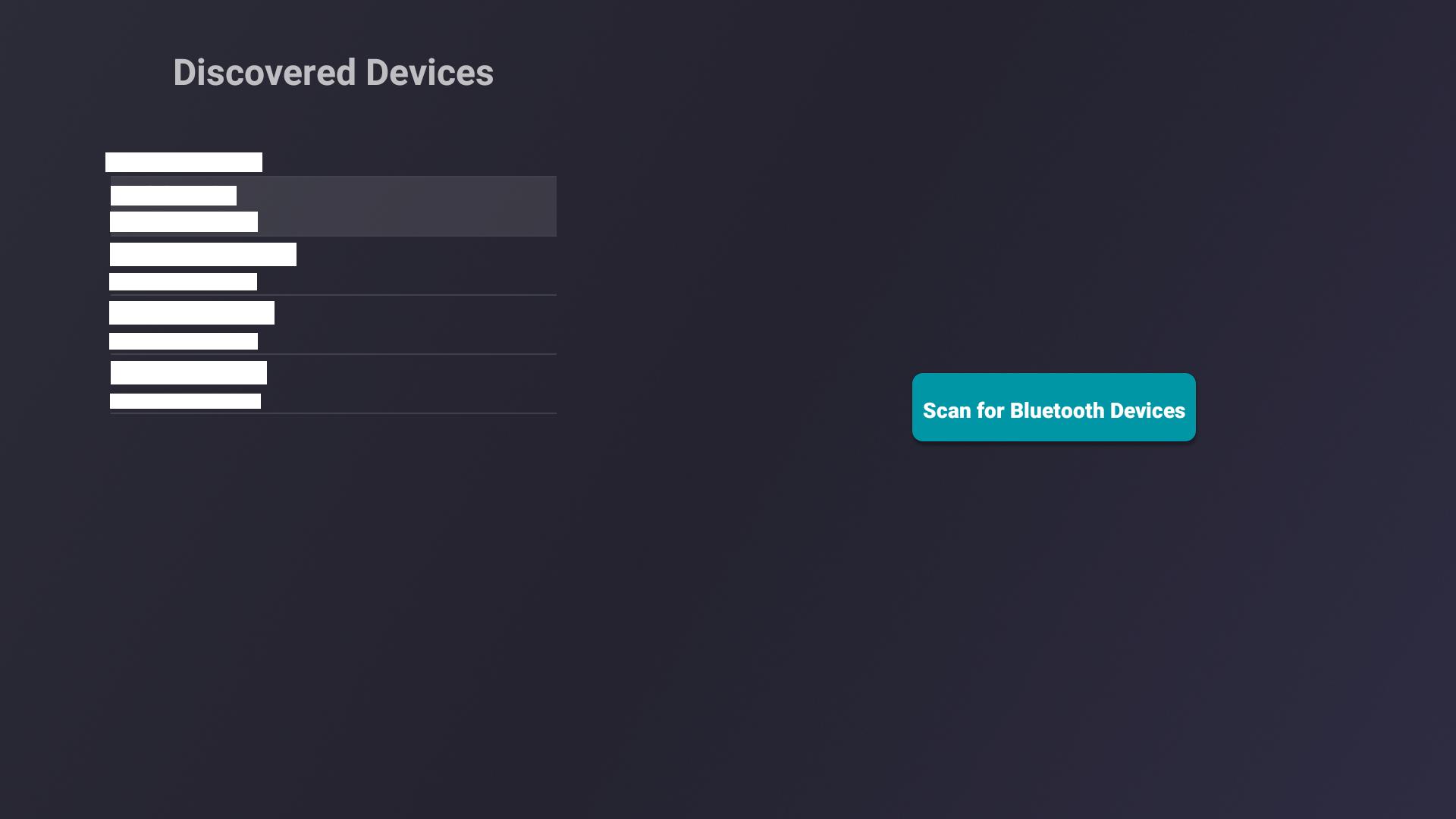
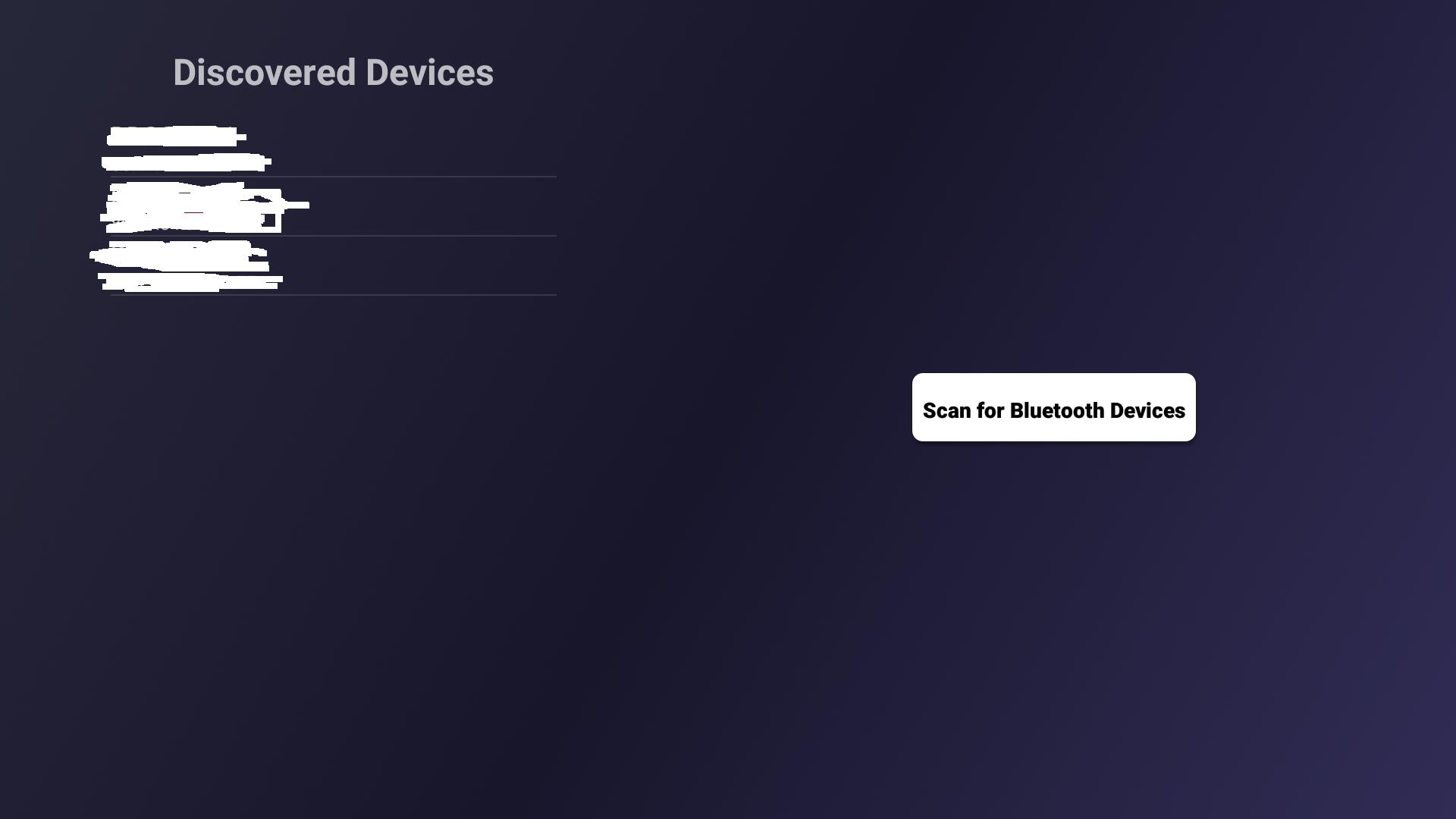
Bluetoothデバイスを簡単にスキャンしてAndroid TVとペアリングします。 Android TV向けのデザイン。
注:Sony Android TVユーザーの場合、お使いのTVモデルがA2DP Bluetoothプロファイルをサポートしていることを確認してください。 BluetoothデバイスがAndroid TVとペアリングされていない場合でも、アプリを責めないでください。
プレビュー
タグ
ツール情報
デベロッパー
ZD Works Inc.
最新バージョン
3.6
最終更新
2020-06-24
カテゴリー
ツール
上で利用可能
Google Play
もっと見せる
PCでGameLoopを使用してBluetooth Scanner for ATVをプレイする方法
1. 公式WebサイトからGameLoopをダウンロードし、exeファイルを実行してGameLoopをインストールします
2. GameLoopを開いて「Bluetooth Scanner for ATV」を検索し、検索結果でBluetooth Scanner for ATVを見つけて、「インストール」をクリックします。
3. GameLoopでBluetooth Scanner for ATVを楽しんでください
Minimum requirements
OS
Windows 8.1 64-bit or Windows 10 64-bit
GPU
GTX 1050
CPU
i3-8300
Memory
8GB RAM
Storage
1GB available space
Recommended requirements
OS
Windows 8.1 64-bit or Windows 10 64-bit
GPU
GTX 1050
CPU
i3-9320
Memory
16GB RAM
Storage
1GB available space