
BeoRemote PC
Bang & Olufsen a/s
GameLoopエミュレーターを使用してPCにBeoRemoteをダウンロードします
BeoRemote PC版
開発者Bang & Olufsen a/sからのBeoRemoteは、過去にAndroidsystermで実行されています。
これで、GameLoopを搭載したPCでBeoRemoteをスムーズにプレイできます。
GameLoopライブラリまたは検索結果にダウンロードしてください。 バッテリーに目を向けたり、間違った時間にイライラしたりすることはもうありません。
大画面でBeoRemotePCを無料でお楽しみください!
BeoRemote 序章
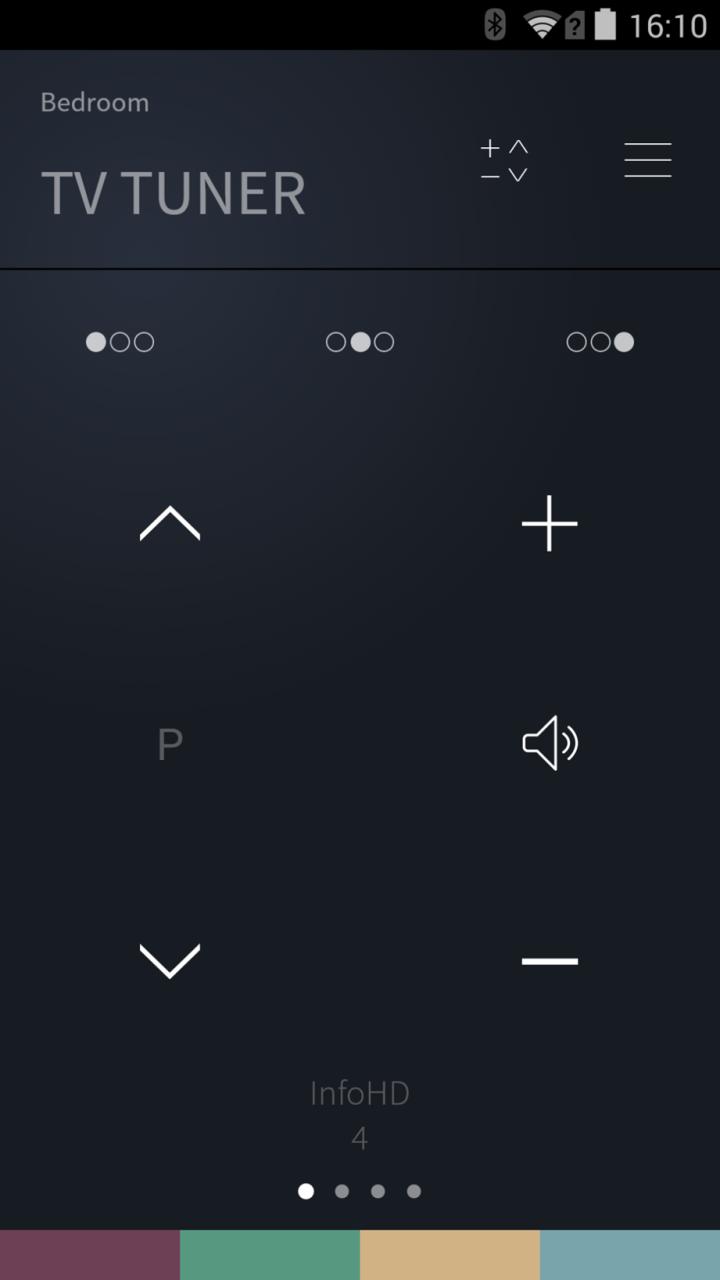
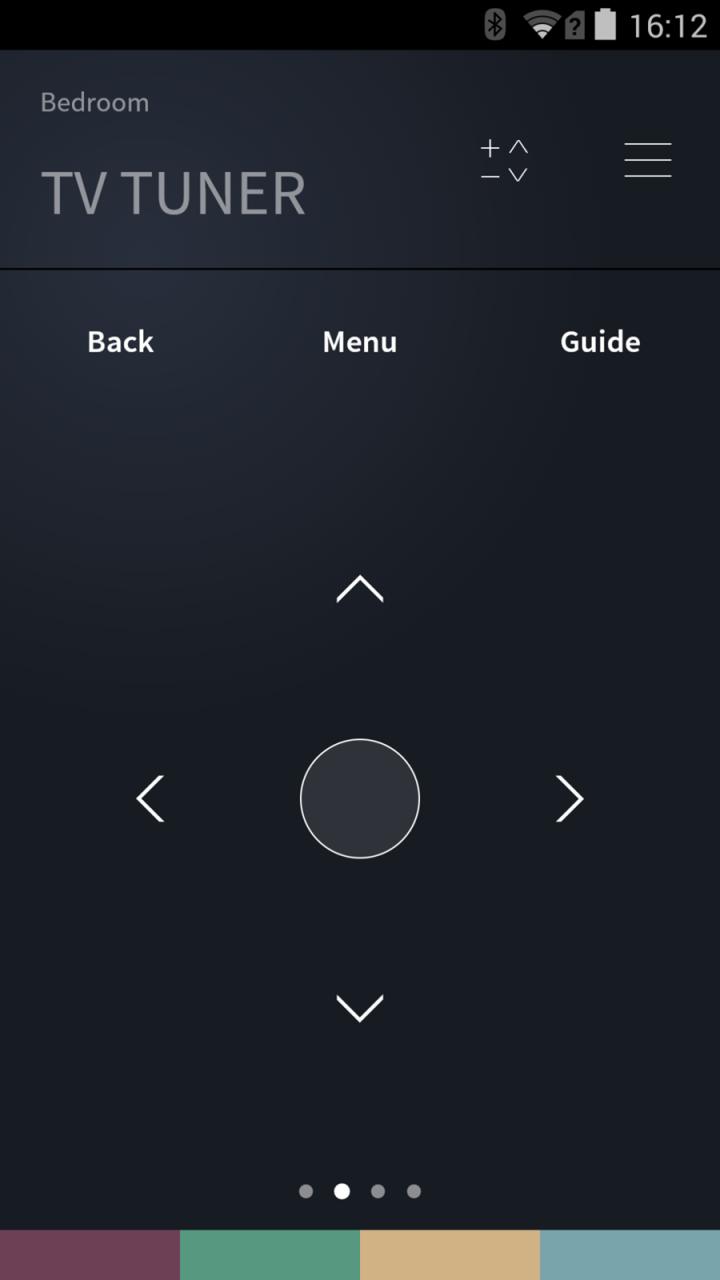
The new BeoRemote App gives you absolute control of your TV, giving you complete command from one source. The graphic interface is distinctly Bang & Olufsen: everything has been pared down and all unnecessary navigation done away with for convenient and simple control of your TV. The BeoRemote App not only gives commands to your TV. It also works the other way around. This means that every source, channel, stand position or speaker group you have already set up on your television appears on the app interface – with the names you originally assigned them.
The BeoRemote App currently works with the following TV models:
- BeoVision Avant
- BeoVision 11
- BeoSystem 4
- BeoPlay V1
Please update your TV with the latest software, by entering the SOFWARE UPDATE menu found via SETUP – SERVICE - SOFTWARE UPDATE and follow the instructions in the menu.
プレビュー
情報
デベロッパー
Bang & Olufsen a/s
最新バージョン
2.1.1
最終更新
2015-07-10
カテゴリー
ツール
上で利用可能
Google Play
もっと見せる
PCでGameLoopを使用してBeoRemoteをプレイする方法
1. 公式WebサイトからGameLoopをダウンロードし、exeファイルを実行してGameLoopをインストールします
2. GameLoopを開いて「BeoRemote」を検索し、検索結果でBeoRemoteを見つけて、「インストール」をクリックします。
3. GameLoopでBeoRemoteを楽しんでください
Minimum requirements
OS
Windows 8.1 64-bit or Windows 10 64-bit
GPU
GTX 1050
CPU
i3-8300
Memory
8GB RAM
Storage
1GB available space
Recommended requirements
OS
Windows 8.1 64-bit or Windows 10 64-bit
GPU
GTX 1050
CPU
i3-9320
Memory
16GB RAM
Storage
1GB available space