Bengali Typing (Type in Bengali) App PC
Indian Mobile Apps
GameLoopエミュレーターを使用してPCにBengali Typing (Type in Bengali) Appをダウンロードします
Bengali Typing (Type in Bengali) App PC版
開発者Indian Mobile AppsからのBengali Typing (Type in Bengali) Appは、過去にAndroidsystermで実行されています。
これで、GameLoopを搭載したPCでBengali Typing (Type in Bengali) Appをスムーズにプレイできます。
GameLoopライブラリまたは検索結果にダウンロードしてください。 バッテリーに目を向けたり、間違った時間にイライラしたりすることはもうありません。
大画面でBengali Typing (Type in Bengali) AppPCを無料でお楽しみください!
Bengali Typing (Type in Bengali) App 序章
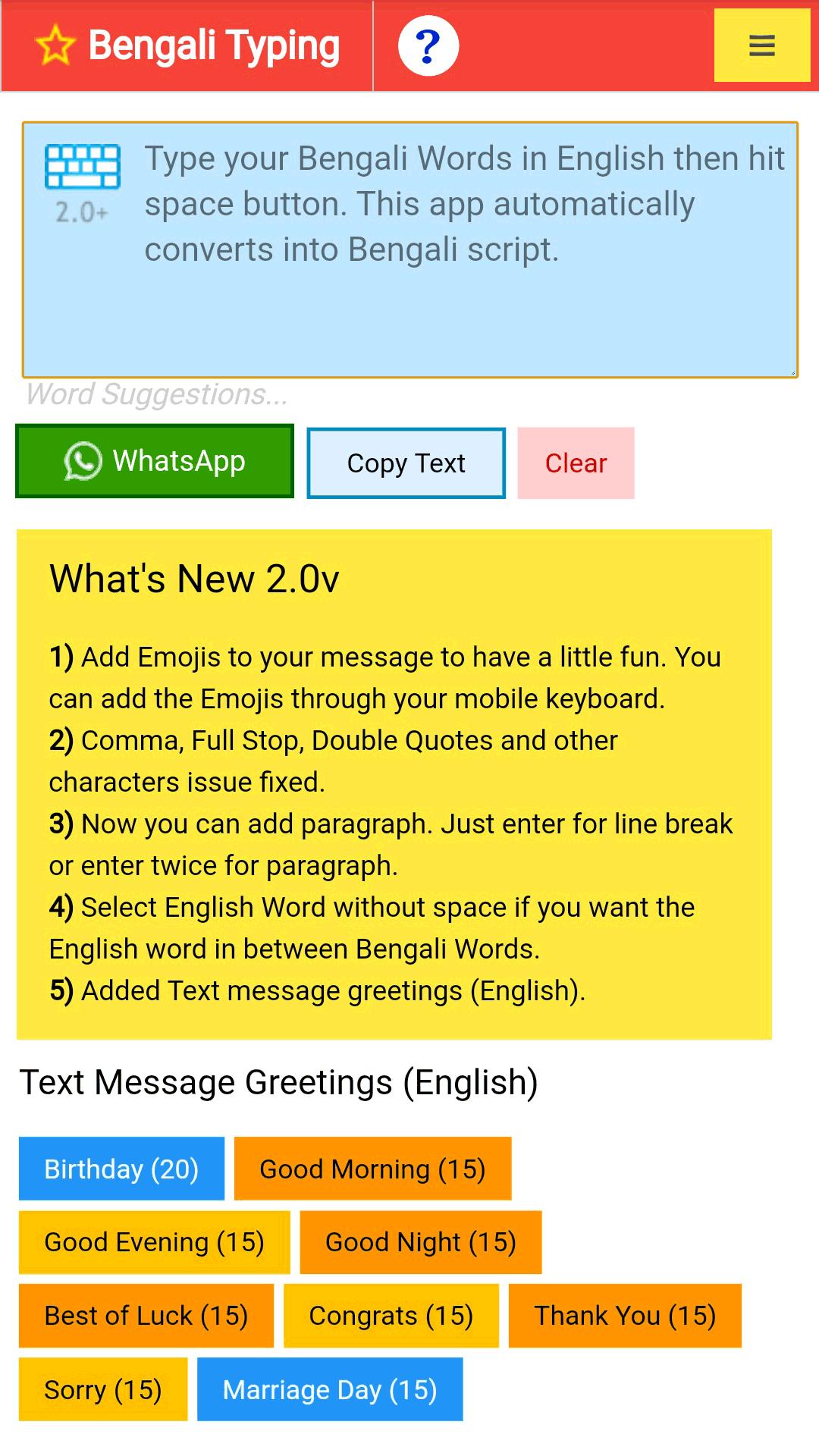
Bengali Typing (Type in Bengali) app is an English to Bengali transliteration tool. Type your Bengali words in English and hit/tap space button. This app automatically converts into Bengali script.
App Advantages
==================
* Start typing immediately
* Simply type Bengali words in English and hit/tap space button
* No keyboard configuration. Technical knowledge is not required
* Easy to share messages @ WhatsApp and other apps
* Ready to Share Birthday Greetings & Text Messages
After typing your message share with WhatsApp or Copy and paste your message at your favourite Apps like... WhatsApp, GMail, Facebook, Twitter, SMS etc.,
If you like this app, give it a rating and write a good review (Top rating is 5stars).
プレビュー

情報
デベロッパー
Indian Mobile Apps
最新バージョン
2.0.2
最終更新
2021-06-01
カテゴリー
ツール
上で利用可能
Google Play
もっと見せる
PCでGameLoopを使用してBengali Typing (Type in Bengali) Appをプレイする方法
1. 公式WebサイトからGameLoopをダウンロードし、exeファイルを実行してGameLoopをインストールします
2. GameLoopを開いて「Bengali Typing (Type in Bengali) App」を検索し、検索結果でBengali Typing (Type in Bengali) Appを見つけて、「インストール」をクリックします。
3. GameLoopでBengali Typing (Type in Bengali) Appを楽しんでください
Minimum requirements
OS
Windows 8.1 64-bit or Windows 10 64-bit
GPU
GTX 1050
CPU
i3-8300
Memory
8GB RAM
Storage
1GB available space
Recommended requirements
OS
Windows 8.1 64-bit or Windows 10 64-bit
GPU
GTX 1050
CPU
i3-9320
Memory
16GB RAM
Storage
1GB available space