
Azure Storage Explorer PC
my.app.factory
GameLoopエミュレーターを使用してPCにAzure Storage Explorerをダウンロードします
Azure Storage Explorer PC版
開発者my.app.factoryからのAzure Storage Explorerは、過去にAndroidsystermで実行されています。
これで、GameLoopを搭載したPCでAzure Storage Explorerをスムーズにプレイできます。
GameLoopライブラリまたは検索結果にダウンロードしてください。 バッテリーに目を向けたり、間違った時間にイライラしたりすることはもうありません。
大画面でAzure Storage ExplorerPCを無料でお楽しみください!
Azure Storage Explorer 序章
**IMPORTANT!**: Personal accounts with an @outlook.com/hotmail.com domain cannot be used with this app. This is a limitation with Microsoft AAD unfortunately. You will need to use an organizational account or add a user in your tenant which has your tenant's domain. For ex: user@yourtenantname.onmicrosoft.com.
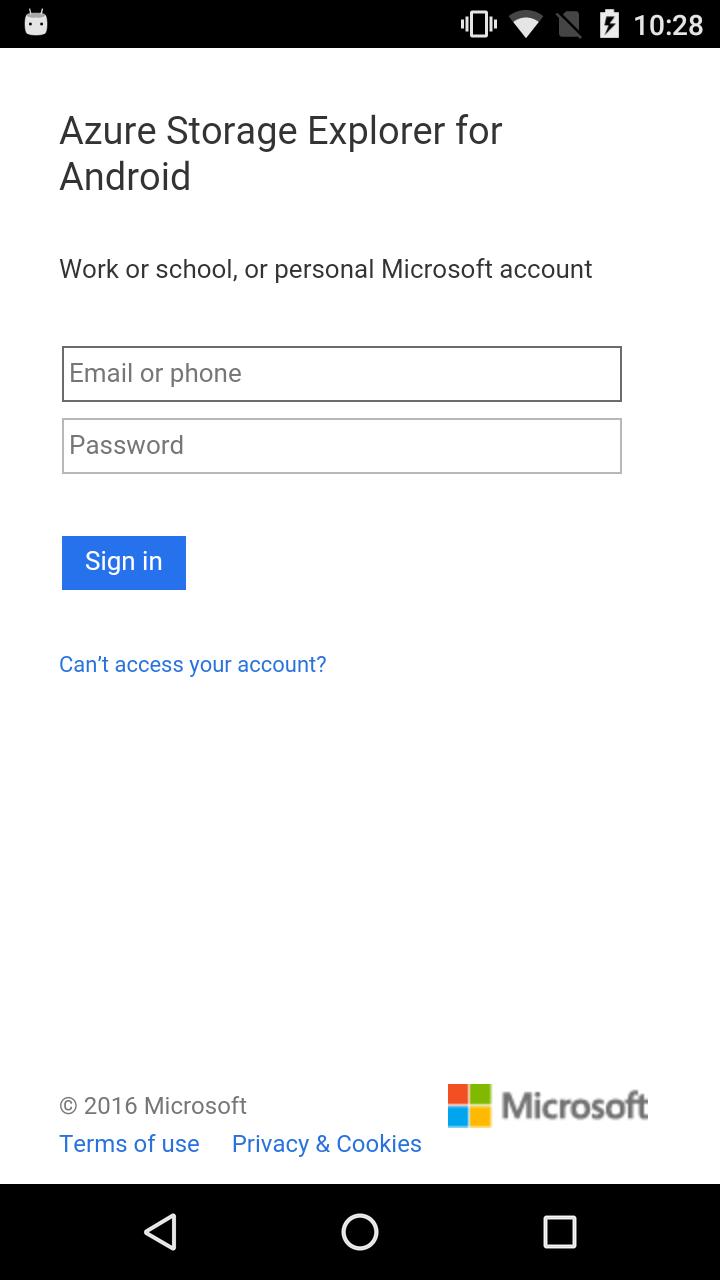
This app allows you to sign-in with you Azure credentials and automatically pulls all of your subscriptions and the (classic and ARM) storage accounts associated with them.
Features:
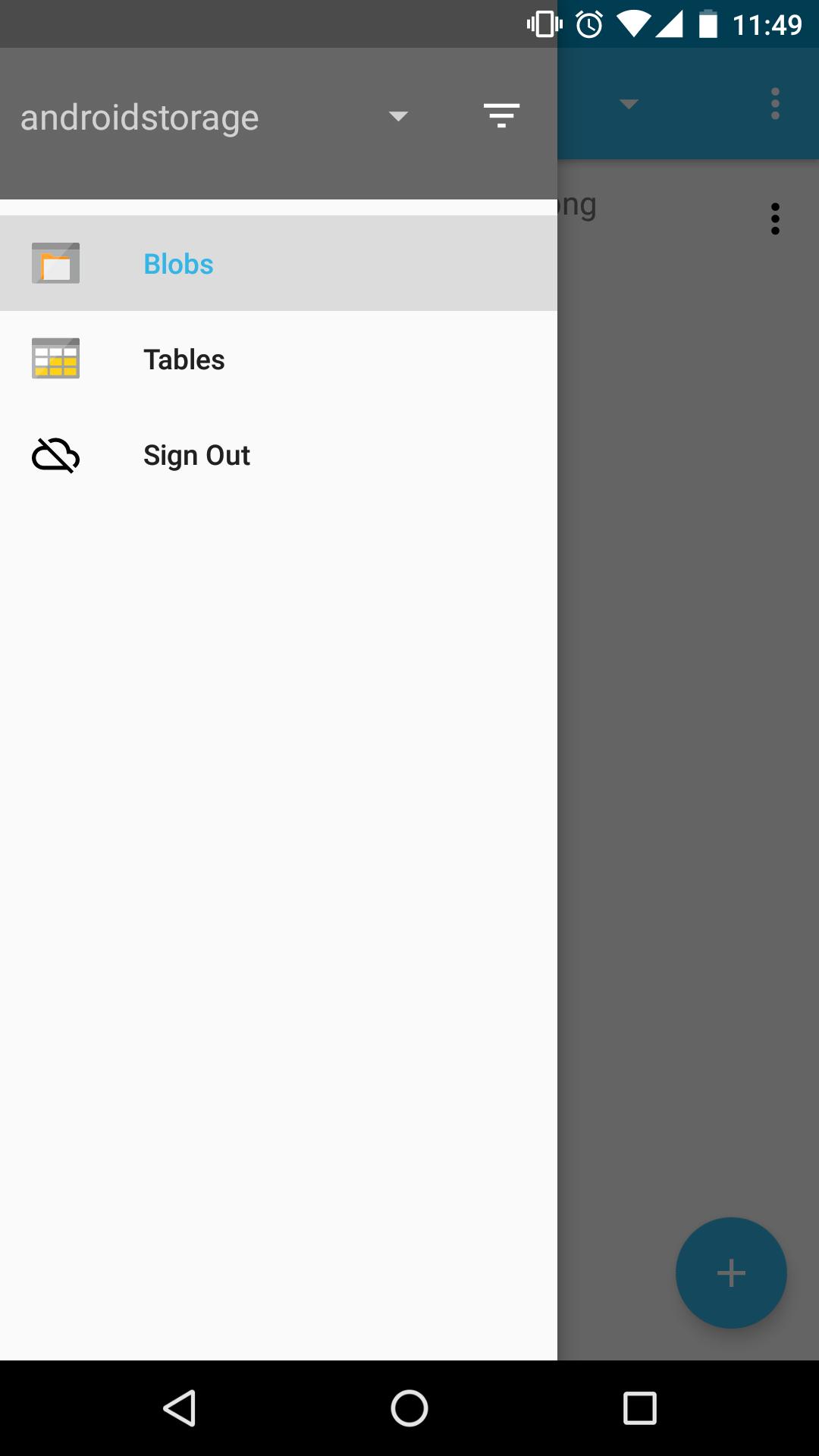
- View all of your storage accounts
- Filter and view storage accounts from specific subscriptions
- Navigate through your blob directories
- Preview blobs
- View blob properties
- Upload/download/delete blobs
- Create blob containers
- View storage tables
- View table entities
Coming soon!
- View entity metadata
- Create storage table
This app is open-sourced on GitHub! https://github.com/praneetloke/AzureStorageExplorerAndroid. Have a problem with the app? Submit an issue https://github.com/praneetloke/AzureStorageExplorerAndroid/issues.
プレビュー
情報
デベロッパー
my.app.factory
最新バージョン
1.0.0
最終更新
2018-10-19
カテゴリー
ツール
上で利用可能
Google Play
もっと見せる
PCでGameLoopを使用してAzure Storage Explorerをプレイする方法
1. 公式WebサイトからGameLoopをダウンロードし、exeファイルを実行してGameLoopをインストールします
2. GameLoopを開いて「Azure Storage Explorer」を検索し、検索結果でAzure Storage Explorerを見つけて、「インストール」をクリックします。
3. GameLoopでAzure Storage Explorerを楽しんでください
Minimum requirements
OS
Windows 8.1 64-bit or Windows 10 64-bit
GPU
GTX 1050
CPU
i3-8300
Memory
8GB RAM
Storage
1GB available space
Recommended requirements
OS
Windows 8.1 64-bit or Windows 10 64-bit
GPU
GTX 1050
CPU
i3-9320
Memory
16GB RAM
Storage
1GB available space