Auto Transfer:Phone To Sd Card PC
Move More Solutions
GameLoopエミュレーターを使用してPCにAuto Transfer:Phone To Sd Cardをダウンロードします
Auto Transfer:Phone To Sd Card PC版
開発者Move More SolutionsからのAuto Transfer:Phone To Sd Cardは、過去にAndroidsystermで実行されています。
これで、GameLoopを搭載したPCでAuto Transfer:Phone To Sd Cardをスムーズにプレイできます。
GameLoopライブラリまたは検索結果にダウンロードしてください。 バッテリーに目を向けたり、間違った時間にイライラしたりすることはもうありません。
大画面でAuto Transfer:Phone To Sd CardPCを無料でお楽しみください!
Auto Transfer:Phone To Sd Card 序章
App Contains:
You have not enough space in your internal storage.Don't worry transfer your data to SD card with this app is more easy and flexible.
Transfer all your files to SD card easily.
Following file formats available:
- Audios
- Videos
- Images
- Documents
- Apk
Multiple file transfer at a time.
Two ways to transfer your data from phone to SD card:
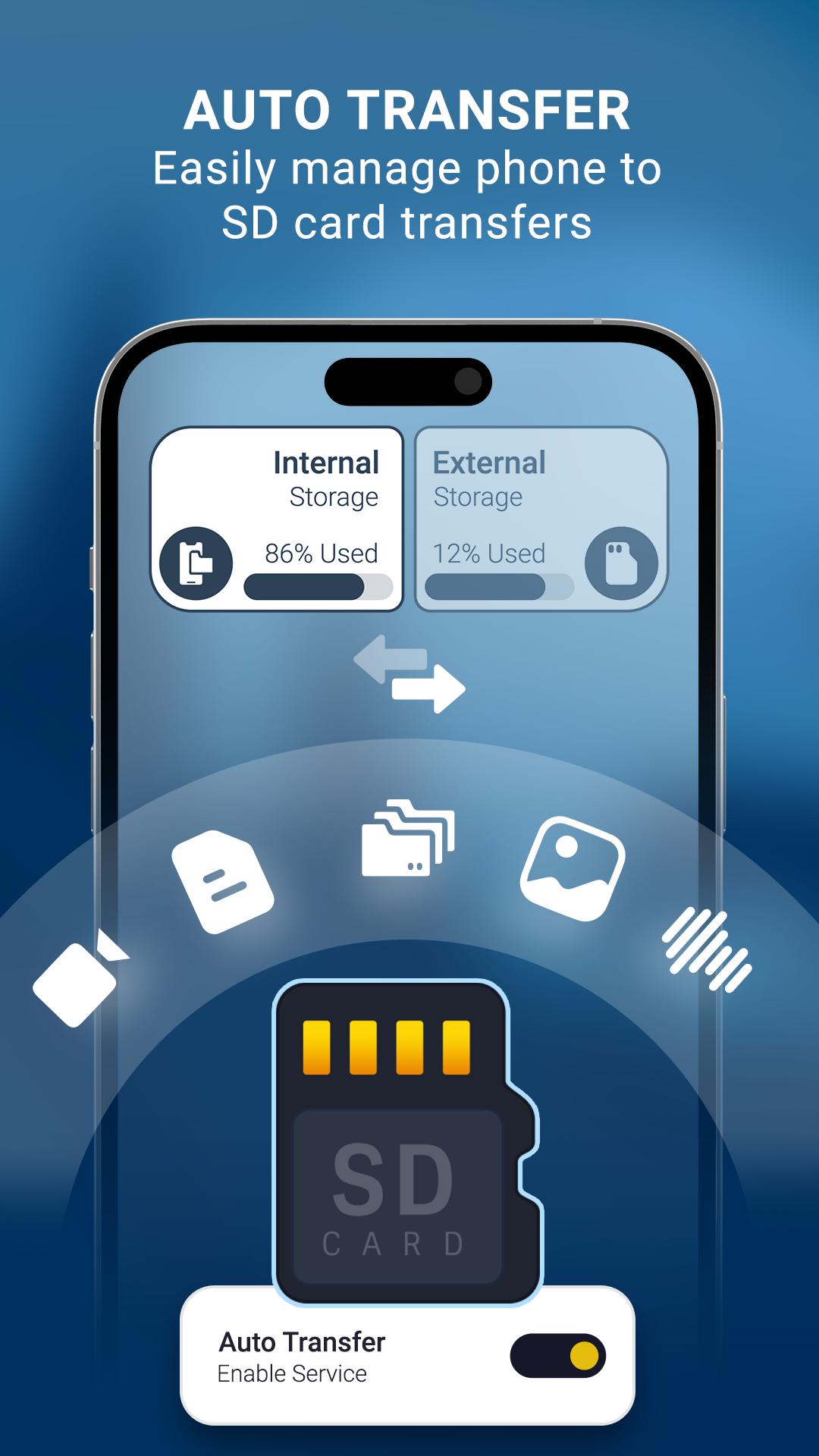
1. Auto Transfer : Just enable switch and selected path for source and destination it will automatically transfer data when got it on particular path. don't transfer manually save time and increase space of your internal storage.
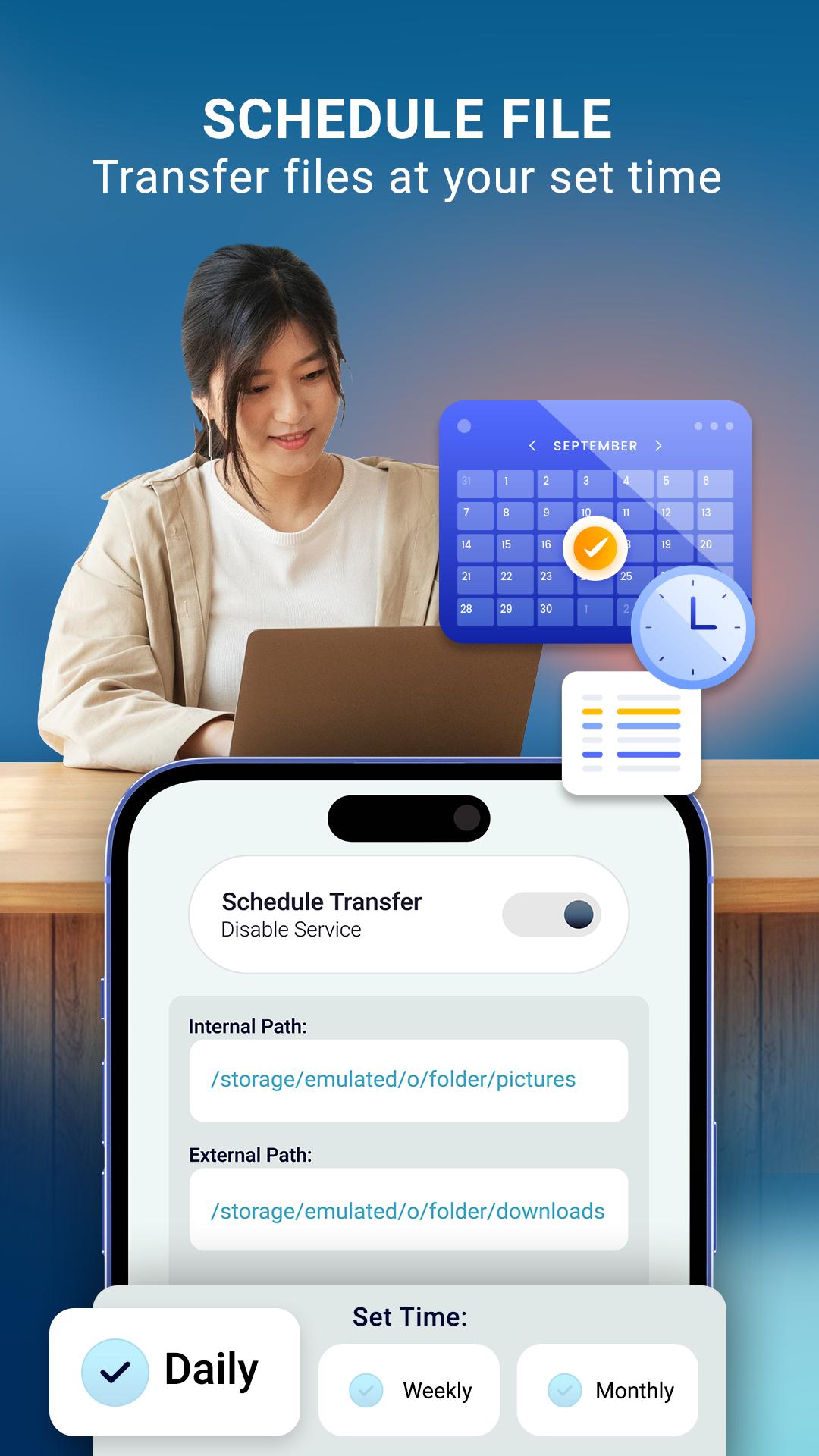
Data transfer to SD card daily, weekly and monthly wise.
2. Schedule Transfer: Enable switch and schedule your day and time with source and destination folder it will directly transfer data when schedule time got.
Internal storage and External storage file manager within the app.
You can manage easily of your storage data.
Used and free space data available to understand of space in both internal storage and SD card storage.
All large files list available for remove unnecessary files and make extra space.
User Friendly User Interface.
Required Permission:
READ_EXTERNAL_STORAGE : get data from your storage and display in app
WRITE_EXTERNAL_STORAGE: to write data in SD card storage(move or transfer files)
MANAGE_EXTERNAL_STORAGE : For android 11 this permission is needed for data transfer and storage access
プレビュー
タグ
ツール情報
デベロッパー
Move More Solutions
最新バージョン
1.62
最終更新
2025-06-19
カテゴリー
ツール
上で利用可能
Google Play
もっと見せる
PCでGameLoopを使用してAuto Transfer:Phone To Sd Cardをプレイする方法
1. 公式WebサイトからGameLoopをダウンロードし、exeファイルを実行してGameLoopをインストールします
2. GameLoopを開いて「Auto Transfer:Phone To Sd Card」を検索し、検索結果でAuto Transfer:Phone To Sd Cardを見つけて、「インストール」をクリックします。
3. GameLoopでAuto Transfer:Phone To Sd Cardを楽しんでください
Minimum requirements
OS
Windows 8.1 64-bit or Windows 10 64-bit
GPU
GTX 1050
CPU
i3-8300
Memory
8GB RAM
Storage
1GB available space
Recommended requirements
OS
Windows 8.1 64-bit or Windows 10 64-bit
GPU
GTX 1050
CPU
i3-9320
Memory
16GB RAM
Storage
1GB available space