
Auto Clicker : Super Fast Tapping PC
Phawk Developer
GameLoopエミュレーターを使用してPCにAuto Clicker : Super Fast Tappingをダウンロードします
Auto Clicker : Super Fast Tapping PC版
開発者Phawk DeveloperからのAuto Clicker : Super Fast Tappingは、過去にAndroidsystermで実行されています。
これで、GameLoopを搭載したPCでAuto Clicker : Super Fast Tappingをスムーズにプレイできます。
GameLoopライブラリまたは検索結果にダウンロードしてください。 バッテリーに目を向けたり、間違った時間にイライラしたりすることはもうありません。
大画面でAuto Clicker : Super Fast TappingPCを無料でお楽しみください!
Auto Clicker : Super Fast Tapping 序章
Be smart game users or also device users with this Auto Clicker : Super Fast Tapping application. this app allows users facilities to get repeat clicks by again n again with one click through simple target point and with users choice timing.
SO WHY YOU ARE WASTE YOUR TIME ON FINDING OTHER APP..? Use this Auto Clicker : Super Fast Tapping app which has all are amazing facilities to make easier your touch. click onetime on mobile screen and it will automatically tap with a specific time interval in your mobile screen. the application will automatically repeat taps at any place from your mobile device. app with it's to count any calculation with the easy way just place all pointer in your calculation digits or tap on play button it will automatically repeat your calculation on screen.
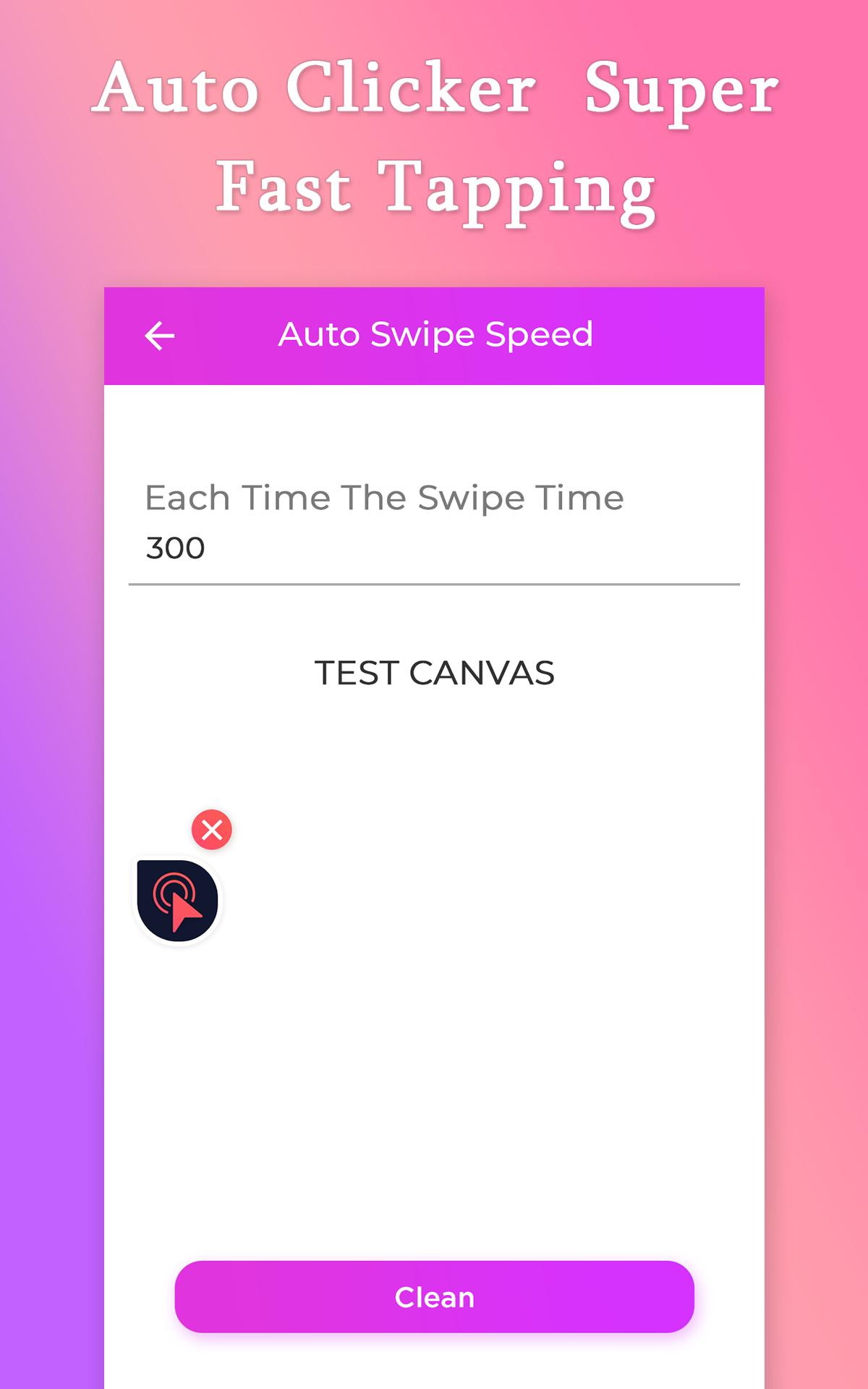
Auto Clicker : Super Fast Tapping app which has a Float point with is movable in your device anywhere, just tap on the start button and it will automatically provide users float point with that you can easily control your click.which have special option to Set Click duration to get perfect duration between clicks, and it also option to set Click Counts per seconds.app which has the best option to adjust auto swap speed in your mobile with simple swape buttons.
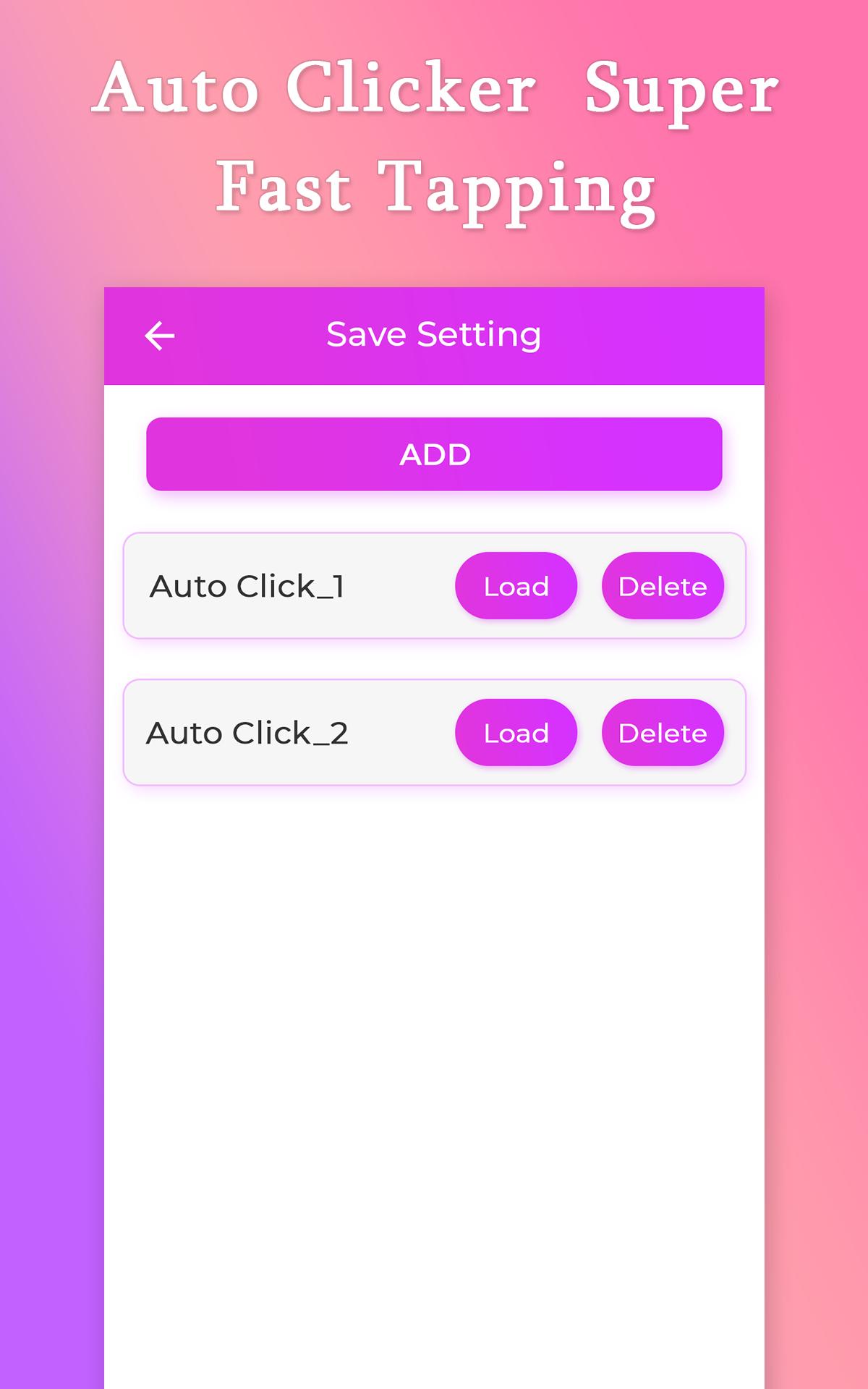
Auto Clicker : Super Fast Tapping app allow users to Save settings with which you can use it whenever you want to use your last point location into current situations. it has mane more saving slots with which easily you can handle your taping with one click. app with you can use it when you need to continuously tap on the mobile screen with perfect timing, and special you can use it while you are playing a game and you need to continues on the screen to get a perfect result, just one tap and it will automatic clicking on your screen with your Click duration.
Features
_Get fast click at once time
_Specify a Click duration
_Save a Clicking with different Slots to use it in future
_Movebale float point to make easier your touch
_Allow instruction users to make more clear use of it
_Special float point to control clicker
_Easily swipe screen with the auto-swipe option
_Automatic repeat taps with your choice timing
_Option to adjust clicks per seconds
_Use while you are playing a game
_Optioin to set specific interval timing for clicks
_Friendly UI design
_Easy to use the app
_No root require
_Use anytime
プレビュー
情報
デベロッパー
Phawk Developer
最新バージョン
5.0
最終更新
2021-08-22
カテゴリー
ツール
上で利用可能
Google Play
もっと見せる
PCでGameLoopを使用してAuto Clicker : Super Fast Tappingをプレイする方法
1. 公式WebサイトからGameLoopをダウンロードし、exeファイルを実行してGameLoopをインストールします
2. GameLoopを開いて「Auto Clicker : Super Fast Tapping」を検索し、検索結果でAuto Clicker : Super Fast Tappingを見つけて、「インストール」をクリックします。
3. GameLoopでAuto Clicker : Super Fast Tappingを楽しんでください
Minimum requirements
OS
Windows 8.1 64-bit or Windows 10 64-bit
GPU
GTX 1050
CPU
i3-8300
Memory
8GB RAM
Storage
1GB available space
Recommended requirements
OS
Windows 8.1 64-bit or Windows 10 64-bit
GPU
GTX 1050
CPU
i3-9320
Memory
16GB RAM
Storage
1GB available space