AR ステッカー: テキスト PC
Developed with Google
GameLoopエミュレーターを使用してPCにAR ステッカー: テキストをダウンロードします
AR ステッカー: テキスト PC版
開発者Developed with GoogleからのAR ステッカー: テキストは、過去にAndroidsystermで実行されています。
これで、GameLoopを搭載したPCでAR ステッカー: テキストをスムーズにプレイできます。
GameLoopライブラリまたは検索結果にダウンロードしてください。 バッテリーに目を向けたり、間違った時間にイライラしたりすることはもうありません。
大画面でAR ステッカー: テキストPCを無料でお楽しみください!
AR ステッカー: テキスト 序章
頭の中にある言葉を自分だけのスタイルで世界に届けましょう。
これは AR ステッカー用のステッカー パックです。AR ステッカー(https://goo.gl/psBTzk)と ARCore(https://goo.gl/77tPbU)を最初にインストールしておく必要があります。
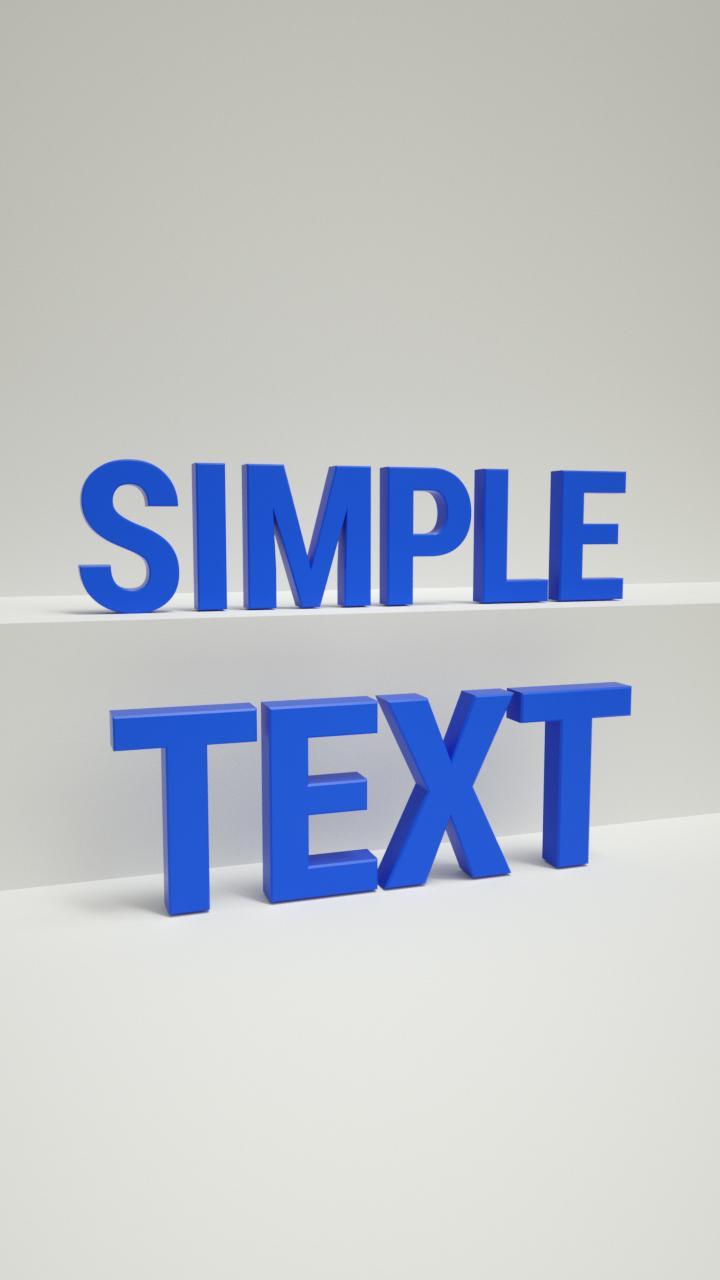
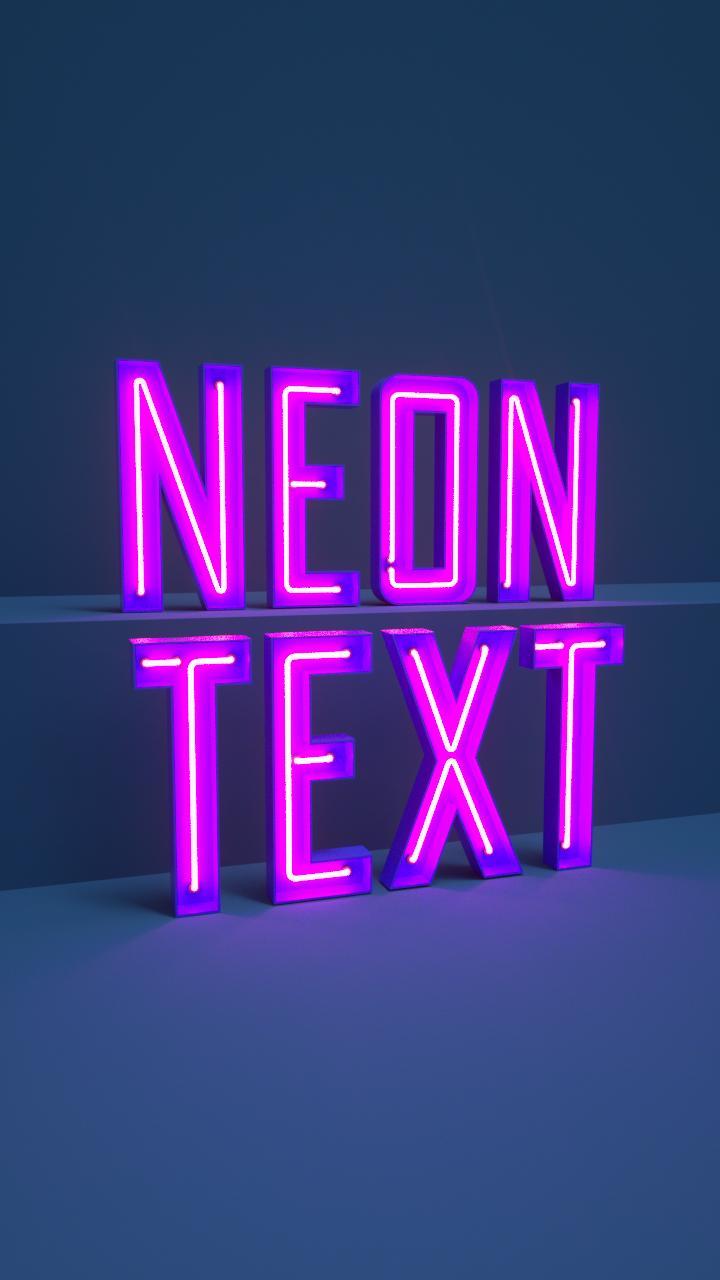
プレビュー
タグ
ツール情報
デベロッパー
Developed with Google
最新バージョン
1.0.180402003
最終更新
2018-04-09
カテゴリー
ツール
上で利用可能
Google Play
もっと見せる
PCでGameLoopを使用してAR ステッカー: テキストをプレイする方法
1. 公式WebサイトからGameLoopをダウンロードし、exeファイルを実行してGameLoopをインストールします
2. GameLoopを開いて「AR ステッカー: テキスト」を検索し、検索結果でAR ステッカー: テキストを見つけて、「インストール」をクリックします。
3. GameLoopでAR ステッカー: テキストを楽しんでください
Minimum requirements
OS
Windows 8.1 64-bit or Windows 10 64-bit
GPU
GTX 1050
CPU
i3-8300
Memory
8GB RAM
Storage
1GB available space
Recommended requirements
OS
Windows 8.1 64-bit or Windows 10 64-bit
GPU
GTX 1050
CPU
i3-9320
Memory
16GB RAM
Storage
1GB available space