
AR 3D Model Viewer PC
Aryzon
GameLoopエミュレーターを使用してPCにAR 3D Model Viewerをダウンロードします
AR 3D Model Viewer PC版
開発者AryzonからのAR 3D Model Viewerは、過去にAndroidsystermで実行されています。
これで、GameLoopを搭載したPCでAR 3D Model Viewerをスムーズにプレイできます。
GameLoopライブラリまたは検索結果にダウンロードしてください。 バッテリーに目を向けたり、間違った時間にイライラしたりすることはもうありません。
大画面でAR 3D Model ViewerPCを無料でお楽しみください!
AR 3D Model Viewer 序章
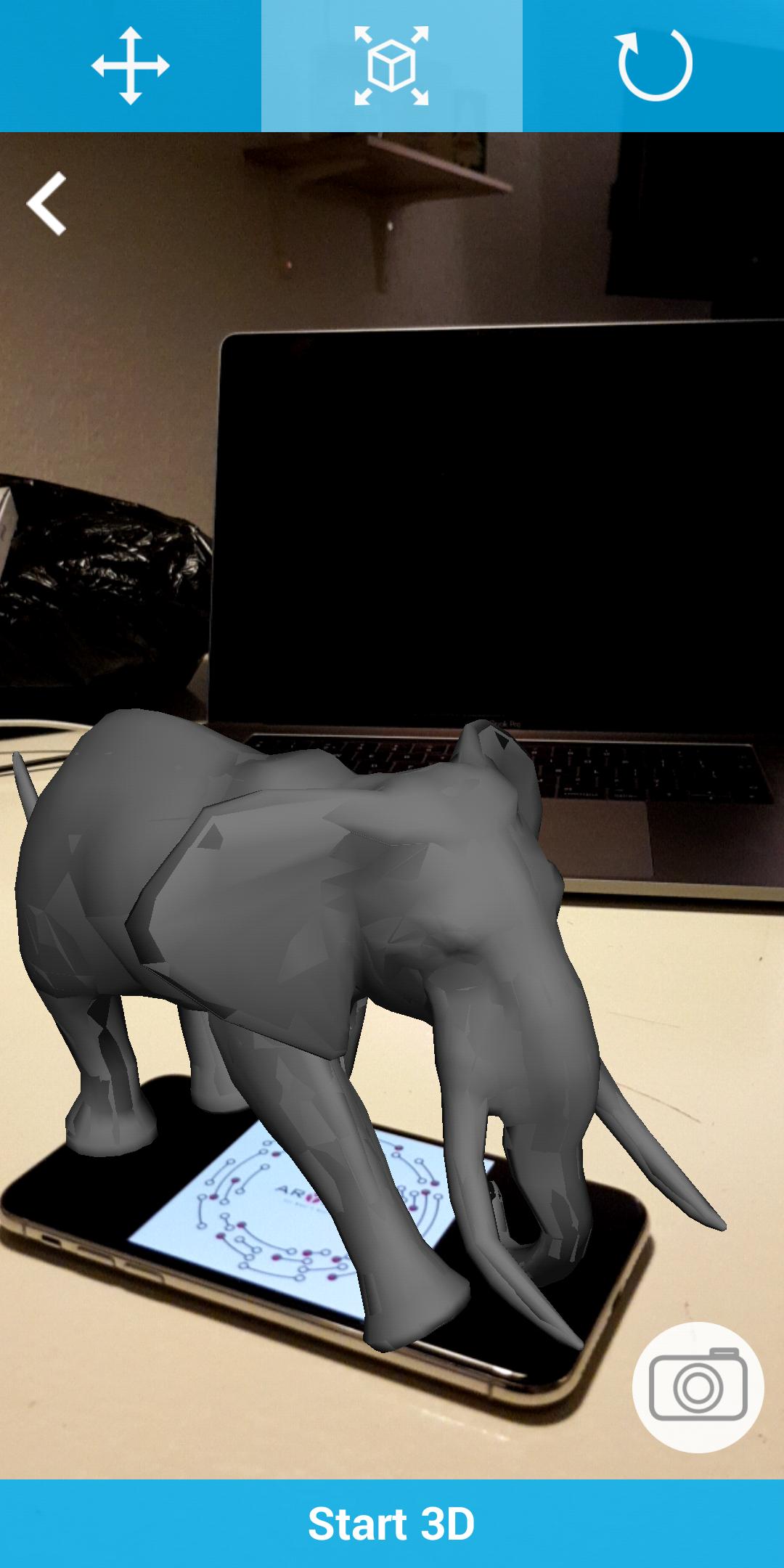
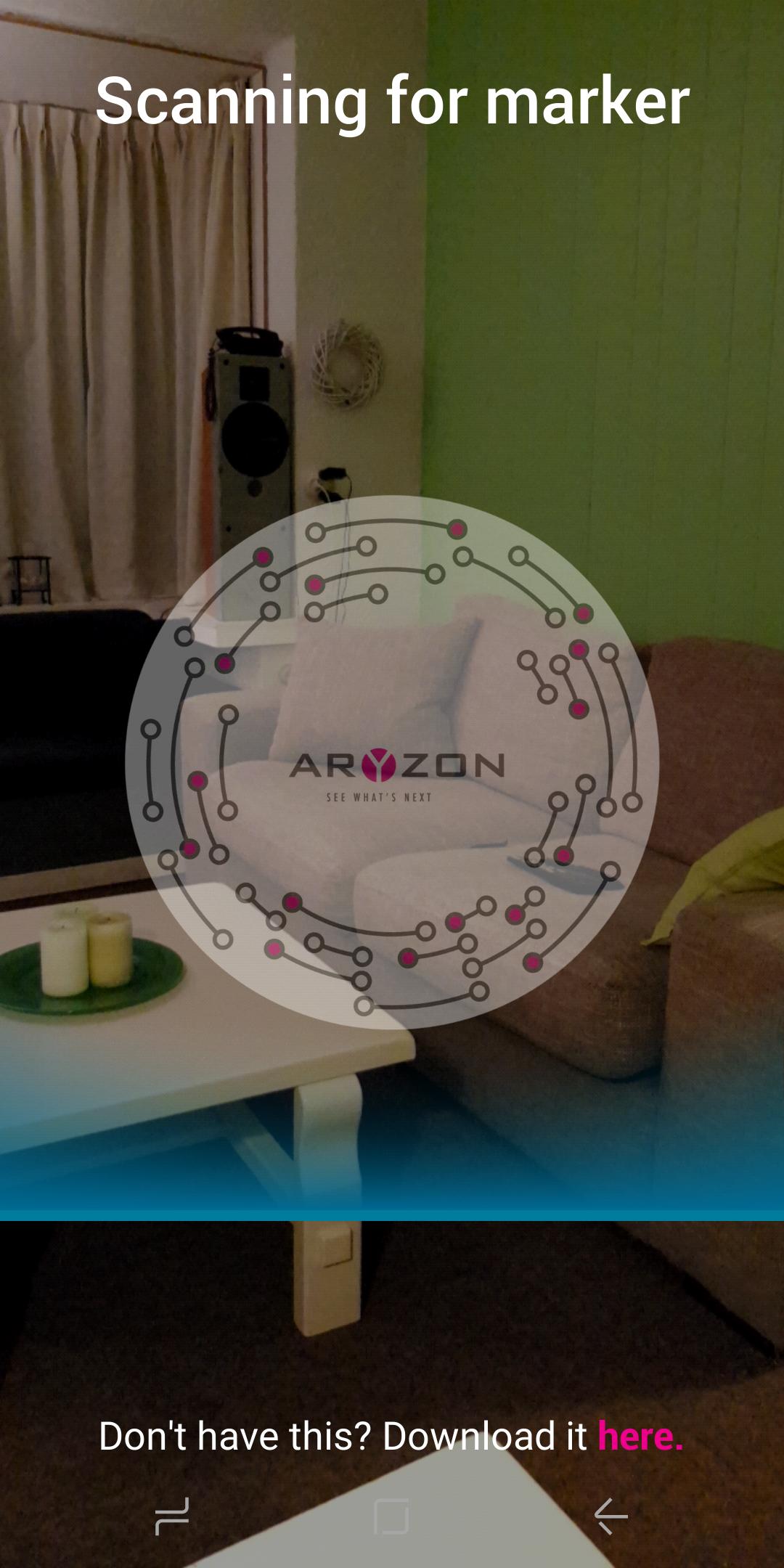
AR 3D Model Viewer uses Aryzon's marker image to view a large array of 3D models in any environment. 3D models can be imported with textures and animations, they can be scaled and rotated, and then placed in your immediate environment to create a truly seamless AR experience.
Take a snapshot of the 3D model in your environment!
**Use of the Aryzon AR Headset is advised, but not necessary, our AR headset advances the Augmented Reality effect into the 3rd dimension and allows you to truly visualize the volumetric 3D model in a real world environment.**
SUPPORTED FILE TYPES:
3D, 3DS, 3MF, AC, AMF, ASE, ASSBIN, ASSXML, B3D, BLEND, BSP, BVH, COB, CSM, DAE, DXF, FBX, GLTF, HMP, IFC, IRR, IRRMESH, LWO, LWS, MD2, MD3, MD5, MDC, MDL, MS3D, NDO, NFF, OBJ, OFF, OGEX, PLY, Q3D, Q3S, RAW, SCN, SIB, SMD, STL, TER, VTA, X, X3D, XGL, XML, ZGL.
プレビュー
情報
デベロッパー
Aryzon
最新バージョン
1.1
最終更新
2018-01-06
カテゴリー
ツール
上で利用可能
Google Play
もっと見せる
PCでGameLoopを使用してAR 3D Model Viewerをプレイする方法
1. 公式WebサイトからGameLoopをダウンロードし、exeファイルを実行してGameLoopをインストールします
2. GameLoopを開いて「AR 3D Model Viewer」を検索し、検索結果でAR 3D Model Viewerを見つけて、「インストール」をクリックします。
3. GameLoopでAR 3D Model Viewerを楽しんでください
Minimum requirements
OS
Windows 8.1 64-bit or Windows 10 64-bit
GPU
GTX 1050
CPU
i3-8300
Memory
8GB RAM
Storage
1GB available space
Recommended requirements
OS
Windows 8.1 64-bit or Windows 10 64-bit
GPU
GTX 1050
CPU
i3-9320
Memory
16GB RAM
Storage
1GB available space