
AppStream Example Client PC
Amazon Mobile LLC
GameLoopエミュレーターを使用してPCにAppStream Example Clientをダウンロードします
AppStream Example Client PC版
開発者Amazon Mobile LLCからのAppStream Example Clientは、過去にAndroidsystermで実行されています。
これで、GameLoopを搭載したPCでAppStream Example Clientをスムーズにプレイできます。
GameLoopライブラリまたは検索結果にダウンロードしてください。 バッテリーに目を向けたり、間違った時間にイライラしたりすることはもうありません。
大画面でAppStream Example ClientPCを無料でお楽しみください!
AppStream Example Client 序章
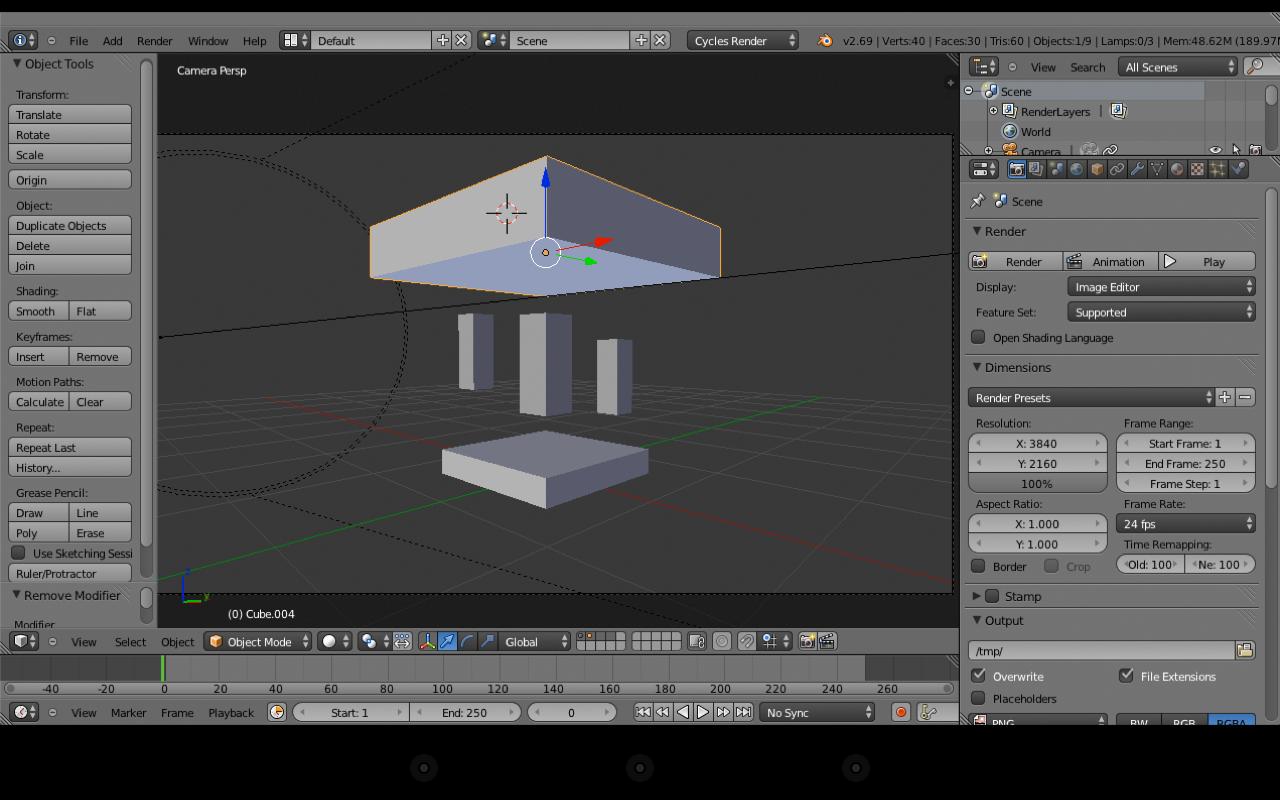
Amazon AppStream is a flexible, low-latency service that lets you stream resource intensive applications from the cloud. Amazon AppStream deploys and renders your application on AWS infrastructure and streams the output to mass-market devices, such as personal computers, tablets, and mobile phones. Because your application is running in the cloud, it can scale to handle vast computational and storage needs, regardless of the devices your customers are using. You can choose to stream either all or parts of your application from the cloud. Amazon AppStream enables use cases for applications that wouldn’t be possible running natively on mass-market devices. Using Amazon AppStream, your applications are no longer constrained by the hardware in your customer’s hands.
Amazon AppStream includes a SDK that currently supports streaming applications from Microsoft Windows Server 2008 R2 to devices running FireOS, Android, iOS, Mac OSX, Microsoft Windows, and now Chromebooks and Chrome Web Browsers.
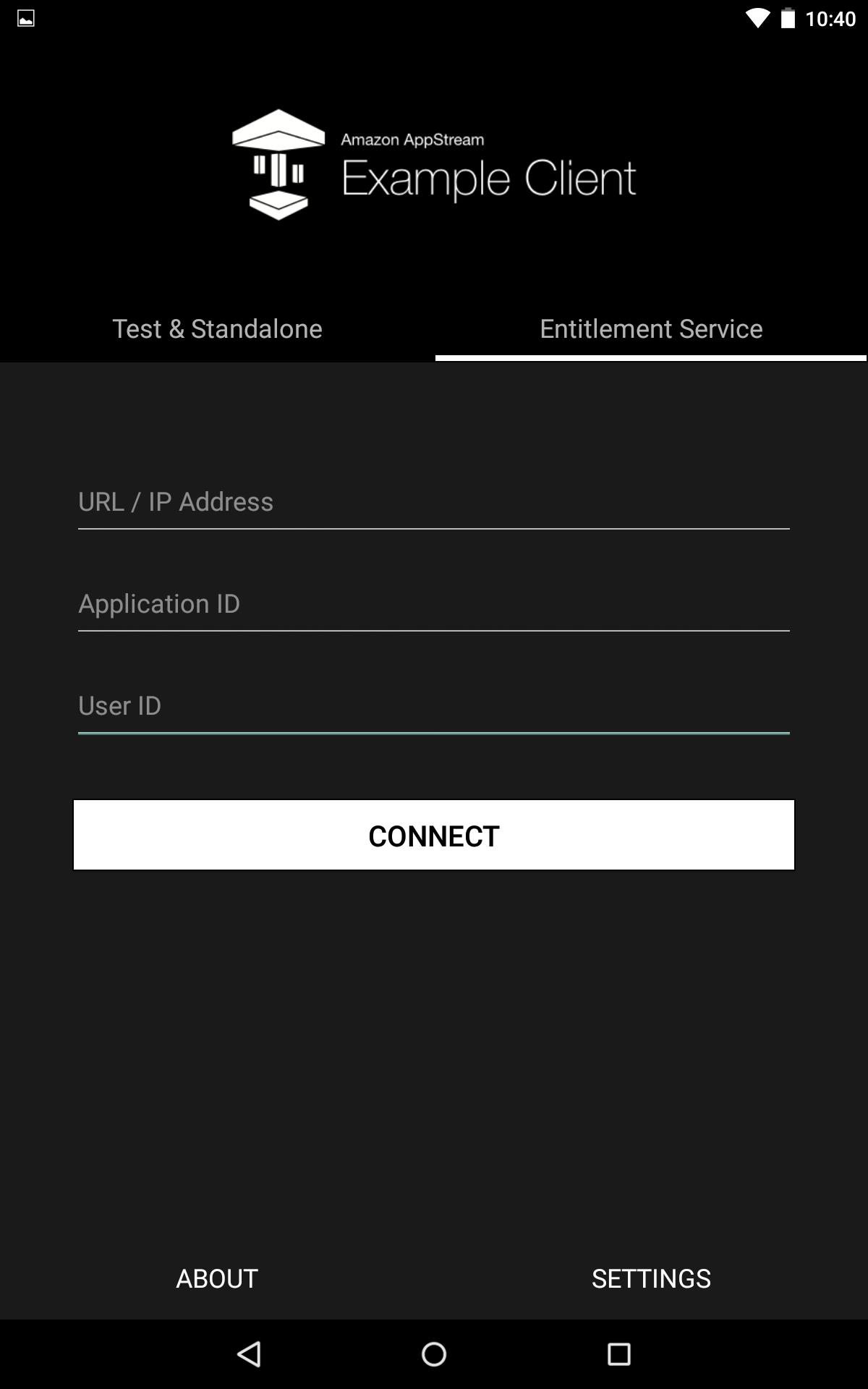
This is the example client for Android which allows you to connect to your deployed AppStream application.
プレビュー
情報
デベロッパー
Amazon Mobile LLC
最新バージョン
1.0
最終更新
2015-03-06
カテゴリー
ツール
上で利用可能
Google Play
もっと見せる
PCでGameLoopを使用してAppStream Example Clientをプレイする方法
1. 公式WebサイトからGameLoopをダウンロードし、exeファイルを実行してGameLoopをインストールします
2. GameLoopを開いて「AppStream Example Client」を検索し、検索結果でAppStream Example Clientを見つけて、「インストール」をクリックします。
3. GameLoopでAppStream Example Clientを楽しんでください
Minimum requirements
OS
Windows 8.1 64-bit or Windows 10 64-bit
GPU
GTX 1050
CPU
i3-8300
Memory
8GB RAM
Storage
1GB available space
Recommended requirements
OS
Windows 8.1 64-bit or Windows 10 64-bit
GPU
GTX 1050
CPU
i3-9320
Memory
16GB RAM
Storage
1GB available space