AppDash: App Manager & Backup PC
flar2
GameLoopエミュレーターを使用してPCにAppDash: App Manager & Backupをダウンロードします
AppDash: App Manager & Backup PC版
開発者flar2からのAppDash: App Manager & Backupは、過去にAndroidsystermで実行されています。
これで、GameLoopを搭載したPCでAppDash: App Manager & Backupをスムーズにプレイできます。
GameLoopライブラリまたは検索結果にダウンロードしてください。 バッテリーに目を向けたり、間違った時間にイライラしたりすることはもうありません。
大画面でAppDash: App Manager & BackupPCを無料でお楽しみください!
AppDash: App Manager & Backup 序章
AppDash is a next-generation app manager for Android — built for users who want more than the basics. Organize, analyze, and take full control of every app on your device, all in one place.
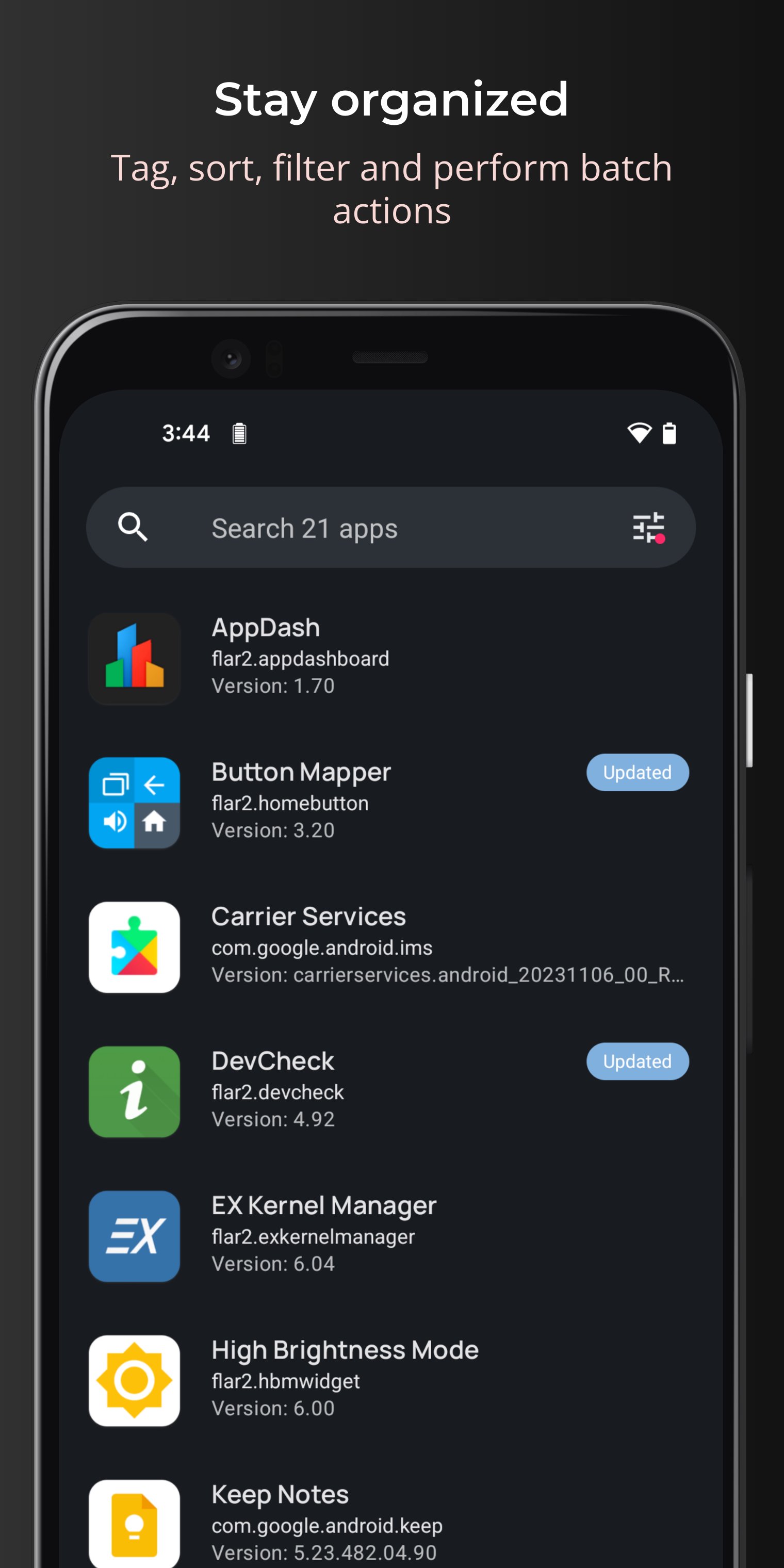
• Tag and organize apps with custom groups
• Advanced permissions manager with risk summaries
• Backup and restore apps (data support with root)
• Track install, update, uninstall, and reinstall history
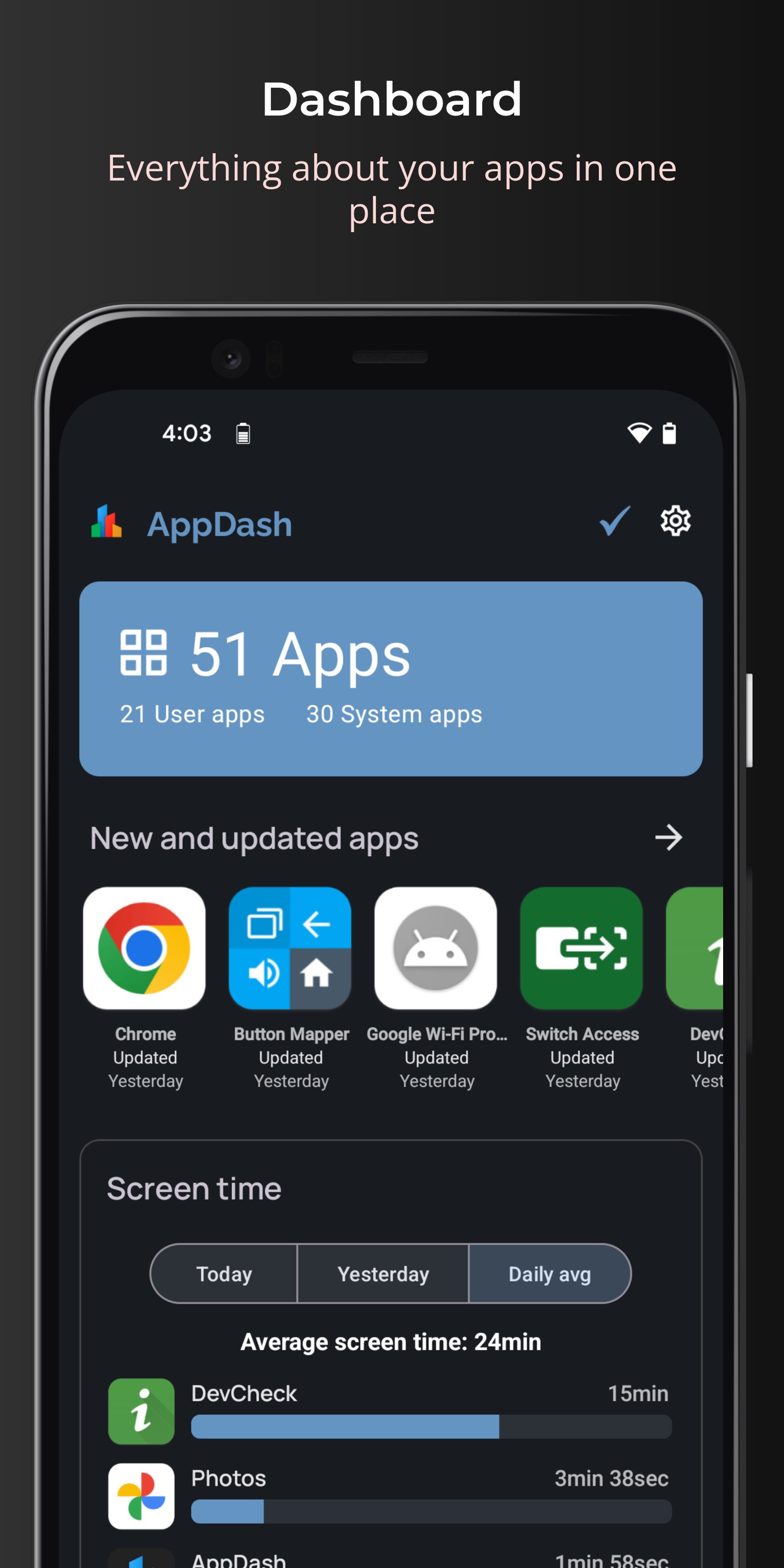
• Monitor app usage and screen time
• Add notes and ratings to your apps
• Perform batch actions (uninstall, backup, tag)
• Quickly find new and recently updated apps
• Create and share app lists
• Analyze, extract, share, or install APK, APKS, XAPK, and APKM files
• Identify unused apps and free up storage space
• View detailed app info including manifest, components, and metadata
Tags
A flexible way to organize and visualize your apps. Create up to 50 customizable tag groups and quickly add or remove apps. Run batch actions like backup, restore, or share. View usage summaries by tag, and let AutoTag categorize apps automatically.
Backups
Back up apps to internal storage, Google Drive, or SMB shares.
Root users get full backups including app data, external data, and OBB files. Non-root users can back up APK files. Enable automatic backups when apps update or schedule them at a specific time.
App Details
Everything you'd want to know about an app, with quick actions to launch, backup, uninstall, share, extract, and more. View permissions, manifest data, and app components. Add notes and star ratings.
History
A running log of app events. Track installs, updates, uninstalls, reinstalls, downgrades, and version changes over time.
Usage
See screen time and launch counts per app. View weekly averages or detailed daily breakdowns, and analyze usage per app or by tag.
Permissions
Detailed permissions manager with summaries of high-risk, medium-risk, and special access apps.
Tools
Quickly find apps that need attention:
• Large apps (100 MB+)
• Running apps
• Unused apps
APK Analyzer
Open APK files directly from file explorers using “Open with AppDash” to inspect and manage them.
Privacy
AppDash is ad-free and does not collect personally identifiable user data.
Some features may securely transmit app package names to provide enhanced metadata. No personal identifiers (such as your name, email address, or device ID) are collected or linked to this data.
Includes a 7-day full-access preview period. After that, a plan is required to continue using AppDash. Subscriptions auto-renew unless cancelled in Google Play settings. A lifetime purchase option is also available.
プレビュー
タグ
ツール情報
デベロッパー
flar2
最新バージョン
3.02
最終更新
2026-03-27
カテゴリー
ツール
上で利用可能
Google Play
もっと見せる
PCでGameLoopを使用してAppDash: App Manager & Backupをプレイする方法
1. 公式WebサイトからGameLoopをダウンロードし、exeファイルを実行してGameLoopをインストールします
2. GameLoopを開いて「AppDash: App Manager & Backup」を検索し、検索結果でAppDash: App Manager & Backupを見つけて、「インストール」をクリックします。
3. GameLoopでAppDash: App Manager & Backupを楽しんでください
Minimum requirements
OS
Windows 8.1 64-bit or Windows 10 64-bit
GPU
GTX 1050
CPU
i3-8300
Memory
8GB RAM
Storage
1GB available space
Recommended requirements
OS
Windows 8.1 64-bit or Windows 10 64-bit
GPU
GTX 1050
CPU
i3-9320
Memory
16GB RAM
Storage
1GB available space