
Family Track - Online Status PC
Online/Offline status traker App.
GameLoopエミュレーターを使用してPCにFamily Track - Online Statusをダウンロードします
Family Track - Online Status PC版
開発者Online/Offline status traker App.からのFamily Track - Online Statusは、過去にAndroidsystermで実行されています。
これで、GameLoopを搭載したPCでFamily Track - Online Statusをスムーズにプレイできます。
GameLoopライブラリまたは検索結果にダウンロードしてください。 バッテリーに目を向けたり、間違った時間にイライラしたりすることはもうありません。
大画面でFamily Track - Online StatusPCを無料でお楽しみください!
Family Track - Online Status 序章
Family Track allows you to keep an eye on your children and their online activity.
It's past bedtime. Is your children asleep or browsing the internet?
You can't always physically track your children's internet usage. Is he or she online past bedtime?
With Family Track, you can monitor and follow your children's activity 24/7, even when you are not with them! Try for free now!
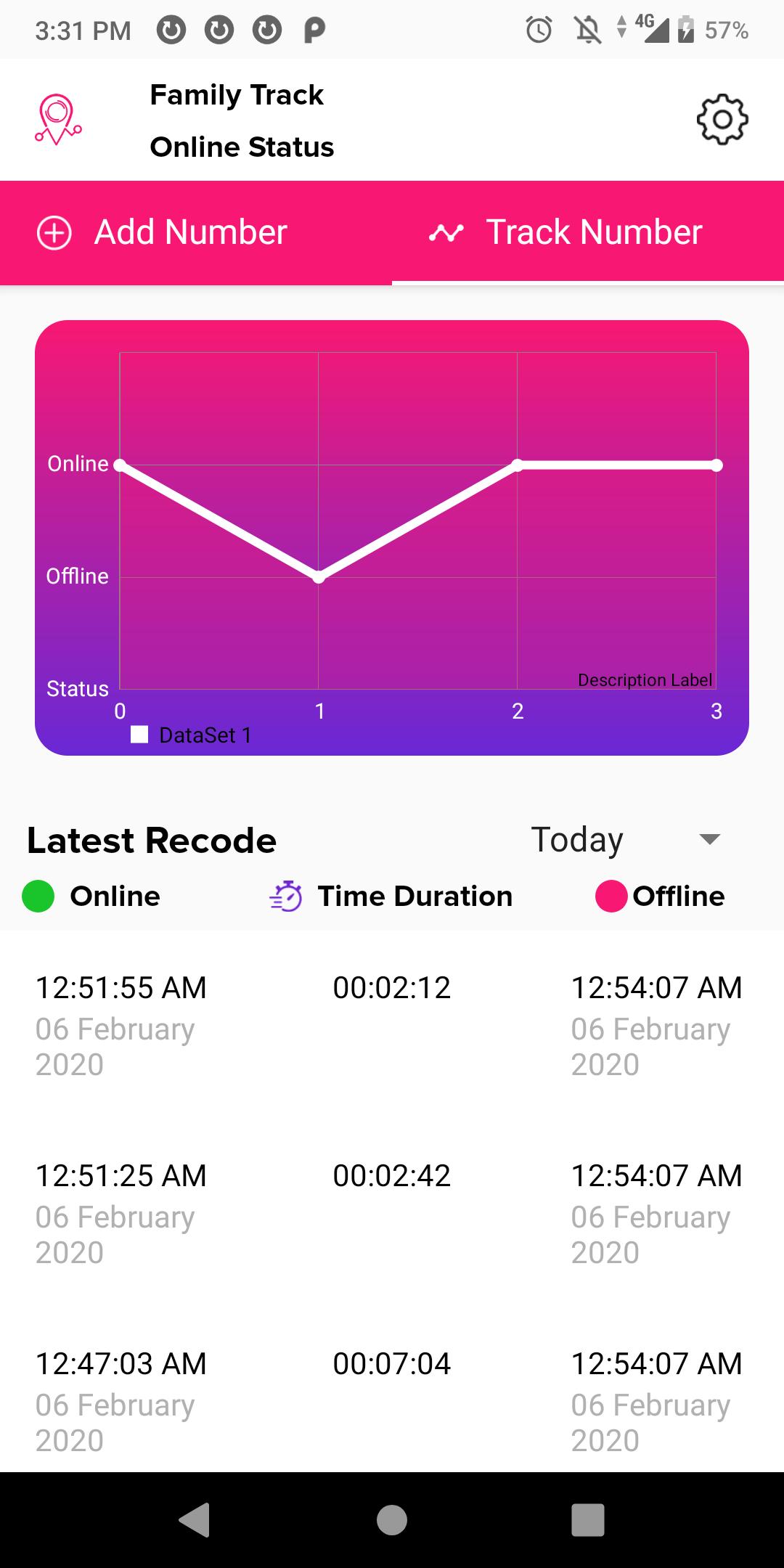
Family Track provides detailed reports of online activity of up to 3 numbers along with instant alerts and email reports.
With Family Track, you can filter reports by date and specific time frames (e.g. past bedtime) throughout the day.
You can also compare online activity of multiple individuals through easy to use visual graphs and compare patterns in the activity.
Exclusive Features of Family Track:
-Track up to 3 numbers
-Instant Notifications
-24/7 Tracking
-Last Seen Reports
プレビュー
情報
デベロッパー
Online/Offline status traker App.
最新バージョン
1.7
最終更新
2020-02-26
カテゴリー
ツール
上で利用可能
Google Play
もっと見せる
PCでGameLoopを使用してFamily Track - Online Statusをプレイする方法
1. 公式WebサイトからGameLoopをダウンロードし、exeファイルを実行してGameLoopをインストールします
2. GameLoopを開いて「Family Track - Online Status」を検索し、検索結果でFamily Track - Online Statusを見つけて、「インストール」をクリックします。
3. GameLoopでFamily Track - Online Statusを楽しんでください
Minimum requirements
OS
Windows 8.1 64-bit or Windows 10 64-bit
GPU
GTX 1050
CPU
i3-8300
Memory
8GB RAM
Storage
1GB available space
Recommended requirements
OS
Windows 8.1 64-bit or Windows 10 64-bit
GPU
GTX 1050
CPU
i3-9320
Memory
16GB RAM
Storage
1GB available space