Ap.reader -QR code and barcode reader PC
Appicker
GameLoopエミュレーターを使用してPCにAp.reader -QR code and barcode readerをダウンロードします
Ap.reader -QR code and barcode reader PC版
開発者AppickerからのAp.reader -QR code and barcode readerは、過去にAndroidsystermで実行されています。
これで、GameLoopを搭載したPCでAp.reader -QR code and barcode readerをスムーズにプレイできます。
GameLoopライブラリまたは検索結果にダウンロードしてください。 バッテリーに目を向けたり、間違った時間にイライラしたりすることはもうありません。
大画面でAp.reader -QR code and barcode readerPCを無料でお楽しみください!
Ap.reader -QR code and barcode reader 序章
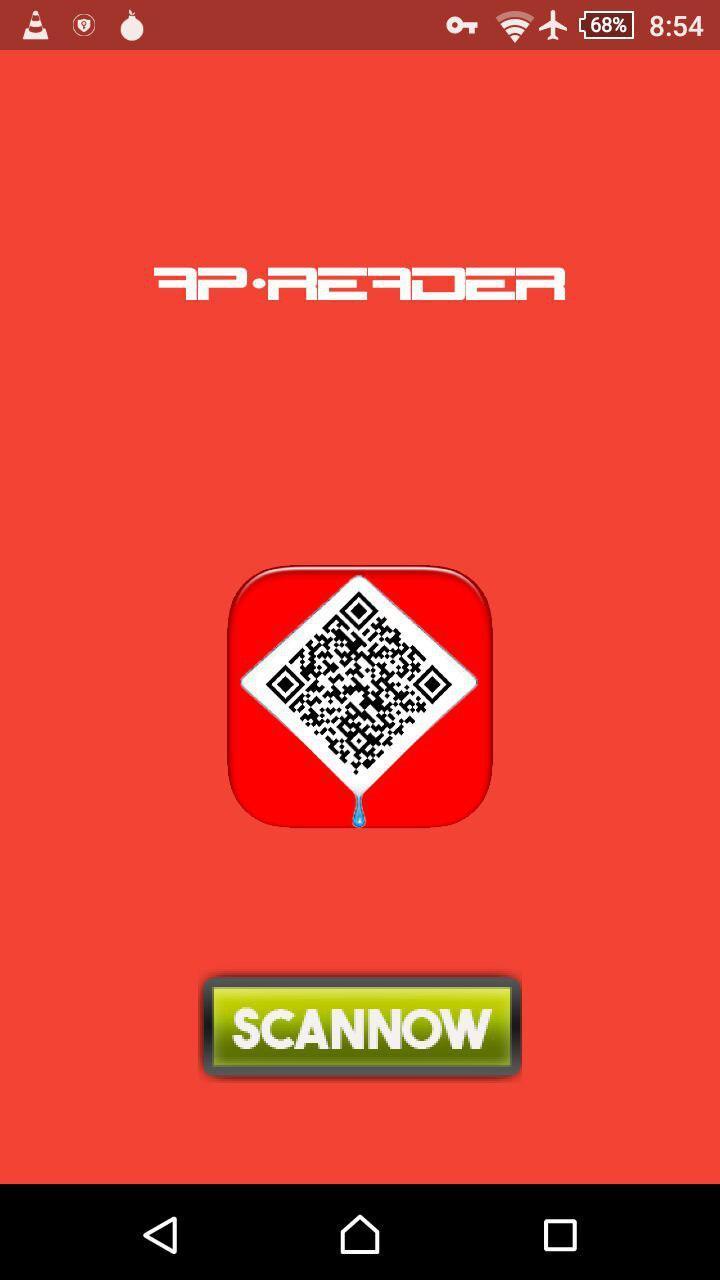
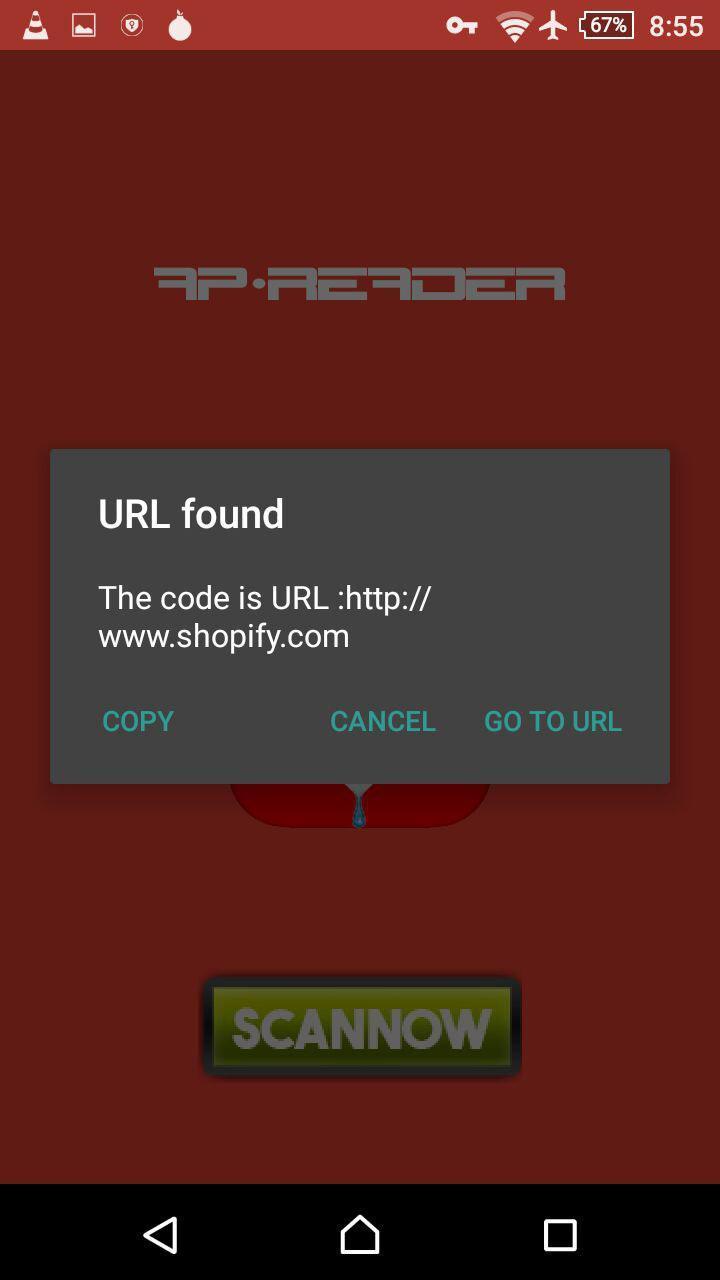
Ap.Reader -QR Code Reader & Barcode Scanner is a free scan QRc ode application and barcode scanner,
The app is optimized for QR code and Barcode decoding in any Android device, you can enjoy all the benefit by scanning QR codes & barcode from everywhere to access promotion and coupons in stores, online stores & websites or flyers.
==========================================
AP. Reader Features:
==========================================
・ Display confirmation messages
・ Read & delete read history
・ Copy & read-out contents
・ QR Code Reader.
・ Barcode Reader.
・ Open link in your Web Browser
This app is an excellent tool for pricing, review, and more about any products you scan or read.
プレビュー
情報
デベロッパー
Appicker
最新バージョン
1.1
最終更新
2017-10-14
カテゴリー
ツール
上で利用可能
Google Play
もっと見せる
PCでGameLoopを使用してAp.reader -QR code and barcode readerをプレイする方法
1. 公式WebサイトからGameLoopをダウンロードし、exeファイルを実行してGameLoopをインストールします
2. GameLoopを開いて「Ap.reader -QR code and barcode reader」を検索し、検索結果でAp.reader -QR code and barcode readerを見つけて、「インストール」をクリックします。
3. GameLoopでAp.reader -QR code and barcode readerを楽しんでください
Minimum requirements
OS
Windows 8.1 64-bit or Windows 10 64-bit
GPU
GTX 1050
CPU
i3-8300
Memory
8GB RAM
Storage
1GB available space
Recommended requirements
OS
Windows 8.1 64-bit or Windows 10 64-bit
GPU
GTX 1050
CPU
i3-9320
Memory
16GB RAM
Storage
1GB available space