
Any File Converter - All file converter PC
Level 5
GameLoopエミュレーターを使用してPCにAny File Converter - All file converterをダウンロードします
Any File Converter - All file converter PC版
開発者Level 5からのAny File Converter - All file converterは、過去にAndroidsystermで実行されています。
これで、GameLoopを搭載したPCでAny File Converter - All file converterをスムーズにプレイできます。
GameLoopライブラリまたは検索結果にダウンロードしてください。 バッテリーに目を向けたり、間違った時間にイライラしたりすることはもうありません。
大画面でAny File Converter - All file converterPCを無料でお楽しみください!
Any File Converter - All file converter 序章
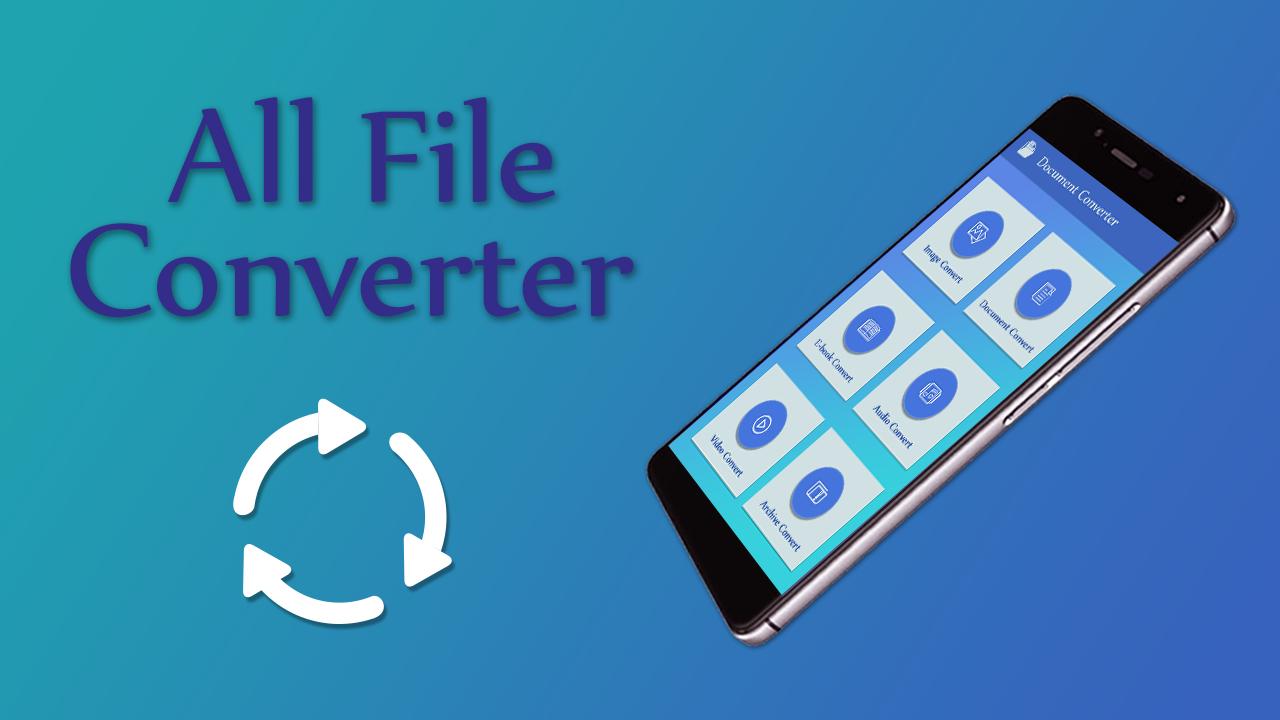
All File Converter 2018 is very useful app. In this "Any File Converter" app you will find converter. You can convert files like Documentary, Image, E-book, Audio-Video and Archive. Very quickly you can get converted file and it will save in specific folder. Of course share files using social network.
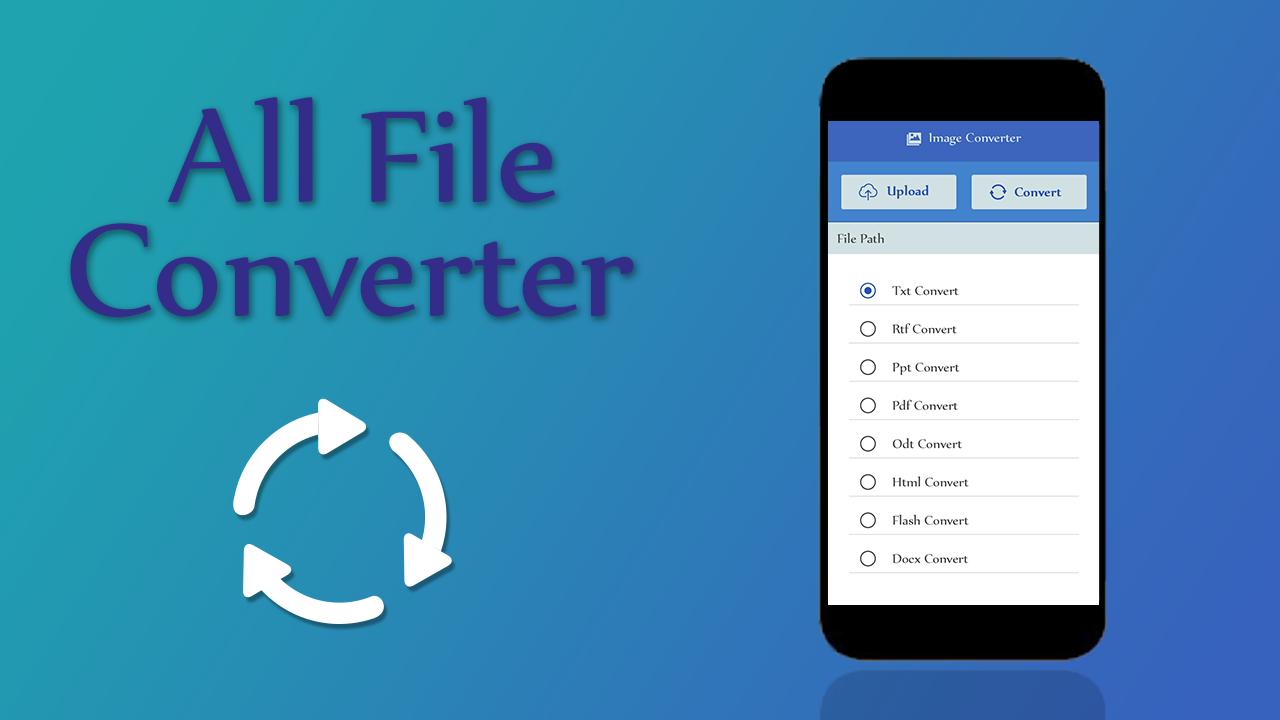
All File Converter 2018 is an online converter to convert document, video, audio, image, icon and archive files on Android device.Any File Converter is easy to use. Just add a batch of files on your Android phone, choose a target format, and tap the "Convert Now" button to convert.
Features of File Converter
# Select any file and convert within a moment.
# You can convert files like Image, Audio-Video etc.
# All File Converter app containing each & every format.
# Every Converted file will save in separate folder.
# Share file with your friends and enjoy.
プレビュー
情報
デベロッパー
Level 5
最新バージョン
1.0
最終更新
2018-05-26
カテゴリー
ツール
上で利用可能
Google Play
もっと見せる
PCでGameLoopを使用してAny File Converter - All file converterをプレイする方法
1. 公式WebサイトからGameLoopをダウンロードし、exeファイルを実行してGameLoopをインストールします
2. GameLoopを開いて「Any File Converter - All file converter」を検索し、検索結果でAny File Converter - All file converterを見つけて、「インストール」をクリックします。
3. GameLoopでAny File Converter - All file converterを楽しんでください
Minimum requirements
OS
Windows 8.1 64-bit or Windows 10 64-bit
GPU
GTX 1050
CPU
i3-8300
Memory
8GB RAM
Storage
1GB available space
Recommended requirements
OS
Windows 8.1 64-bit or Windows 10 64-bit
GPU
GTX 1050
CPU
i3-9320
Memory
16GB RAM
Storage
1GB available space