Amoled Clock On Display - AOD PC
Bhatrani Apps
GameLoopエミュレーターを使用してPCにAmoled Clock On Display - AODをダウンロードします
Amoled Clock On Display - AOD PC版
開発者Bhatrani AppsからのAmoled Clock On Display - AODは、過去にAndroidsystermで実行されています。
これで、GameLoopを搭載したPCでAmoled Clock On Display - AODをスムーズにプレイできます。
GameLoopライブラリまたは検索結果にダウンロードしてください。 バッテリーに目を向けたり、間違った時間にイライラしたりすることはもうありません。
大画面でAmoled Clock On Display - AODPCを無料でお楽しみください!
Amoled Clock On Display - AOD 序章
To show digital clock always on display we use AMOLED feature of smart phone. This super amoled feature is called ambient display or active display. Always on display (AOD) keep a limited portion of the screen on during sleep mode.
Super amoled lock screen clock widget does not drain battery because, always on display clock on screen just turns on those pixels LED required to show text, image or graphics while other pixels turned off.
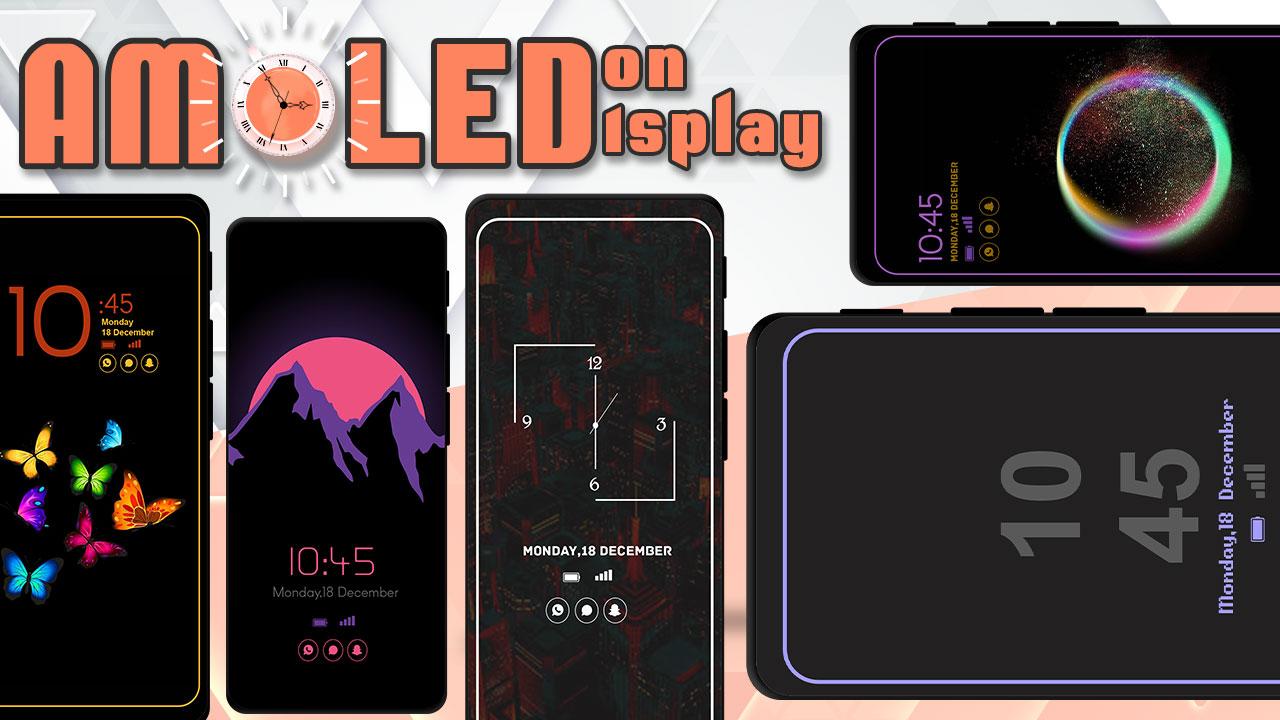
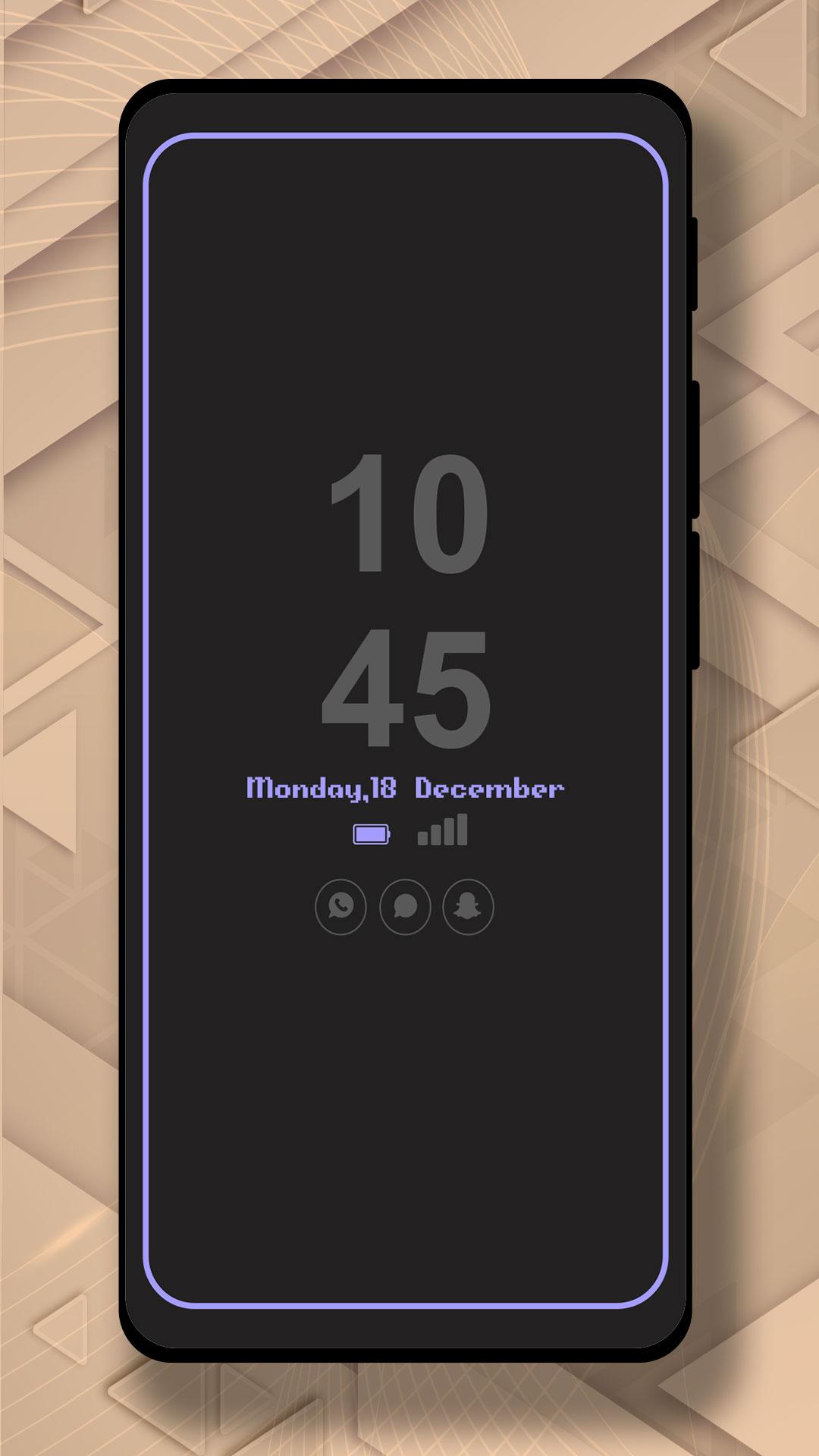
It will display the Amoled Clock on your mobile screens with the Digital clock AMOLED Display, Analog clock AMOLED Display, Calendar clock, Emoji clock, Picture Display clock, Funny clock, with notifications, and Time at your screen without having to touch the phone.
Now, screen time or digital clock is right in front of your eyes. The app provides you information about the date, time, notifications, and more. You won't even have to touch your phone screen to get all of the information as mentioned above. The Always on Display app is developed to show basic information on the black screen.
Settings:-
* Collection of Awesome digital clock and analog clocks
* Amazing UI/UX design and very easy to use
* Show battery level and less battery consumption
* Highly in-demand of these days Always On Display Screen
* Enable/Disable showing notifications
* Stunning Black Backgrounds
* Change clock style there a vast variety of styles of clocks like Analog and Digital Formates
* Social Media Notifications
* Always on Display - AOD
* Variety of AMOLED Clock styles always on display
* Can be used as a night clock
プレビュー
タグ
ツール情報
デベロッパー
Bhatrani Apps
最新バージョン
5.0.0
最終更新
2022-08-20
カテゴリー
ツール
上で利用可能
Google Play
もっと見せる
PCでGameLoopを使用してAmoled Clock On Display - AODをプレイする方法
1. 公式WebサイトからGameLoopをダウンロードし、exeファイルを実行してGameLoopをインストールします
2. GameLoopを開いて「Amoled Clock On Display - AOD」を検索し、検索結果でAmoled Clock On Display - AODを見つけて、「インストール」をクリックします。
3. GameLoopでAmoled Clock On Display - AODを楽しんでください
Minimum requirements
OS
Windows 8.1 64-bit or Windows 10 64-bit
GPU
GTX 1050
CPU
i3-8300
Memory
8GB RAM
Storage
1GB available space
Recommended requirements
OS
Windows 8.1 64-bit or Windows 10 64-bit
GPU
GTX 1050
CPU
i3-9320
Memory
16GB RAM
Storage
1GB available space