
AirPush - Nearby File Sharing in Web Browser PC
OmniaShare
GameLoopエミュレーターを使用してPCにAirPush - Nearby File Sharing in Web Browserをダウンロードします
AirPush - Nearby File Sharing in Web Browser PC版
開発者OmniaShareからのAirPush - Nearby File Sharing in Web Browserは、過去にAndroidsystermで実行されています。
これで、GameLoopを搭載したPCでAirPush - Nearby File Sharing in Web Browserをスムーズにプレイできます。
GameLoopライブラリまたは検索結果にダウンロードしてください。 バッテリーに目を向けたり、間違った時間にイライラしたりすることはもうありません。
大画面でAirPush - Nearby File Sharing in Web BrowserPCを無料でお楽しみください!
AirPush - Nearby File Sharing in Web Browser 序章
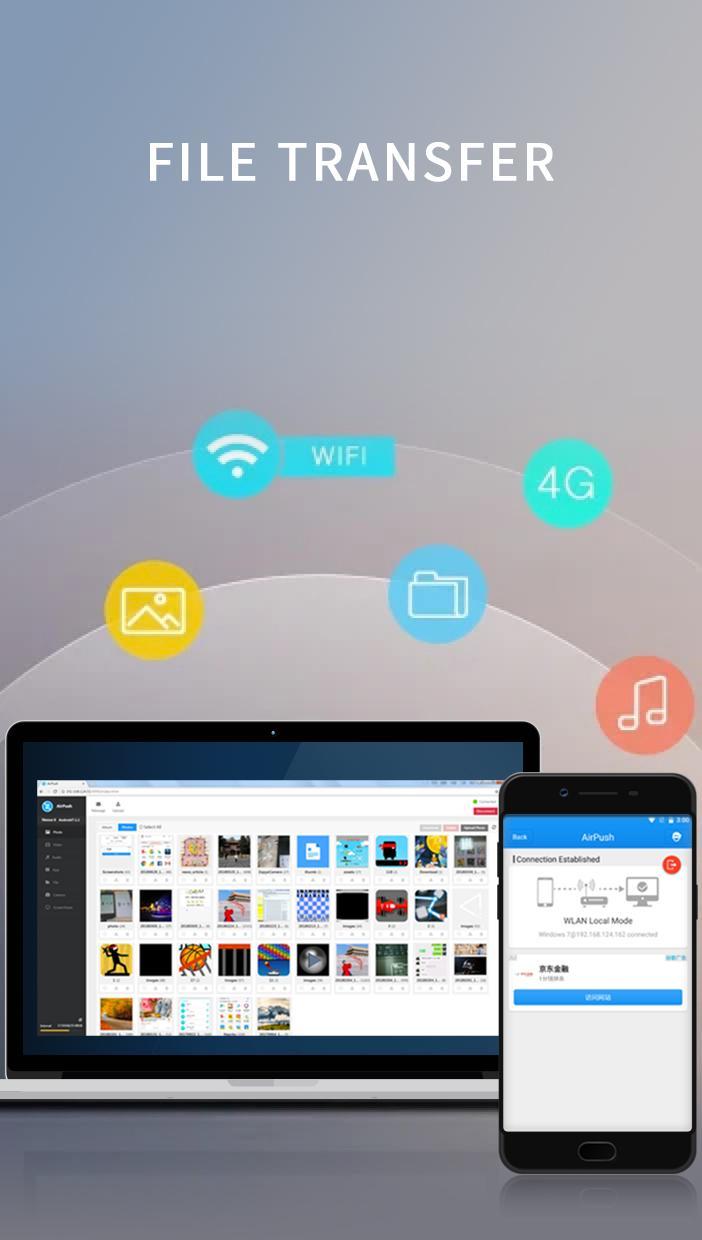
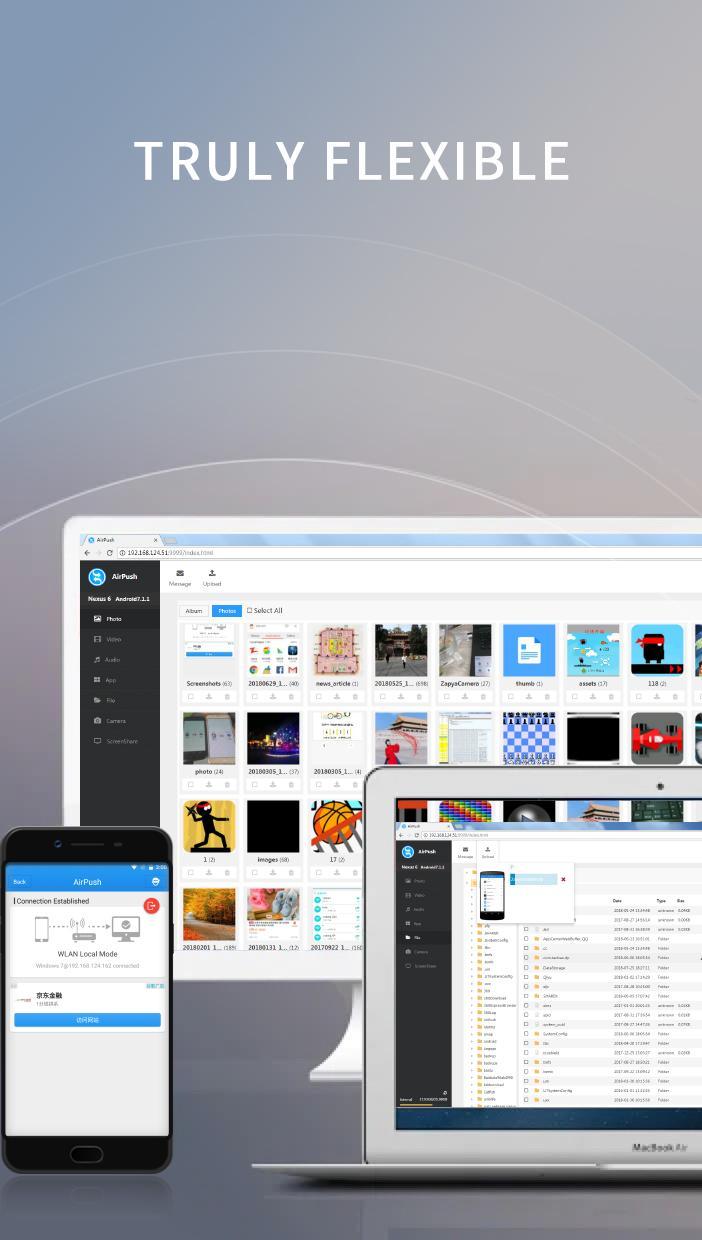
AirPush is a simple and yet powerful tool that allow Android users to push files to any other platforms in the same WLAN network. The idea is that this app includes a web server that has full access to all files on the Android device. Any devices in the same network can connect to the web server via a web browser to gain full access of files of this Android device.
With this app, you do not need the peer devices to install a matching app first before starting file transfer as many file sharing apps do. You just need to start the system web browser on the other devices, connect to the IP address of the web server running inside of AirPush, and then manage all files on the Android device.
All these tasks can be done in the web interface:
- View Photos
- Play Songs
- Watch Videos
- Access any folders on the phone
- Download files from the Android device
- Upload files onto the Android device
- Access Android Apps(.apk)
- Remote control the camera on the Android device
Install once and share files to any platforms!
プレビュー
タグ
ツール情報
デベロッパー
OmniaShare
最新バージョン
1.0
最終更新
2018-07-29
カテゴリー
ツール
上で利用可能
Google Play
もっと見せる
PCでGameLoopを使用してAirPush - Nearby File Sharing in Web Browserをプレイする方法
1. 公式WebサイトからGameLoopをダウンロードし、exeファイルを実行してGameLoopをインストールします
2. GameLoopを開いて「AirPush - Nearby File Sharing in Web Browser」を検索し、検索結果でAirPush - Nearby File Sharing in Web Browserを見つけて、「インストール」をクリックします。
3. GameLoopでAirPush - Nearby File Sharing in Web Browserを楽しんでください
Minimum requirements
OS
Windows 8.1 64-bit or Windows 10 64-bit
GPU
GTX 1050
CPU
i3-8300
Memory
8GB RAM
Storage
1GB available space
Recommended requirements
OS
Windows 8.1 64-bit or Windows 10 64-bit
GPU
GTX 1050
CPU
i3-9320
Memory
16GB RAM
Storage
1GB available space