Action Widgets PC
Hoot Apps
GameLoopエミュレーターを使用してPCにAction Widgetsをダウンロードします
Action Widgets PC版
開発者Hoot AppsからのAction Widgetsは、過去にAndroidsystermで実行されています。
これで、GameLoopを搭載したPCでAction Widgetsをスムーズにプレイできます。
GameLoopライブラリまたは検索結果にダウンロードしてください。 バッテリーに目を向けたり、間違った時間にイライラしたりすることはもうありません。
大画面でAction WidgetsPCを無料でお楽しみください!
Action Widgets 序章
A handy tools to toggle and start most common actions.
Features
✓ 25 common toggles and actions
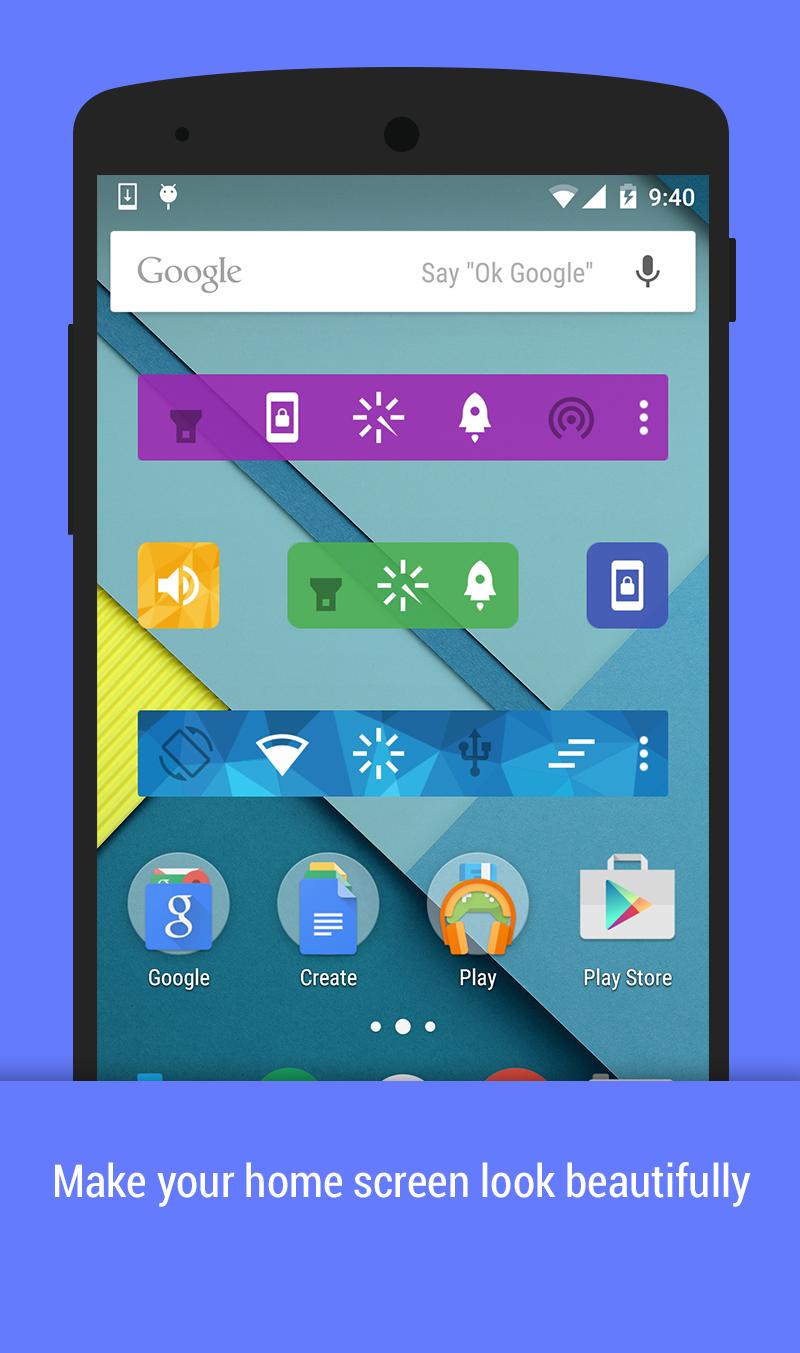
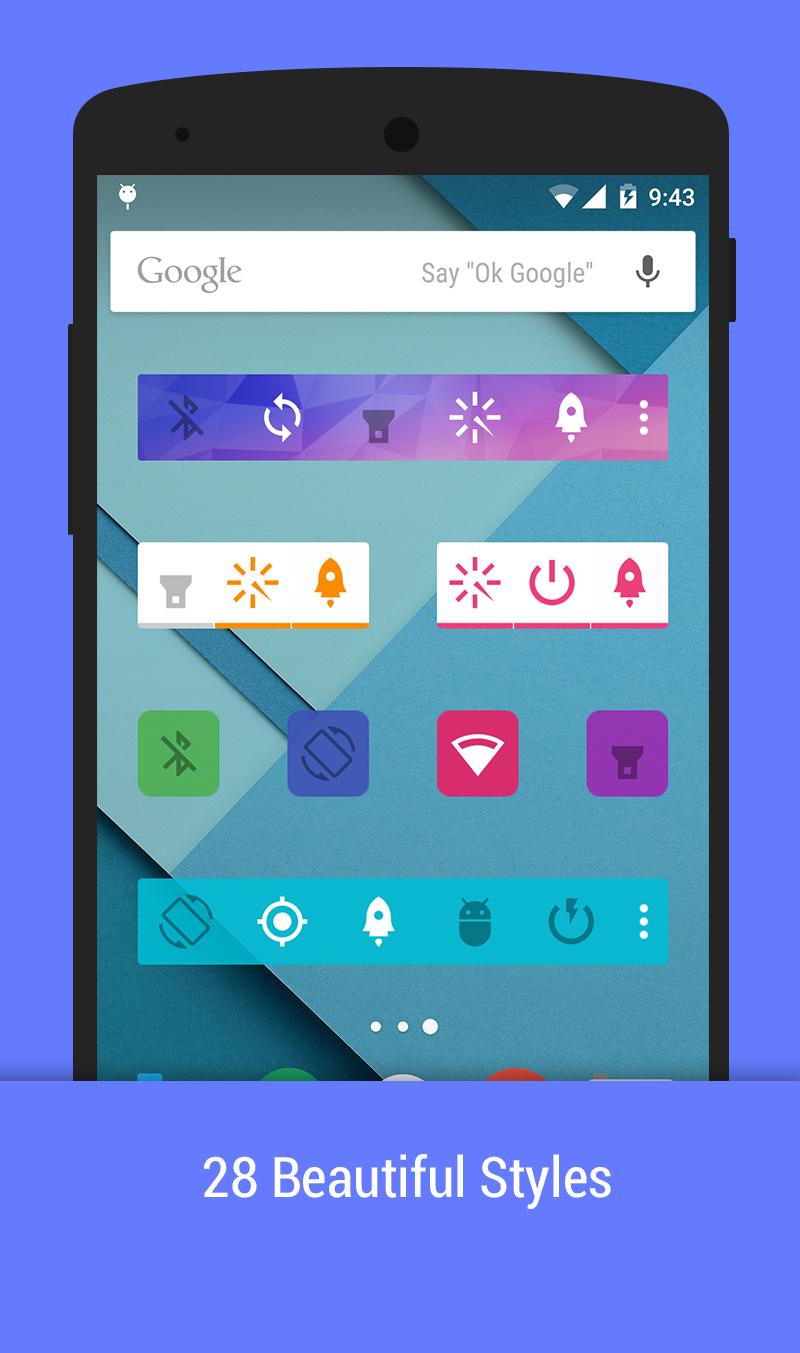
❤ 28 beautiful themes
✓ Unlimited home screen widgets: 1x1, 2x1, 4x1
✓ Notification area, action pad
✓ Auto-actions: show most use action on widgets
Toggles and action supports
☘ Mobile data - (Lollipop requires root)
☘ WiFi
☘ Bluetooth
❤ Flashlight
❤ Lock Screen
❤ Smart ram booster
☀ Sound/Silent/Vibrate mode
☀ Brightness
☀ Auto Sync
☀ Sync now
☀ GPS (Xposed)
☀ Screen off Time
☀ Screen Orientation
☘ WiFi tethering
☘ USB tethering
☘ Bluetooth tethering
✓ AirPlane (root)
✓ Adb (root)
✓ Fast reboot (root)
✓ Reboot (root)
✓ PowerOff (root)
✓ Reboot recovery (root)
✓ Clear recent apps (xposed)
✓ Power saving mode (root, Lollipop+)
❤ Clear notification (Jelly Bean+)
✓ Scream
Compose togglers:
✓ WiFi+Mobile data
✓ WiFi + Mobile data + Bluetooth
Some toggles and actions require root permission or xposed mod
Enjoy beautiful widgets. Happy customization. Also save battery with power widgets.
プレビュー
情報
デベロッパー
Hoot Apps
最新バージョン
1.4
最終更新
2015-04-21
カテゴリー
ツール
上で利用可能
Google Play
もっと見せる
PCでGameLoopを使用してAction Widgetsをプレイする方法
1. 公式WebサイトからGameLoopをダウンロードし、exeファイルを実行してGameLoopをインストールします
2. GameLoopを開いて「Action Widgets」を検索し、検索結果でAction Widgetsを見つけて、「インストール」をクリックします。
3. GameLoopでAction Widgetsを楽しんでください
Minimum requirements
OS
Windows 8.1 64-bit or Windows 10 64-bit
GPU
GTX 1050
CPU
i3-8300
Memory
8GB RAM
Storage
1GB available space
Recommended requirements
OS
Windows 8.1 64-bit or Windows 10 64-bit
GPU
GTX 1050
CPU
i3-9320
Memory
16GB RAM
Storage
1GB available space