ACR Dialer - Auto Call Recorder Pro PC
Messenger & Live Chat Video Call 2021
GameLoopエミュレーターを使用してPCにACR Dialer - Auto Call Recorder Proをダウンロードします
ACR Dialer - Auto Call Recorder Pro PC版
開発者Messenger & Live Chat Video Call 2021からのACR Dialer - Auto Call Recorder Proは、過去にAndroidsystermで実行されています。
これで、GameLoopを搭載したPCでACR Dialer - Auto Call Recorder Proをスムーズにプレイできます。
GameLoopライブラリまたは検索結果にダウンロードしてください。 バッテリーに目を向けたり、間違った時間にイライラしたりすることはもうありません。
大画面でACR Dialer - Auto Call Recorder ProPCを無料でお楽しみください!
ACR Dialer - Auto Call Recorder Pro 序章
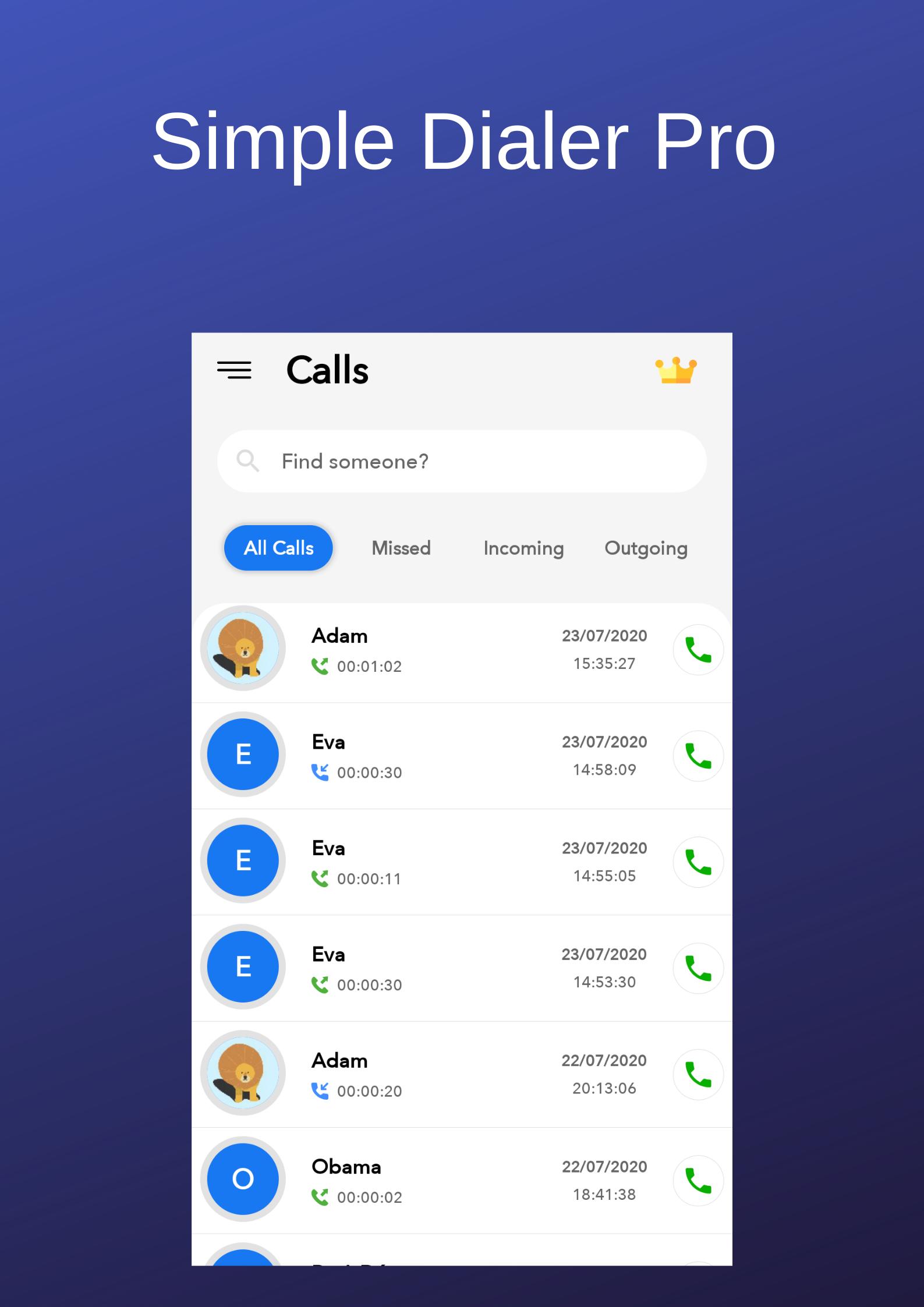
A lightweight app for handling your calls, no matter where are you. Comes with a handy call log for easy call initiation.
There is a quick dialpad at your service too, with smart contact suggestions. It supports letters too.
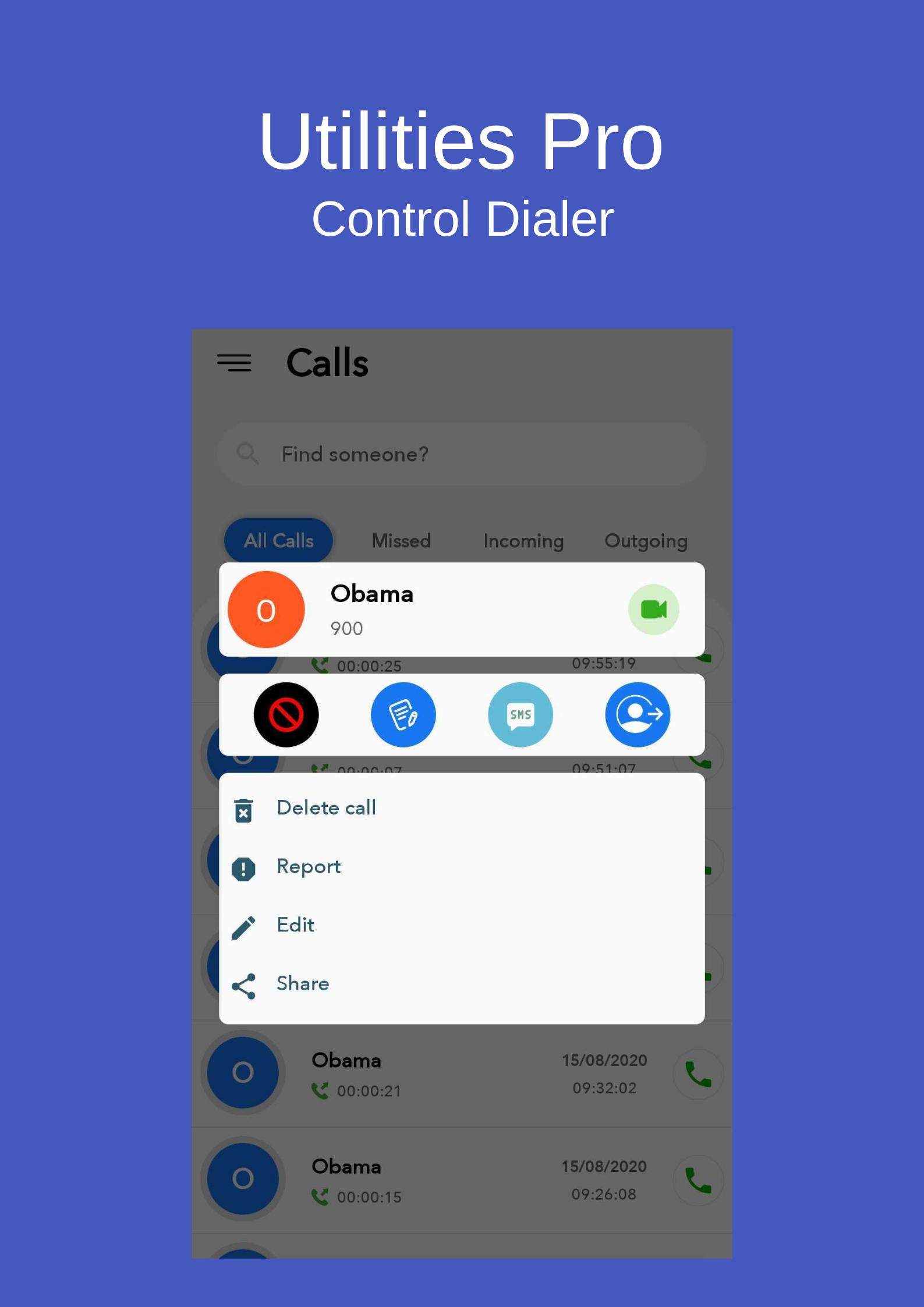
You can easily block phone numbers to avoid unwanted incoming calls.
Supported Speed dialing makes calling your favorite contacts with this true phone a breeze.
It comes with material design and dark theme by default, provides great user experience for easy usage. The lack of internet access gives you more privacy, security and stability than other apps.
ACR Dialer - Auto Call Recorder automatically records phone calls based on user selected phone numbers.
- The phone numbers are organized into contacts.
- Every contact can have an associated picture selected by the user.
- There are 4 possible recording formats: WAV (Lossless), AAC 128kbs, AAC 64kbps and AAC 32kbps.
- Records all your phone calls
- Record incoming call
- Record Outgoing call
- Excluded numbers
- Ability start delayed recording
- Favorite
- Search
- Play recorded audio
- Delete recorded items
- Displaying contact name and photo
- Lock recorded items to prevent from auto-cleaning
- Different recording modes by number, contact, non-contact or just selected contacts
- Lots of recording formats
- Recordings can be mono or stereo.
- The device can be put automatically on speaker while the application records the call.
- Recordings can be stored in the application's private storage space or in a public accessible location on the device. If they are stored in a public accessible location, they can be easily transferred to other devices, like a laptop. The location of the recordings on the device can be easily changed.
- Phone calls from private (unknown) numbers are supported.
- The user can rename the recordings.
- The recordings can be played from within the application with the help of a dedicated audio player.
- The audio player can modify the sound volume of the device while playing. After the playing finishes, the audio volume of the device automatically comes back to the previous value.
- The audio player can apply a gain to the audio signal to further control how loud the sound is played.
- Contains unnecessary permissions.
- Starting from Android version 6.0 (Lollipop) default behavior of Phone icon tap was changed to open resents/favorites list. Dialpad add's another shortcut to your phone that opens the stock dial-pad directly.
Tested and working on:
- Android 6.0
- Android 7.0
- Android 7.1
- Android 8.0
- Android 8.1
- Android 9.0
- Android 10
ACR Dialer - Auto Call Recorder is developed by one main developer, with a few people helping from time to time, mostly with translations.
Privacy Policy ("Policy") describes how information obtained from users is collected, used and disclosed.
By using Simple Contacts, you agree that your personal information will be handled as described in this Policy.
Information being collected
ACR Dialer does not collect any personal identifiable information.
The `READ_CONTACTS` and `WRITE_CONTACTS` permissions are used for accessing contact information or deleting contacts.
The `READ_PHONE_STATE` permission is needed in cases the user has multiple SIM cards inserted, so he is able to toggle between them.
The `READ_CALL_LOG` and `WRITE_CALL_LOG` permission is quite self explanatory, it is used for showing the call logs.
- Changes to the Policy
If the Policy changes, the modification date below will be updated. The Policy may change from time to time, so please be sure to check back periodically.
Last modified: September 26,2020.
プレビュー
情報
デベロッパー
Messenger & Live Chat Video Call 2021
最新バージョン
43.9.9
最終更新
2021-01-10
カテゴリー
ツール
上で利用可能
Google Play
もっと見せる
PCでGameLoopを使用してACR Dialer - Auto Call Recorder Proをプレイする方法
1. 公式WebサイトからGameLoopをダウンロードし、exeファイルを実行してGameLoopをインストールします
2. GameLoopを開いて「ACR Dialer - Auto Call Recorder Pro」を検索し、検索結果でACR Dialer - Auto Call Recorder Proを見つけて、「インストール」をクリックします。
3. GameLoopでACR Dialer - Auto Call Recorder Proを楽しんでください
Minimum requirements
OS
Windows 8.1 64-bit or Windows 10 64-bit
GPU
GTX 1050
CPU
i3-8300
Memory
8GB RAM
Storage
1GB available space
Recommended requirements
OS
Windows 8.1 64-bit or Windows 10 64-bit
GPU
GTX 1050
CPU
i3-9320
Memory
16GB RAM
Storage
1GB available space