AccessPro Bluetooth PC
Bluetooth Unlocking Controller
GameLoopエミュレーターを使用してPCにAccessPro Bluetoothをダウンロードします
AccessPro Bluetooth PC版
開発者Bluetooth Unlocking ControllerからのAccessPro Bluetoothは、過去にAndroidsystermで実行されています。
これで、GameLoopを搭載したPCでAccessPro Bluetoothをスムーズにプレイできます。
GameLoopライブラリまたは検索結果にダウンロードしてください。 バッテリーに目を向けたり、間違った時間にイライラしたりすることはもうありません。
大画面でAccessPro BluetoothPCを無料でお楽しみください!
AccessPro Bluetooth 序章
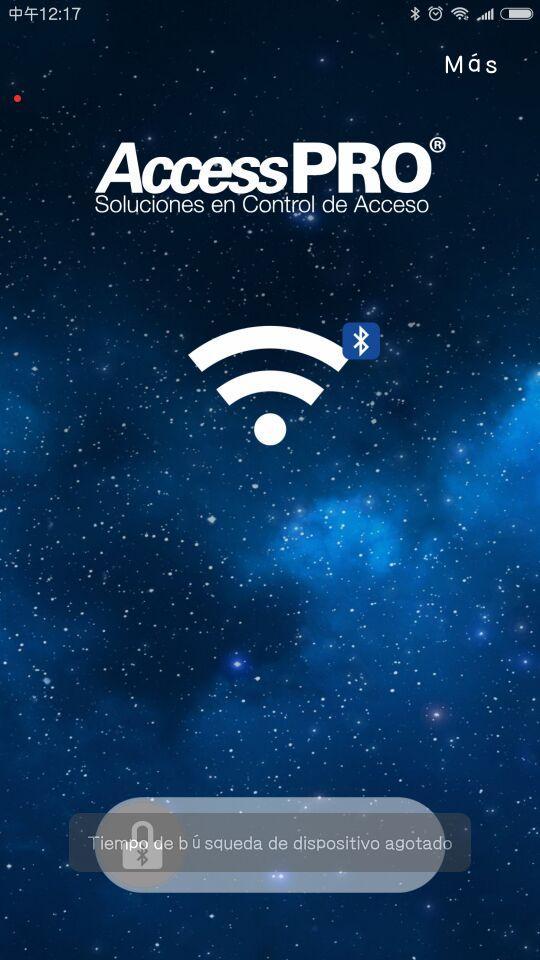
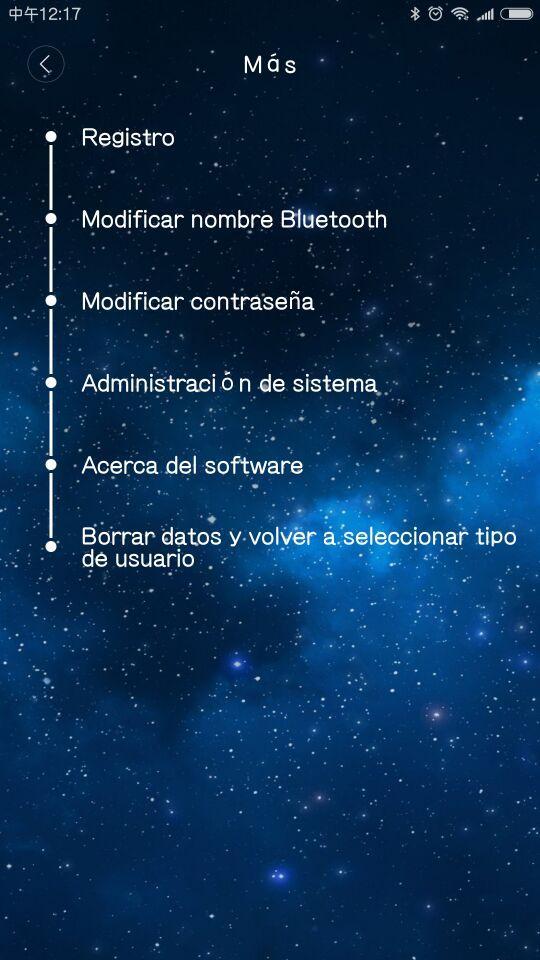
AccessPro Bluetoothのロックは、Bluetooth制御ロック解除APPで、主な機能は以下のとおりです。キー、Bluetoothのロックを解除のBluetooth名を変更し、管理者パスワードを変更するには、人事権管理、人事データのバックアップとリカバリ。
プレビュー
タグ
ツール情報
デベロッパー
Bluetooth Unlocking Controller
最新バージョン
1.1.2
最終更新
2018-01-22
カテゴリー
ツール
上で利用可能
Google Play
もっと見せる
PCでGameLoopを使用してAccessPro Bluetoothをプレイする方法
1. 公式WebサイトからGameLoopをダウンロードし、exeファイルを実行してGameLoopをインストールします
2. GameLoopを開いて「AccessPro Bluetooth」を検索し、検索結果でAccessPro Bluetoothを見つけて、「インストール」をクリックします。
3. GameLoopでAccessPro Bluetoothを楽しんでください
Minimum requirements
OS
Windows 8.1 64-bit or Windows 10 64-bit
GPU
GTX 1050
CPU
i3-8300
Memory
8GB RAM
Storage
1GB available space
Recommended requirements
OS
Windows 8.1 64-bit or Windows 10 64-bit
GPU
GTX 1050
CPU
i3-9320
Memory
16GB RAM
Storage
1GB available space