
Twelve Red Ballons PC
GMH Software
GameLoopエミュレーターを使用してPCにTwelve Red Ballonsをダウンロードします
Twelve Red Ballons PC版
開発者GMH SoftwareからのTwelve Red Ballonsは、過去にAndroidsystermで実行されています。
これで、GameLoopを搭載したPCでTwelve Red Ballonsをスムーズにプレイできます。
GameLoopライブラリまたは検索結果にダウンロードしてください。 バッテリーに目を向けたり、間違った時間にイライラしたりすることはもうありません。
大画面でTwelve Red BallonsPCを無料でお楽しみください!
Twelve Red Ballons 序章
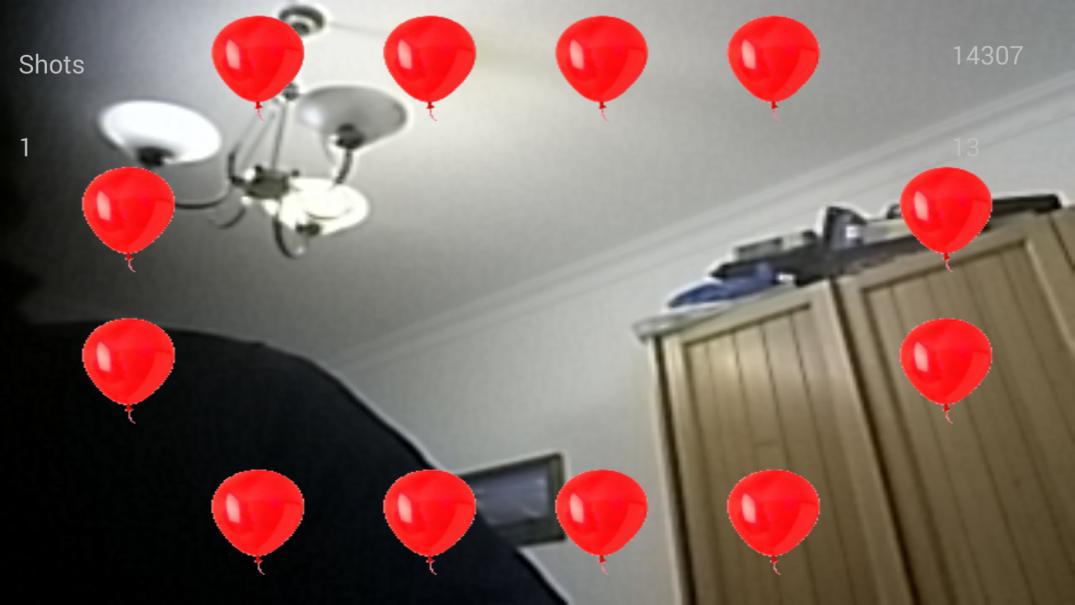
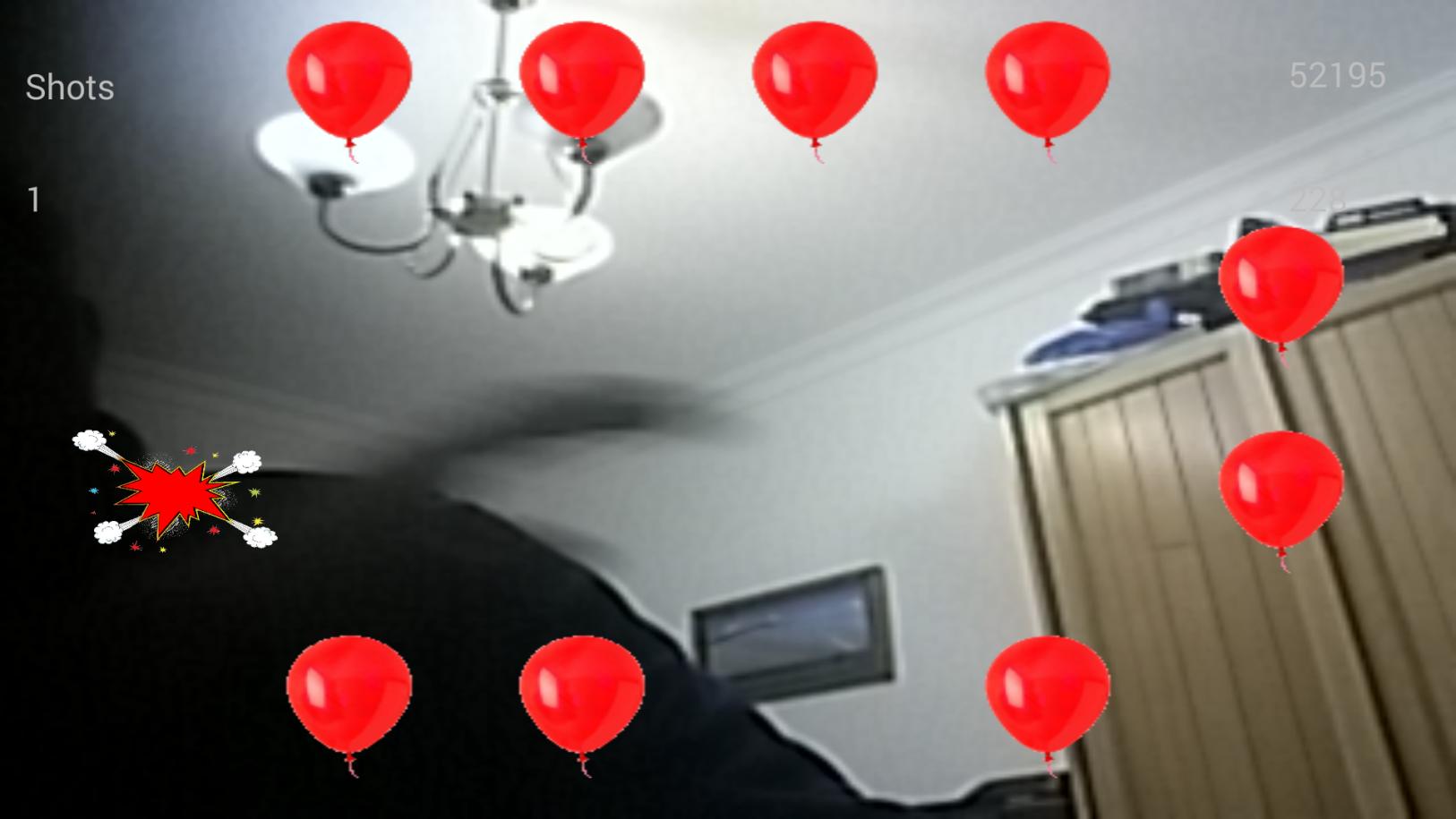
Augmented reality game - Still in development
Sit in a chair and place phone, in landscape mode, on the desk about 60 cms from you.
Click on the start button, then when you see the balloons wave your hands until you pop the all.
Easy, huh ?
プレビュー
情報
デベロッパー
GMH Software
最新バージョン
1
最終更新
2015-04-27
カテゴリー
スポーツ
上で利用可能
Google Play
もっと見せる
PCでGameLoopを使用してTwelve Red Ballonsをプレイする方法
1. 公式WebサイトからGameLoopをダウンロードし、exeファイルを実行してGameLoopをインストールします
2. GameLoopを開いて「Twelve Red Ballons」を検索し、検索結果でTwelve Red Ballonsを見つけて、「インストール」をクリックします。
3. GameLoopでTwelve Red Ballonsを楽しんでください
Minimum requirements
OS
Windows 8.1 64-bit or Windows 10 64-bit
GPU
GTX 1050
CPU
i3-8300
Memory
8GB RAM
Storage
1GB available space
Recommended requirements
OS
Windows 8.1 64-bit or Windows 10 64-bit
GPU
GTX 1050
CPU
i3-9320
Memory
16GB RAM
Storage
1GB available space