
Sticker de Feliz Sabado Sticker Adventistas PC
soundsofthesoul
GameLoopエミュレーターを使用してPCにSticker de Feliz Sabado Sticker Adventistasをダウンロードします
Sticker de Feliz Sabado Sticker Adventistas PC版
開発者soundsofthesoulからのSticker de Feliz Sabado Sticker Adventistasは、過去にAndroidsystermで実行されています。
これで、GameLoopを搭載したPCでSticker de Feliz Sabado Sticker Adventistasをスムーズにプレイできます。
GameLoopライブラリまたは検索結果にダウンロードしてください。 バッテリーに目を向けたり、間違った時間にイライラしたりすることはもうありません。
大画面でSticker de Feliz Sabado Sticker AdventistasPCを無料でお楽しみください!
Sticker de Feliz Sabado Sticker Adventistas 序章
Sticker de Feliz Sabado Sticker Adventistas
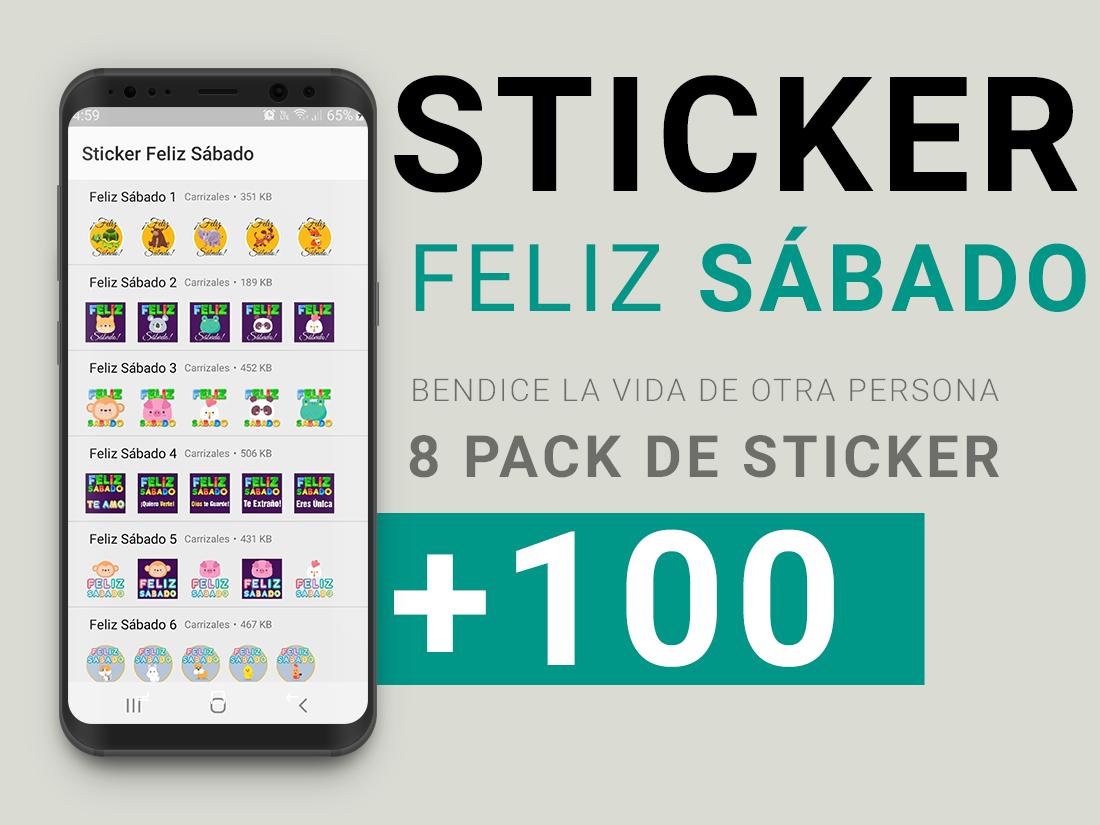
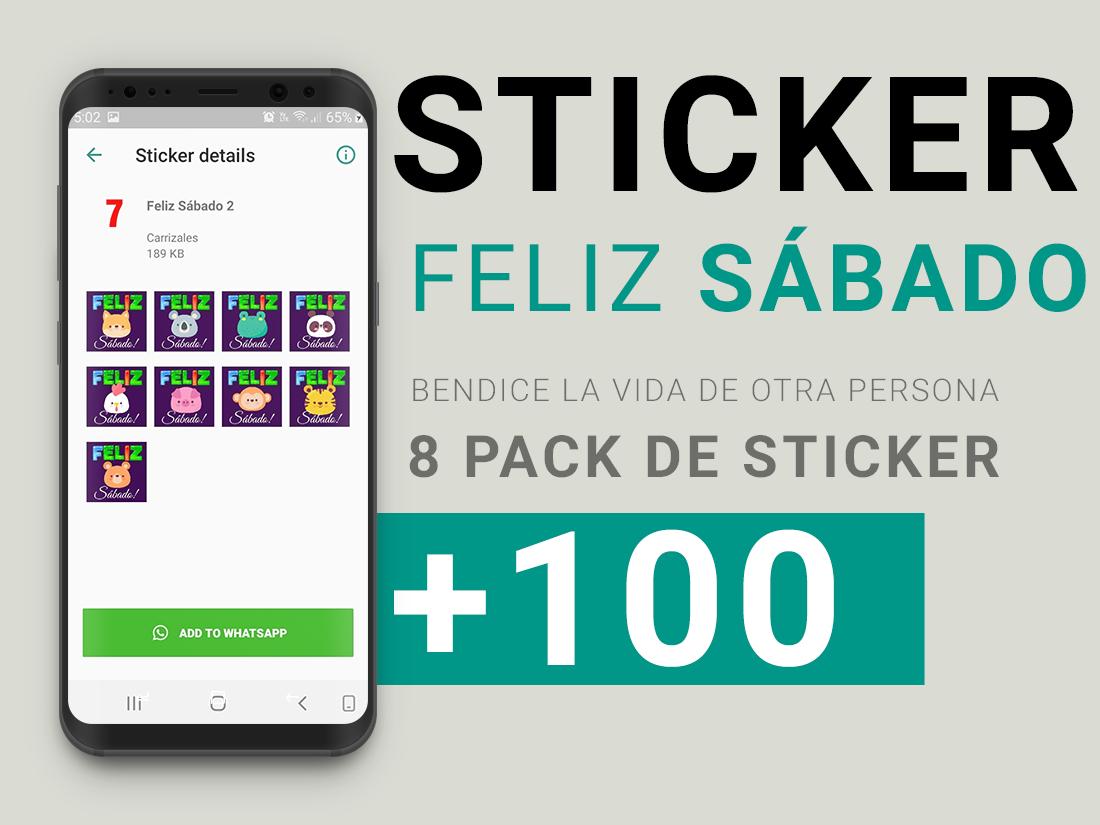
Hermosos sticker para bendecir a otros en el día del señor, sticker feliz sábado, para compartir con amigos, familias y hermanos de la fe.
Gracis por descargar y compartir Sticker de Feliz Sabado Sticker Adventistas
プレビュー
情報
デベロッパー
soundsofthesoul
最新バージョン
1.2
最終更新
2020-08-20
カテゴリー
ソーシャル
上で利用可能
Google Play
もっと見せる
PCでGameLoopを使用してSticker de Feliz Sabado Sticker Adventistasをプレイする方法
1. 公式WebサイトからGameLoopをダウンロードし、exeファイルを実行してGameLoopをインストールします
2. GameLoopを開いて「Sticker de Feliz Sabado Sticker Adventistas」を検索し、検索結果でSticker de Feliz Sabado Sticker Adventistasを見つけて、「インストール」をクリックします。
3. GameLoopでSticker de Feliz Sabado Sticker Adventistasを楽しんでください
Minimum requirements
OS
Windows 8.1 64-bit or Windows 10 64-bit
GPU
GTX 1050
CPU
i3-8300
Memory
8GB RAM
Storage
1GB available space
Recommended requirements
OS
Windows 8.1 64-bit or Windows 10 64-bit
GPU
GTX 1050
CPU
i3-9320
Memory
16GB RAM
Storage
1GB available space