
Ola Chat live video call app PC
random video calling with my friends
GameLoopエミュレーターを使用してPCにOla Chat live video call appをダウンロードします
Ola Chat live video call app PC版
開発者random video calling with my friendsからのOla Chat live video call appは、過去にAndroidsystermで実行されています。
これで、GameLoopを搭載したPCでOla Chat live video call appをスムーズにプレイできます。
GameLoopライブラリまたは検索結果にダウンロードしてください。 バッテリーに目を向けたり、間違った時間にイライラしたりすることはもうありません。
大画面でOla Chat live video call appPCを無料でお楽しみください!
Ola Chat live video call app 序章
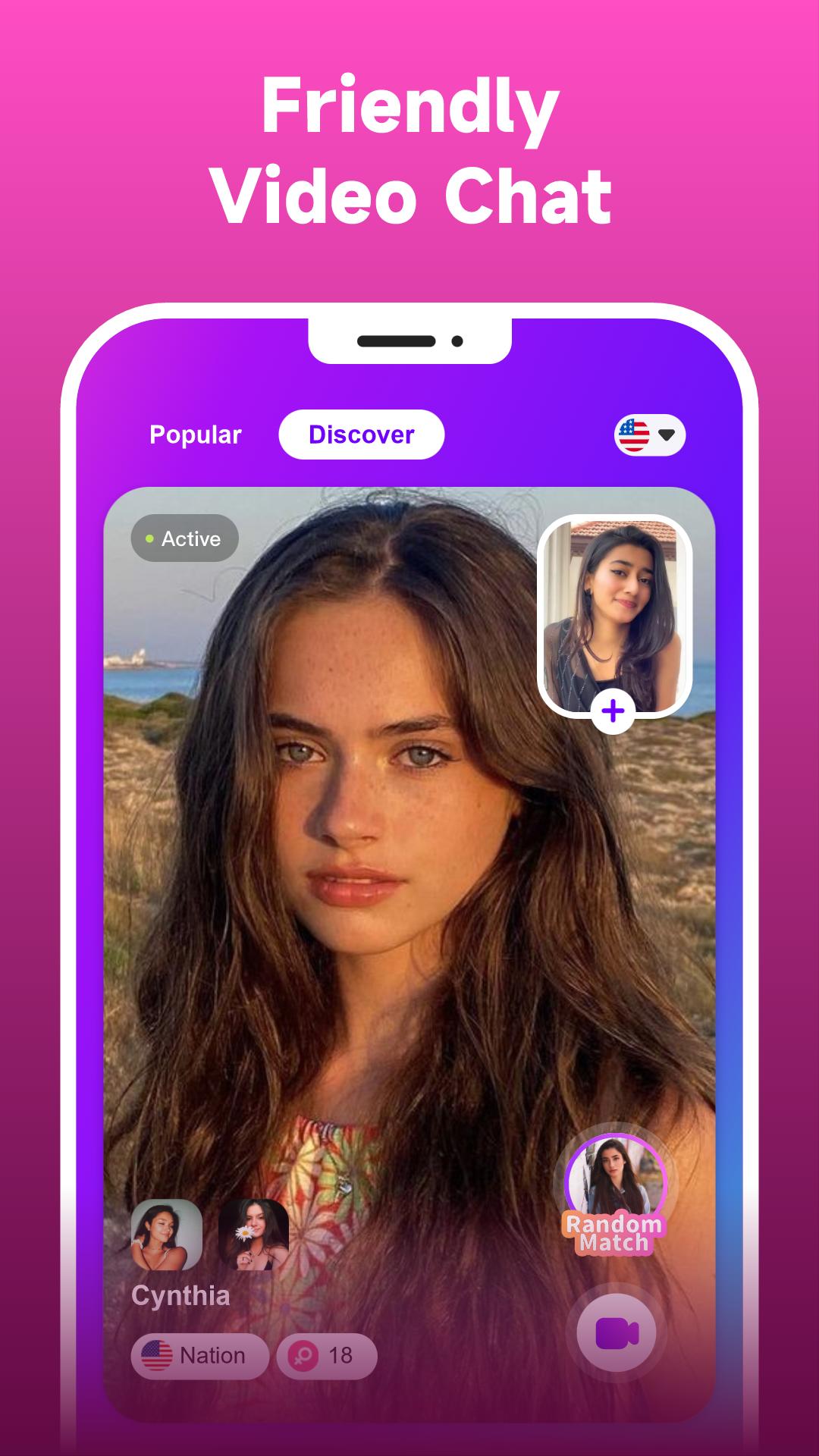
On Ola Chat, you can have a live random video chat with strangers and friends! If you’ve ever thought about venturing out of your social circle, Ola Chat is offering a new platform for you to meet friends worldwide.
Features
Simple & Fast Video Chat
Tap on the screen to video chat with friends from different parts of the world.
Meaningful Social Connection
You can keep in touch with your new buddies on Ola Chat for as long as you want.
Real-time Translation
Wanna make friends with someone from another culture? Sure! The messages you send to each other will be translated instantly.
Are you ready to meet the world and have some fun with friends? Come join us on Ola Chat, an app you’ll love.
プレビュー

情報
デベロッパー
random video calling with my friends
最新バージョン
1.0.4
最終更新
2023-06-01
カテゴリー
ソーシャル
上で利用可能
Google Play
もっと見せる
PCでGameLoopを使用してOla Chat live video call appをプレイする方法
1. 公式WebサイトからGameLoopをダウンロードし、exeファイルを実行してGameLoopをインストールします
2. GameLoopを開いて「Ola Chat live video call app」を検索し、検索結果でOla Chat live video call appを見つけて、「インストール」をクリックします。
3. GameLoopでOla Chat live video call appを楽しんでください
Minimum requirements
OS
Windows 8.1 64-bit or Windows 10 64-bit
GPU
GTX 1050
CPU
i3-8300
Memory
8GB RAM
Storage
1GB available space
Recommended requirements
OS
Windows 8.1 64-bit or Windows 10 64-bit
GPU
GTX 1050
CPU
i3-9320
Memory
16GB RAM
Storage
1GB available space