
VR Abyss: Sharks & Sea Worlds HD PC
Virtual Amigos
GameLoopエミュレーターを使用してPCにVR Abyss: Sharks & Sea Worlds HDをダウンロードします
VR Abyss: Sharks & Sea Worlds HD PC版
開発者Virtual AmigosからのVR Abyss: Sharks & Sea Worlds HDは、過去にAndroidsystermで実行されています。
これで、GameLoopを搭載したPCでVR Abyss: Sharks & Sea Worlds HDをスムーズにプレイできます。
GameLoopライブラリまたは検索結果にダウンロードしてください。 バッテリーに目を向けたり、間違った時間にイライラしたりすることはもうありません。
大画面でVR Abyss: Sharks & Sea Worlds HDPCを無料でお楽しみください!
VR Abyss: Sharks & Sea Worlds HD 序章
Dive deep into the ocean and experience the most stunning underwater thrills without getting your feet wet.
Shark Attacks, Sinking Ships, and the Coral Reef all in one amazing 360 Virtual Reality (VR) app!
Experience it now on your Google Daydream device!
No need to sit in front of your aquarium or fish tank to enjoy the beautiful fish and sea life. This underwater VR app offers you multiple highly visual 360 experiences:
- NEW Endless VR Diving game mode
- Daydream controller used for diving game
- Discover the Coral Reef
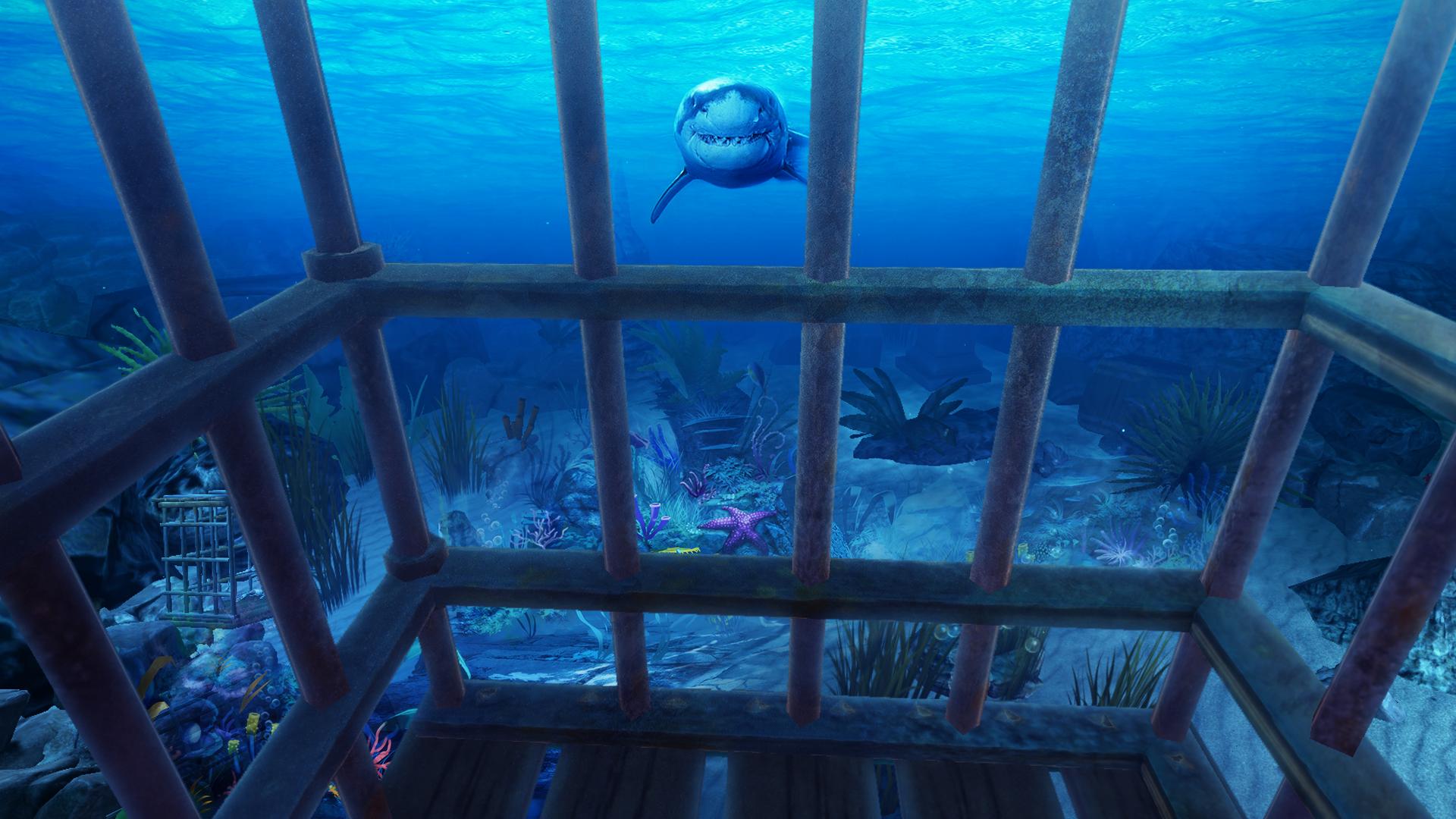
- Go down in a shark cage and see how the sharks make vicious attacks
- See the Orca (killer whale) up close
- A sinking ship (was that the Titanic?)
If you like VR games and apps this is a must free download.
Compatibility
This game is made for Google Daydream compatible Android devices.
プレビュー

情報
デベロッパー
Virtual Amigos
最新バージョン
1.0.4
最終更新
2017-11-07
カテゴリー
シミュレーション
上で利用可能
Google Play
もっと見せる
PCでGameLoopを使用してVR Abyss: Sharks & Sea Worlds HDをプレイする方法
1. 公式WebサイトからGameLoopをダウンロードし、exeファイルを実行してGameLoopをインストールします
2. GameLoopを開いて「VR Abyss: Sharks & Sea Worlds HD」を検索し、検索結果でVR Abyss: Sharks & Sea Worlds HDを見つけて、「インストール」をクリックします。
3. GameLoopでVR Abyss: Sharks & Sea Worlds HDを楽しんでください
Minimum requirements
OS
Windows 8.1 64-bit or Windows 10 64-bit
GPU
GTX 1050
CPU
i3-8300
Memory
8GB RAM
Storage
1GB available space
Recommended requirements
OS
Windows 8.1 64-bit or Windows 10 64-bit
GPU
GTX 1050
CPU
i3-9320
Memory
16GB RAM
Storage
1GB available space