
Train Go - Railway Simulator PC
monois Inc.
GameLoopエミュレーターを使用してPCにTrain Go - Railway Simulatorをダウンロードします
Train Go - Railway Simulator PC版
開発者monois Inc.からのTrain Go - Railway Simulatorは、過去にAndroidsystermで実行されています。
これで、GameLoopを搭載したPCでTrain Go - Railway Simulatorをスムーズにプレイできます。
GameLoopライブラリまたは検索結果にダウンロードしてください。 バッテリーに目を向けたり、間違った時間にイライラしたりすることはもうありません。
大画面でTrain Go - Railway SimulatorPCを無料でお楽しみください!
Train Go - Railway Simulator 序章
Select the desired rail and connect it.
Just tap to lay rails.
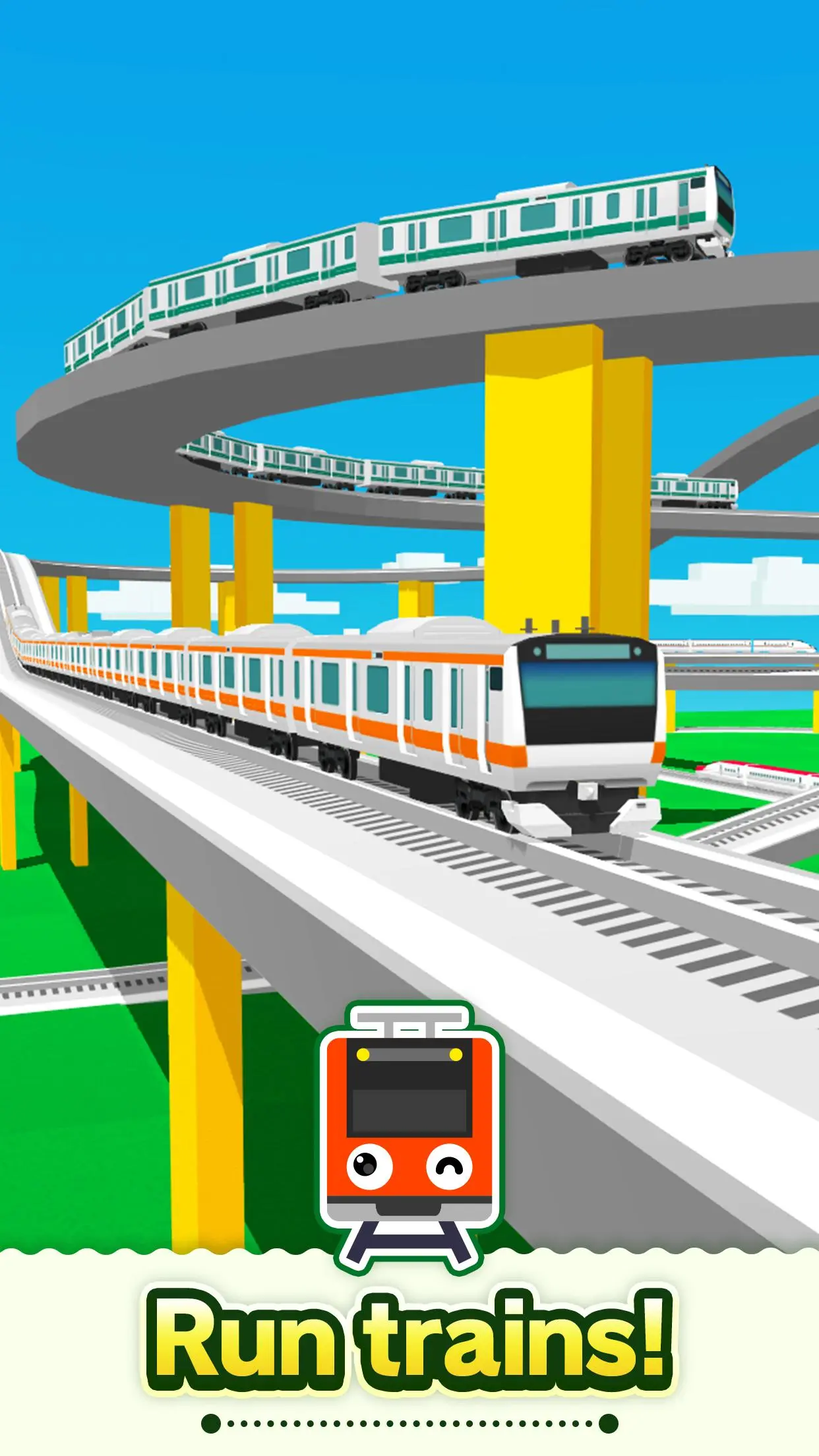
Create a railway with elevated rails, forking rails, etc., as you want.
Create a railway for your favorite train or bullet train and exercise your imagination and creativity.
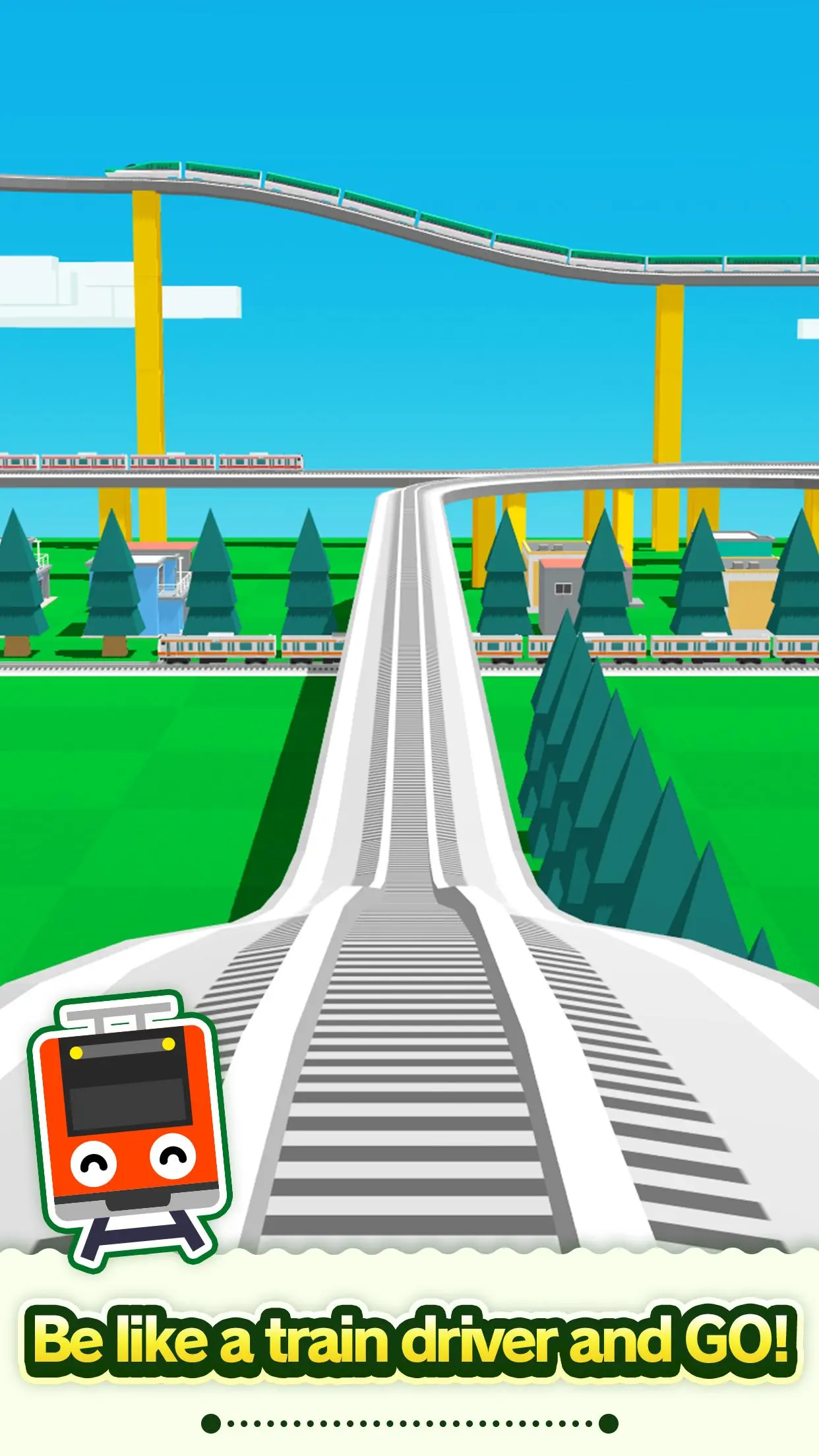
Great fun to run a train on a railway you created, and a great sense of accomplishment!
Add train stations and tunnels to customize it. Then run trains on it!
Instructions
Tap the screen to add the desired rail.
Tap the arrow in the direction you want to lay the rail. Very easy to lay rails.
Tap on a background part to add buildings and trees wherever you want.
After building the railway, tap on the Put Train button and select a train!
You can add and delete trains and change the running direction.
After you are done, tap the Start Train button to start running the train.
When the train approaches a fork, use the following Fork button to switch the train's direction.
Camera Mode
Press "+" to zoom in.
Press "-" to zoom out.
Press the arrow to change the camera angle.
Train tracking: Press ON to track a train.
プレビュー
タグ
カジュアルシングルプレーヤー定型化されたオフライン車両訓練情報
デベロッパー
monois Inc.
最新バージョン
3.7.2
最終更新
2025-09-25
カテゴリー
シミュレーション
上で利用可能
Google Play
もっと見せる
PCでGameLoopを使用してTrain Go - Railway Simulatorをプレイする方法
1. 公式WebサイトからGameLoopをダウンロードし、exeファイルを実行してGameLoopをインストールします
2. GameLoopを開いて「Train Go - Railway Simulator」を検索し、検索結果でTrain Go - Railway Simulatorを見つけて、「インストール」をクリックします。
3. GameLoopでTrain Go - Railway Simulatorを楽しんでください
Minimum requirements
OS
Windows 8.1 64-bit or Windows 10 64-bit
GPU
GTX 1050
CPU
i3-8300
Memory
8GB RAM
Storage
1GB available space
Recommended requirements
OS
Windows 8.1 64-bit or Windows 10 64-bit
GPU
GTX 1050
CPU
i3-9320
Memory
16GB RAM
Storage
1GB available space