Scary Rainbow Blue House 3D PC
Nadia Coding
GameLoopエミュレーターを使用してPCにScary Rainbow Blue House 3Dをダウンロードします
Scary Rainbow Blue House 3D PC版
開発者Nadia CodingからのScary Rainbow Blue House 3Dは、過去にAndroidsystermで実行されています。
これで、GameLoopを搭載したPCでScary Rainbow Blue House 3Dをスムーズにプレイできます。
GameLoopライブラリまたは検索結果にダウンロードしてください。 バッテリーに目を向けたり、間違った時間にイライラしたりすることはもうありません。
大画面でScary Rainbow Blue House 3DPCを無料でお楽しみください!
Scary Rainbow Blue House 3D 序章
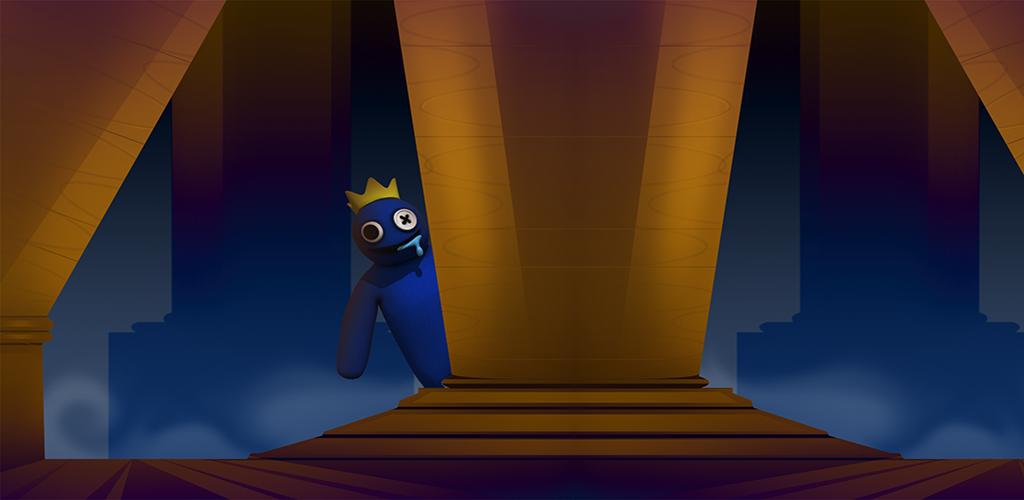
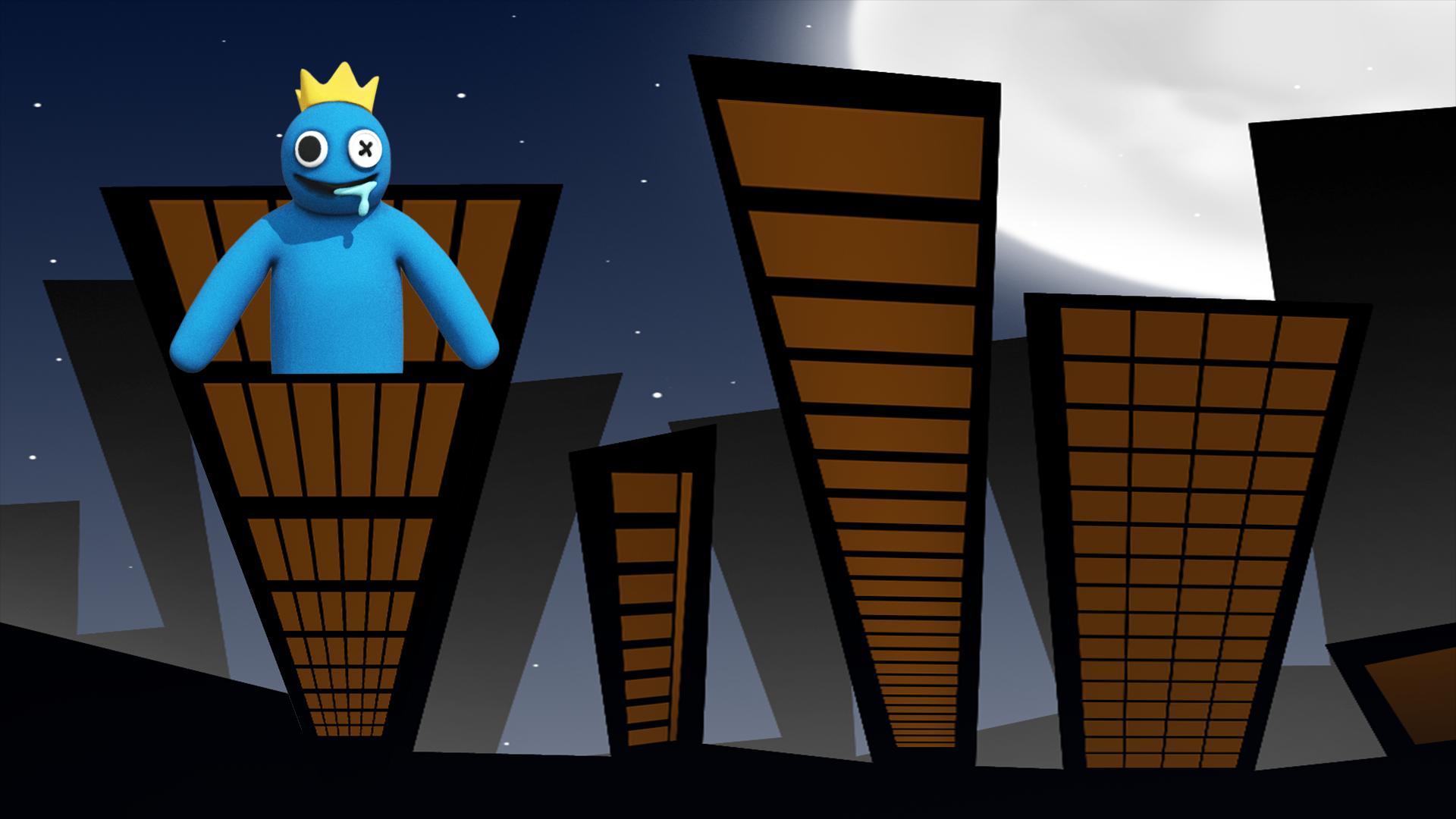
Are you a fan of rainbow friends horror game, then you are in the right game to play. In this rainbow friends blue 3D game you can try your
best skills and technics to escape the scary rainbow home the game begin at the front garden of the rainbow friends chapter 2 house so your
mission will be not that easy because you have to follow the instructions to escape the rainbow friends's house safe and alive, Don't worry
you my be catched some time by the blue rainbow monster but you need to replay the level and try to complete it it and beat the scary blue rainbow friends chapter 2 monster.
Rainbow Game Features:
Clean design and textures
Good and scary sounds that will make live a real experience
Don't be afraid of the scary blue monster and try to beat it
Enjoy Playing This Game.
プレビュー
タグ
シミュレーション情報
デベロッパー
Nadia Coding
最新バージョン
1.1
最終更新
2022-09-20
カテゴリー
シミュレーション
上で利用可能
Google Play
もっと見せる
PCでGameLoopを使用してScary Rainbow Blue House 3Dをプレイする方法
1. 公式WebサイトからGameLoopをダウンロードし、exeファイルを実行してGameLoopをインストールします
2. GameLoopを開いて「Scary Rainbow Blue House 3D」を検索し、検索結果でScary Rainbow Blue House 3Dを見つけて、「インストール」をクリックします。
3. GameLoopでScary Rainbow Blue House 3Dを楽しんでください
Minimum requirements
OS
Windows 8.1 64-bit or Windows 10 64-bit
GPU
GTX 1050
CPU
i3-8300
Memory
8GB RAM
Storage
1GB available space
Recommended requirements
OS
Windows 8.1 64-bit or Windows 10 64-bit
GPU
GTX 1050
CPU
i3-9320
Memory
16GB RAM
Storage
1GB available space