
Sad Mouse Fake Video Call PC
Lumenati Studios
GameLoopエミュレーターを使用してPCにSad Mouse Fake Video Callをダウンロードします
Sad Mouse Fake Video Call PC版
開発者Lumenati StudiosからのSad Mouse Fake Video Callは、過去にAndroidsystermで実行されています。
これで、GameLoopを搭載したPCでSad Mouse Fake Video Callをスムーズにプレイできます。
GameLoopライブラリまたは検索結果にダウンロードしてください。 バッテリーに目を向けたり、間違った時間にイライラしたりすることはもうありません。
大画面でSad Mouse Fake Video CallPCを無料でお楽しみください!
Sad Mouse Fake Video Call 序章
Suicide Sad Mouse Infidelity FNF Fake Video Call And Chat
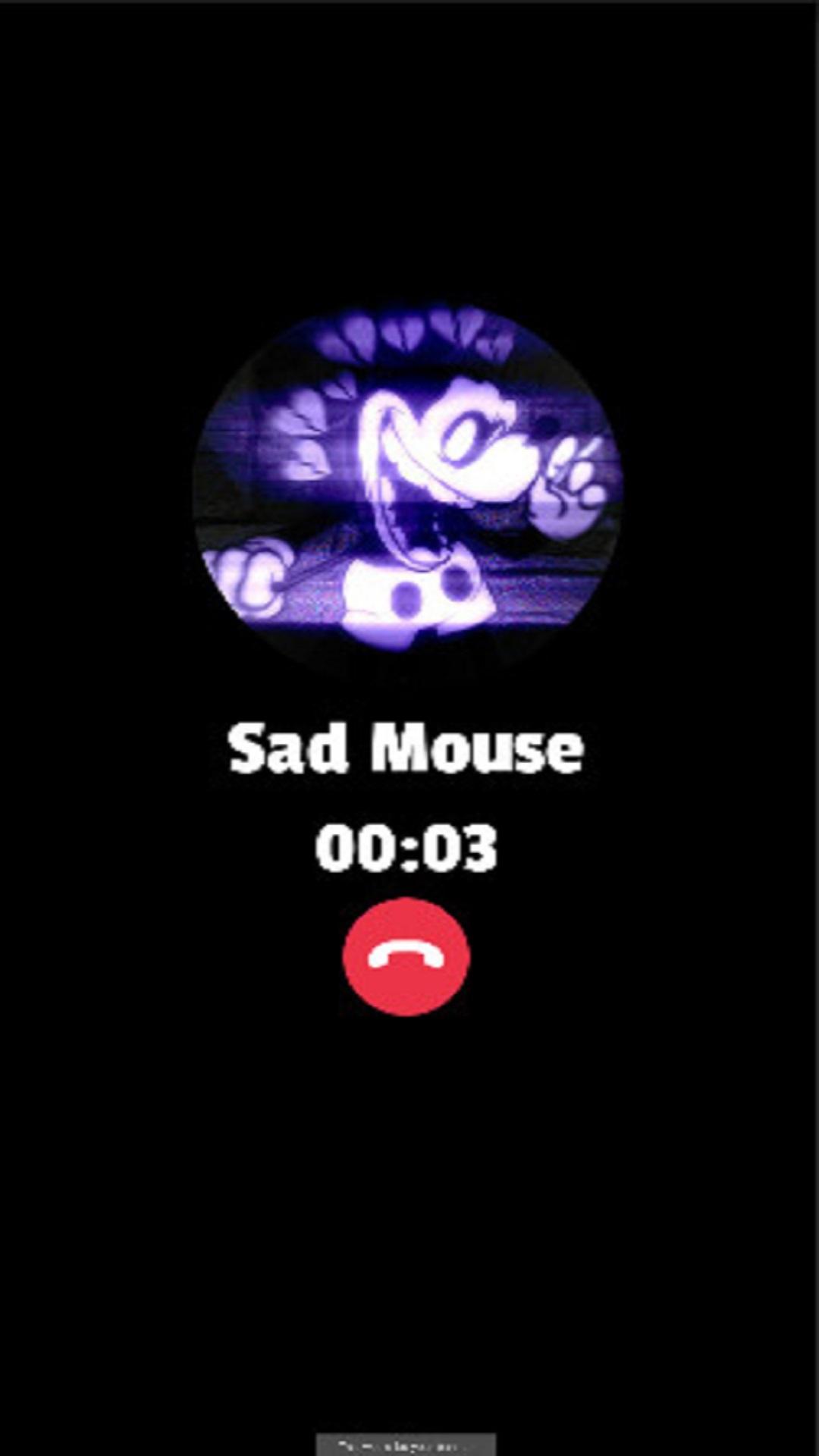
With this Sad Mouse Fake Call you can receive a fake call simulation and real voice from Sad Mouse and also simulate a real video of Sad Mouse,
using this app to have a fun time is very good to have fun and enjoy your time alone or with friends.
If You Like this Sad Mouse App Feel Free to Let Us know if you like our Product and We Love to hear Your Opinion to help us improve the app in the future to be Better to Every User.
Enjoy fake calling and pranking your loved ones for fun.
App features:
1. Easy to use with simple interface
2. Get a fake video call, voice call or text chat
3. Impress your friends fake by getting a call from your idol
4. Listen to cool music
7. Share app with your friends and prank them
Disclaimer :
This app is a prank app and it's only a simulation that is 100% fake.
プレビュー

タグ
シミュレーション情報
デベロッパー
Lumenati Studios
最新バージョン
0.1
最終更新
2022-05-06
カテゴリー
シミュレーション
上で利用可能
Google Play
もっと見せる
PCでGameLoopを使用してSad Mouse Fake Video Callをプレイする方法
1. 公式WebサイトからGameLoopをダウンロードし、exeファイルを実行してGameLoopをインストールします
2. GameLoopを開いて「Sad Mouse Fake Video Call」を検索し、検索結果でSad Mouse Fake Video Callを見つけて、「インストール」をクリックします。
3. GameLoopでSad Mouse Fake Video Callを楽しんでください
Minimum requirements
OS
Windows 8.1 64-bit or Windows 10 64-bit
GPU
GTX 1050
CPU
i3-8300
Memory
8GB RAM
Storage
1GB available space
Recommended requirements
OS
Windows 8.1 64-bit or Windows 10 64-bit
GPU
GTX 1050
CPU
i3-9320
Memory
16GB RAM
Storage
1GB available space