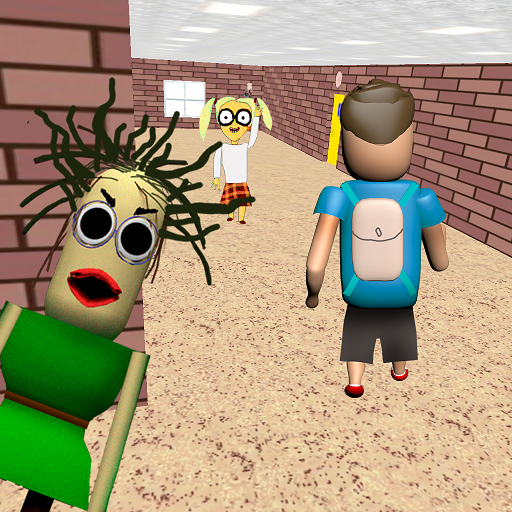
Play for Angry Teacher Part 2 PC
Awecom Games
GameLoopエミュレーターを使用してPCにPlay for Angry Teacher Part 2をダウンロードします
Play for Angry Teacher Part 2 PC版
開発者Awecom GamesからのPlay for Angry Teacher Part 2は、過去にAndroidsystermで実行されています。
これで、GameLoopを搭載したPCでPlay for Angry Teacher Part 2をスムーズにプレイできます。
GameLoopライブラリまたは検索結果にダウンロードしてください。 バッテリーに目を向けたり、間違った時間にイライラしたりすることはもうありません。
大画面でPlay for Angry Teacher Part 2PCを無料でお楽しみください!
Play for Angry Teacher Part 2 序章
After the student managed to escape from the bald teacher, he went to a new school, where he will have to face a new scary teacher!
Now it's your turn to be a scary angry teacher. Your students are behaving badly, you need to punish them.
Catch up with the student until he has completed his mission and escaped from you.
Being a scary angry teacher is not easy, but you will definitely succeed!
Control
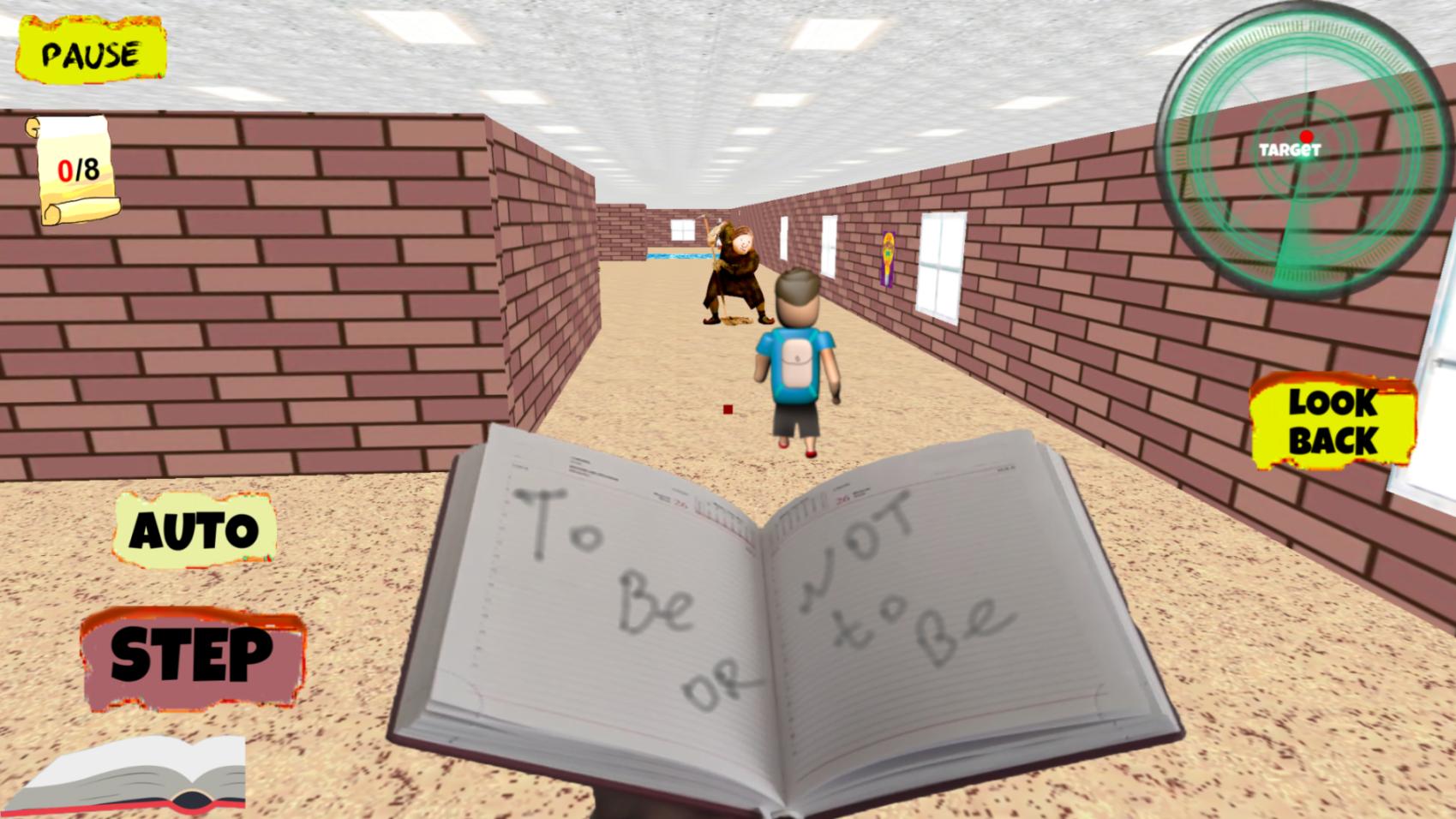
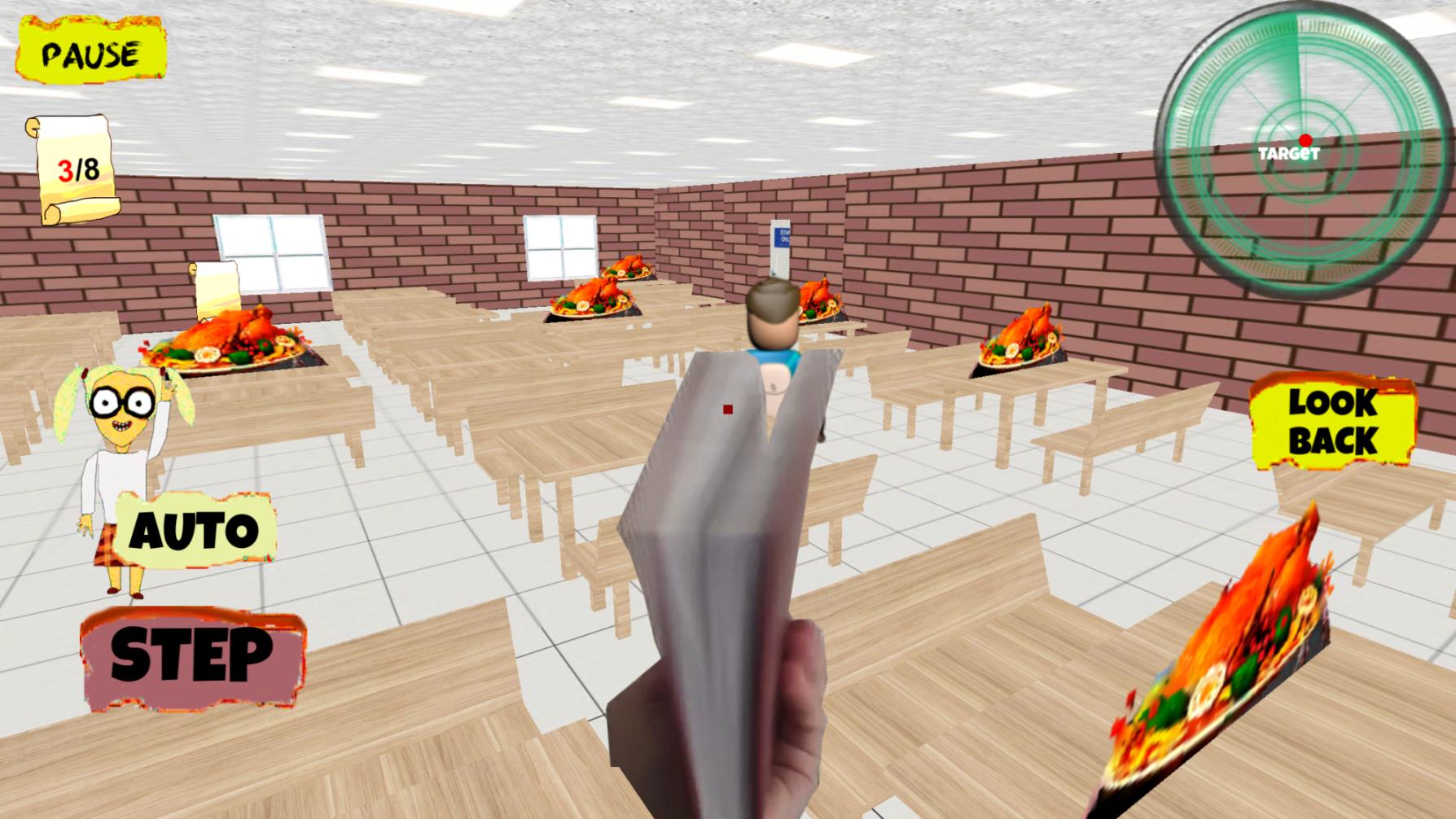
Your scary teacher can move independently, your task is to guide him using the touch panel on the right or using the slider.
Also in the Control menu, you can choose the method in which the character moves by pressing the "step" button,
when filling the scale from the bottom left, or it will move automatically when you select a switch, and you just have to direct its movement.
プレビュー
タグ
シミュレーション情報
デベロッパー
Awecom Games
最新バージョン
1.0.7
最終更新
2025-09-22
カテゴリー
シミュレーション
上で利用可能
Google Play
もっと見せる
PCでGameLoopを使用してPlay for Angry Teacher Part 2をプレイする方法
1. 公式WebサイトからGameLoopをダウンロードし、exeファイルを実行してGameLoopをインストールします
2. GameLoopを開いて「Play for Angry Teacher Part 2」を検索し、検索結果でPlay for Angry Teacher Part 2を見つけて、「インストール」をクリックします。
3. GameLoopでPlay for Angry Teacher Part 2を楽しんでください
Minimum requirements
OS
Windows 8.1 64-bit or Windows 10 64-bit
GPU
GTX 1050
CPU
i3-8300
Memory
8GB RAM
Storage
1GB available space
Recommended requirements
OS
Windows 8.1 64-bit or Windows 10 64-bit
GPU
GTX 1050
CPU
i3-9320
Memory
16GB RAM
Storage
1GB available space