Plane Flight Sim PC
i6 Games
GameLoopエミュレーターを使用してPCにPlane Flight Simをダウンロードします
Plane Flight Sim PC版
開発者i6 GamesからのPlane Flight Simは、過去にAndroidsystermで実行されています。
これで、GameLoopを搭載したPCでPlane Flight Simをスムーズにプレイできます。
GameLoopライブラリまたは検索結果にダウンロードしてください。 バッテリーに目を向けたり、間違った時間にイライラしたりすることはもうありません。
大画面でPlane Flight SimPCを無料でお楽しみください!
Plane Flight Sim 序章
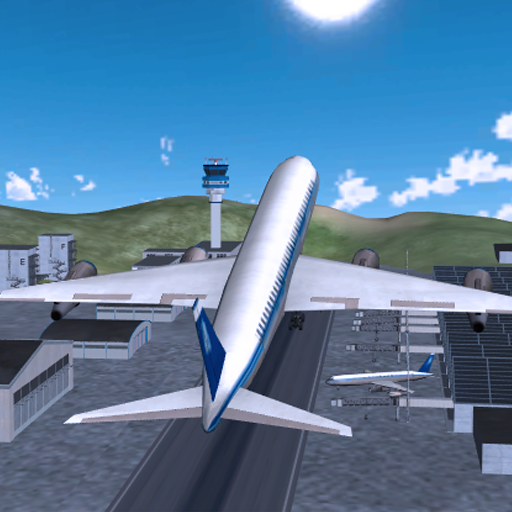
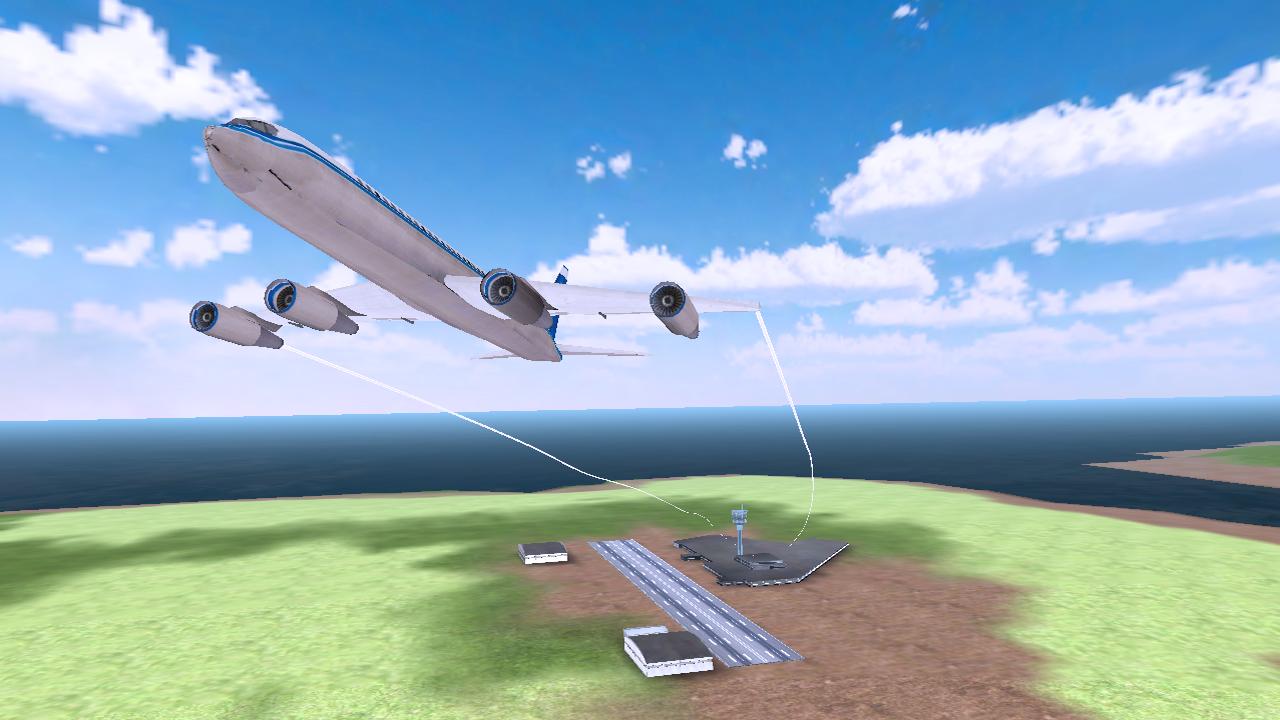
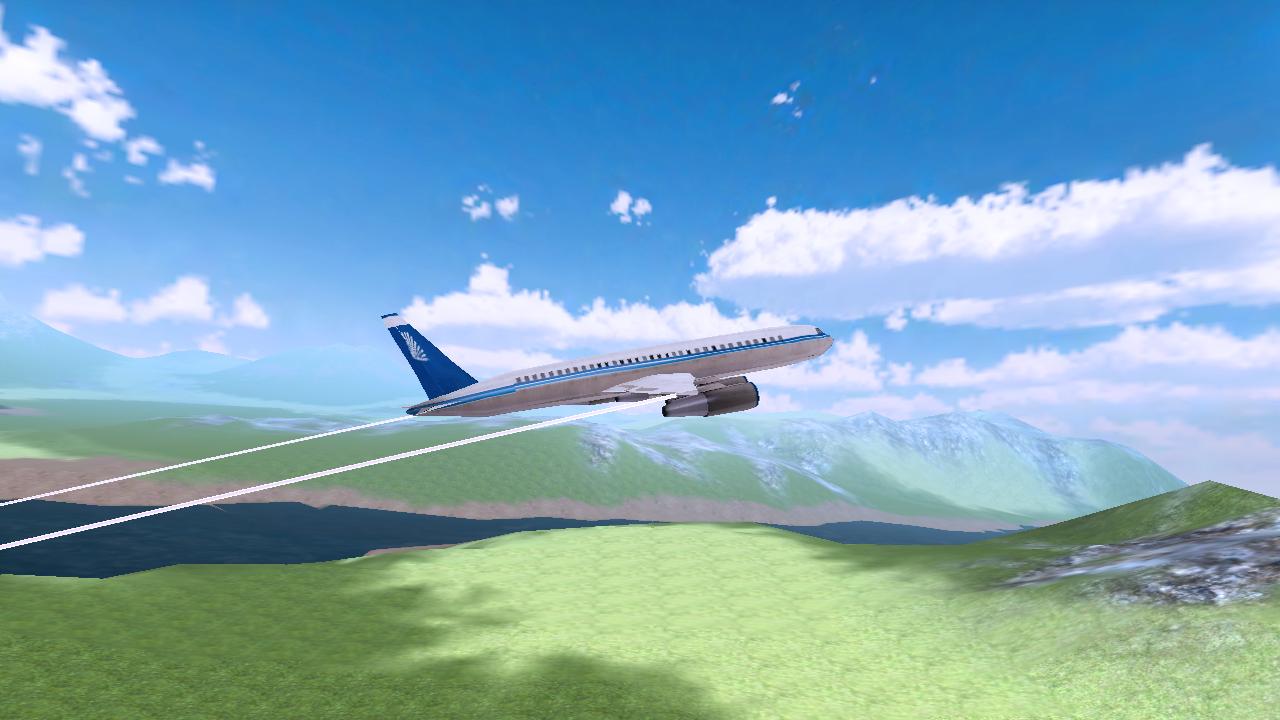
Plane Flight Simulation is a brand new realistic 3D Airplane Simulator game. Take flight and become the airplane pilot and fly commercial jet planes to the destinations around the world.
Glide and steer the plane through each waypoint to ensure you head to the correct airport. Make sure to fly through all waypoints in the level and land at your destination airport before the timer to earn yourself 3 star rating for each level. The more stars you earn, the better the planes you can fly!
When coming up to your destination airport, be sure to bring the throttle down and prepare for landing the plane; be careful not to crash! Guide your aircraft towards the runway and park in marked zone to complete the level.
GAME FEATURES:
- 20 Exclusive, entertaining levels for this game (More levels soon to come!)
- Massive, detailed open world environment
- High quality buildings and airports
- Accelerometers for easy play tilt controls
- Unique reward system for game play
- Dynamic lighting and sounds
- Amazing on-board cameras to capture every angle of the plane
- Plane crashes and smokes effects.
プレビュー
情報
デベロッパー
i6 Games
最新バージョン
1.0
最終更新
2016-02-24
カテゴリー
シミュレーション
上で利用可能
Google Play
もっと見せる
PCでGameLoopを使用してPlane Flight Simをプレイする方法
1. 公式WebサイトからGameLoopをダウンロードし、exeファイルを実行してGameLoopをインストールします
2. GameLoopを開いて「Plane Flight Sim」を検索し、検索結果でPlane Flight Simを見つけて、「インストール」をクリックします。
3. GameLoopでPlane Flight Simを楽しんでください
Minimum requirements
OS
Windows 8.1 64-bit or Windows 10 64-bit
GPU
GTX 1050
CPU
i3-8300
Memory
8GB RAM
Storage
1GB available space
Recommended requirements
OS
Windows 8.1 64-bit or Windows 10 64-bit
GPU
GTX 1050
CPU
i3-9320
Memory
16GB RAM
Storage
1GB available space