MultiCraft Adventure PC
Nara Dev
GameLoopエミュレーターを使用してPCにMultiCraft Adventureをダウンロードします
MultiCraft Adventure PC版
開発者Nara DevからのMultiCraft Adventureは、過去にAndroidsystermで実行されています。
これで、GameLoopを搭載したPCでMultiCraft Adventureをスムーズにプレイできます。
GameLoopライブラリまたは検索結果にダウンロードしてください。 バッテリーに目を向けたり、間違った時間にイライラしたりすることはもうありません。
大画面でMultiCraft AdventurePCを無料でお楽しみください!
MultiCraft Adventure 序章
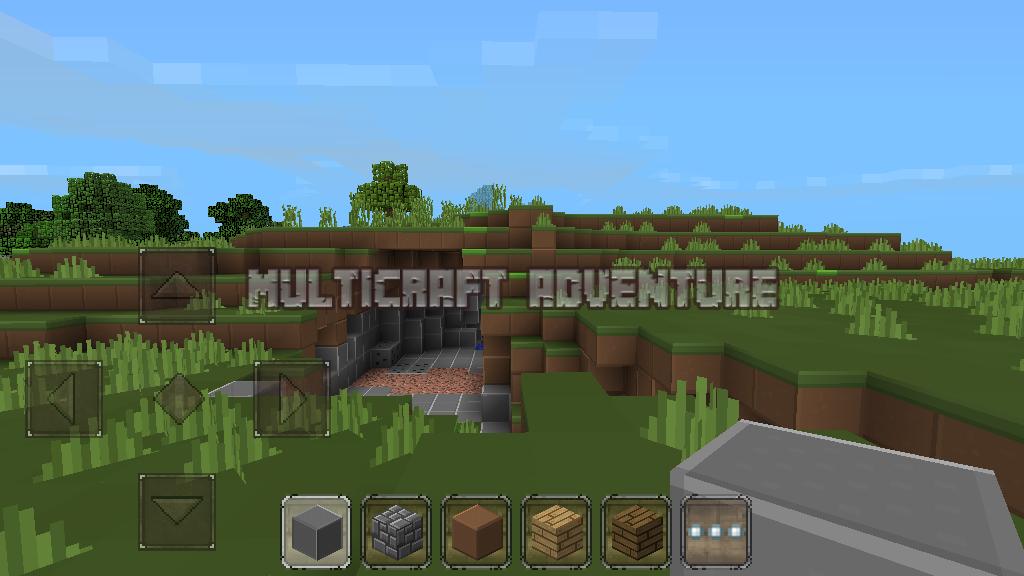
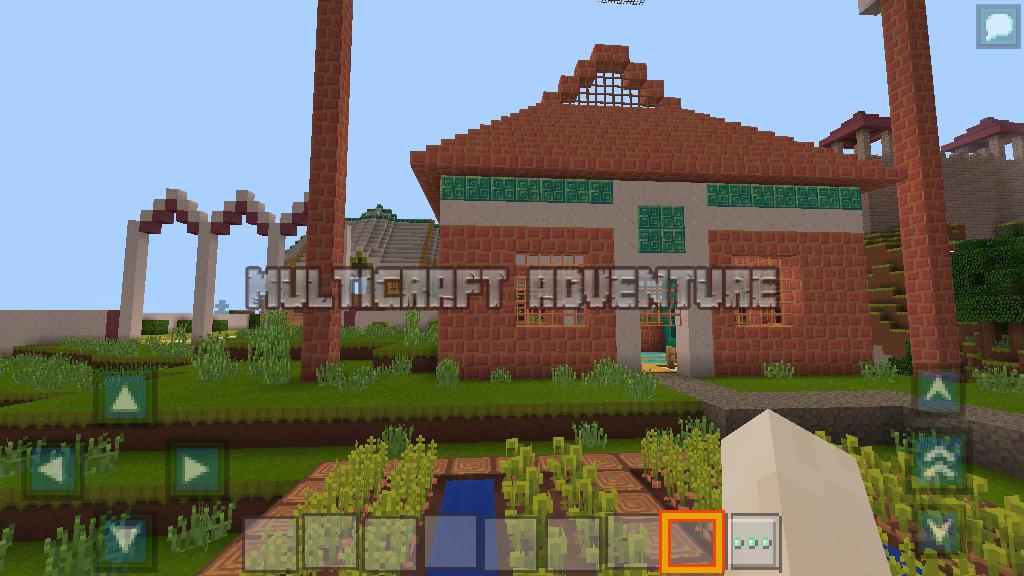
in multicraft adventure you can tame a horse before you cattle or you ride to avoid the attack of monsters or zombies, meaniki horses are very exciting, invite your friends to play multiplayer for the game more exciting, monster opponent together with sword or ax, you also can build a house or building with your friends to make the building faster in the voxel world, we can build castles, modern houses, bridges, towers, or just a small shack you can use to shelter from the sun, rain, ice, or snow. in the daytime of peace you can garden, plant a variety of plants to meet your needs
Features:
- Two different mode ready, survival and creative
- Day and a night time change
- HQ texture packs
- Survival from attack of monsters and bad zombies;
- Farming many flower and plants, raise a chicken, pigs, cows, sheep mobs, and tamed horse
- Flight mode ready
プレビュー
情報
デベロッパー
Nara Dev
最新バージョン
63.1.0
最終更新
2018-04-10
カテゴリー
シミュレーション
上で利用可能
Google Play
もっと見せる
PCでGameLoopを使用してMultiCraft Adventureをプレイする方法
1. 公式WebサイトからGameLoopをダウンロードし、exeファイルを実行してGameLoopをインストールします
2. GameLoopを開いて「MultiCraft Adventure」を検索し、検索結果でMultiCraft Adventureを見つけて、「インストール」をクリックします。
3. GameLoopでMultiCraft Adventureを楽しんでください
Minimum requirements
OS
Windows 8.1 64-bit or Windows 10 64-bit
GPU
GTX 1050
CPU
i3-8300
Memory
8GB RAM
Storage
1GB available space
Recommended requirements
OS
Windows 8.1 64-bit or Windows 10 64-bit
GPU
GTX 1050
CPU
i3-9320
Memory
16GB RAM
Storage
1GB available space