City Driver Honda Civic Simulator PC
tikTak
GameLoopエミュレーターを使用してPCにCity Driver Honda Civic Simulatorをダウンロードします
City Driver Honda Civic Simulator PC版
開発者tikTakからのCity Driver Honda Civic Simulatorは、過去にAndroidsystermで実行されています。
これで、GameLoopを搭載したPCでCity Driver Honda Civic Simulatorをスムーズにプレイできます。
GameLoopライブラリまたは検索結果にダウンロードしてください。 バッテリーに目を向けたり、間違った時間にイライラしたりすることはもうありません。
大画面でCity Driver Honda Civic SimulatorPCを無料でお楽しみください!
City Driver Honda Civic Simulator 序章
Game Features;
- 3 different modified options. (Color modified, Rim modified, Windbreak modified.)
- 2 different driving dynamics system. (Realistic driving dynamics and Drift Dynamics)
- 4 different weather events (rainy, snowy, sunny)
- 2 different maps (City, Snowy Mountain, Green Valley)
- 4 different car models ( Honda Civic )
- 4 different cameras. (Normal, Drift, Cockpit, Random, Random, TV Camera)
- 4 Different Controls (Steering, Right - Left, Automatic Gas.)
- 2 Different Features (Differences Opening and Closing, Horn, Slow Time Feature.)
- Internal driveability. (Yes, driving is available through the car.)
- Easy and realistic driving experience and Driving Simulator Controls.
- Robust steering wheel, buttons and touch steering.
- Steering, Gear, Hand Brake, Gas and Brake Controls.
- Optimized settings menu.
- Realistic Camera Effects and Graphics.
and more..
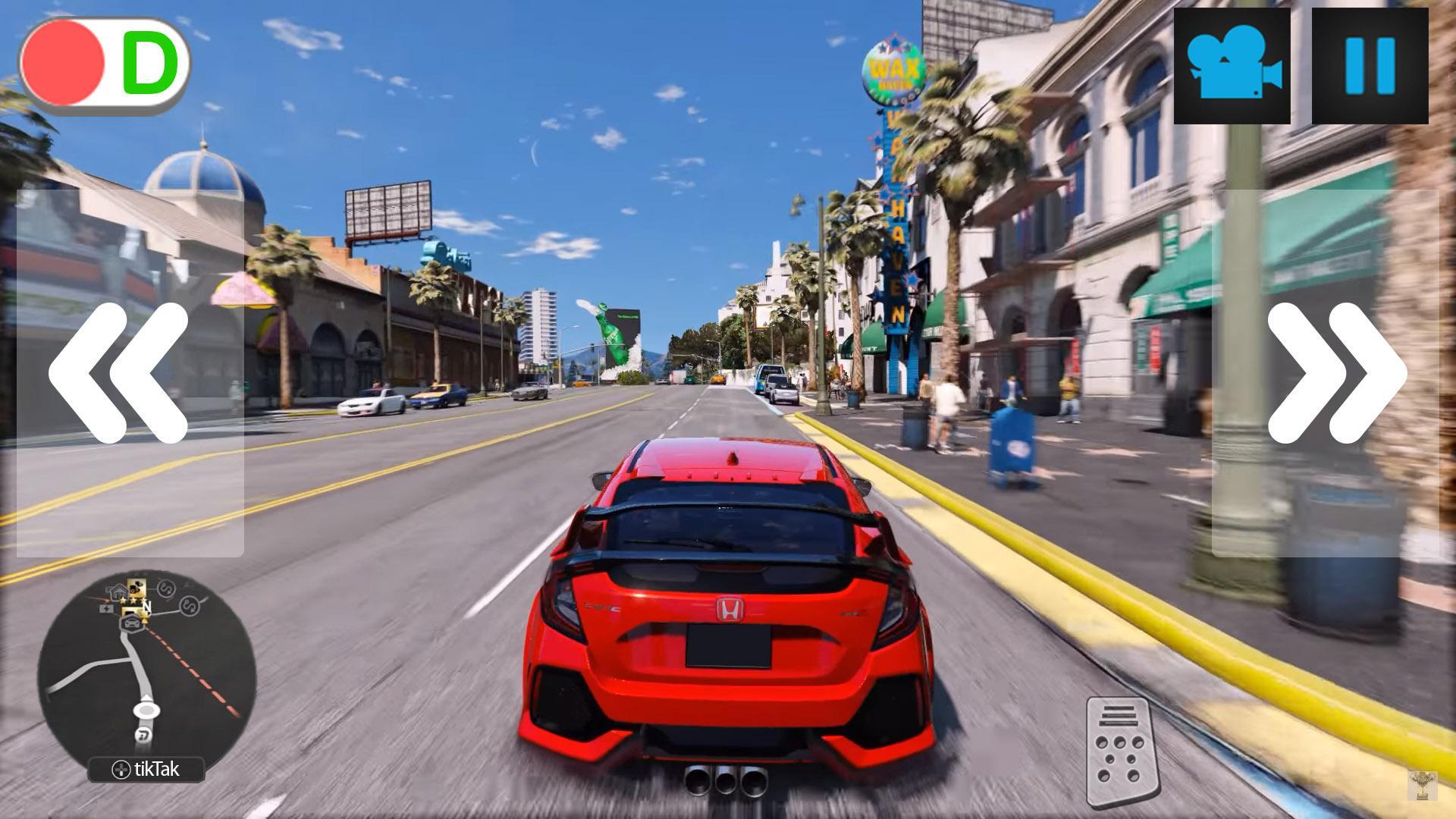
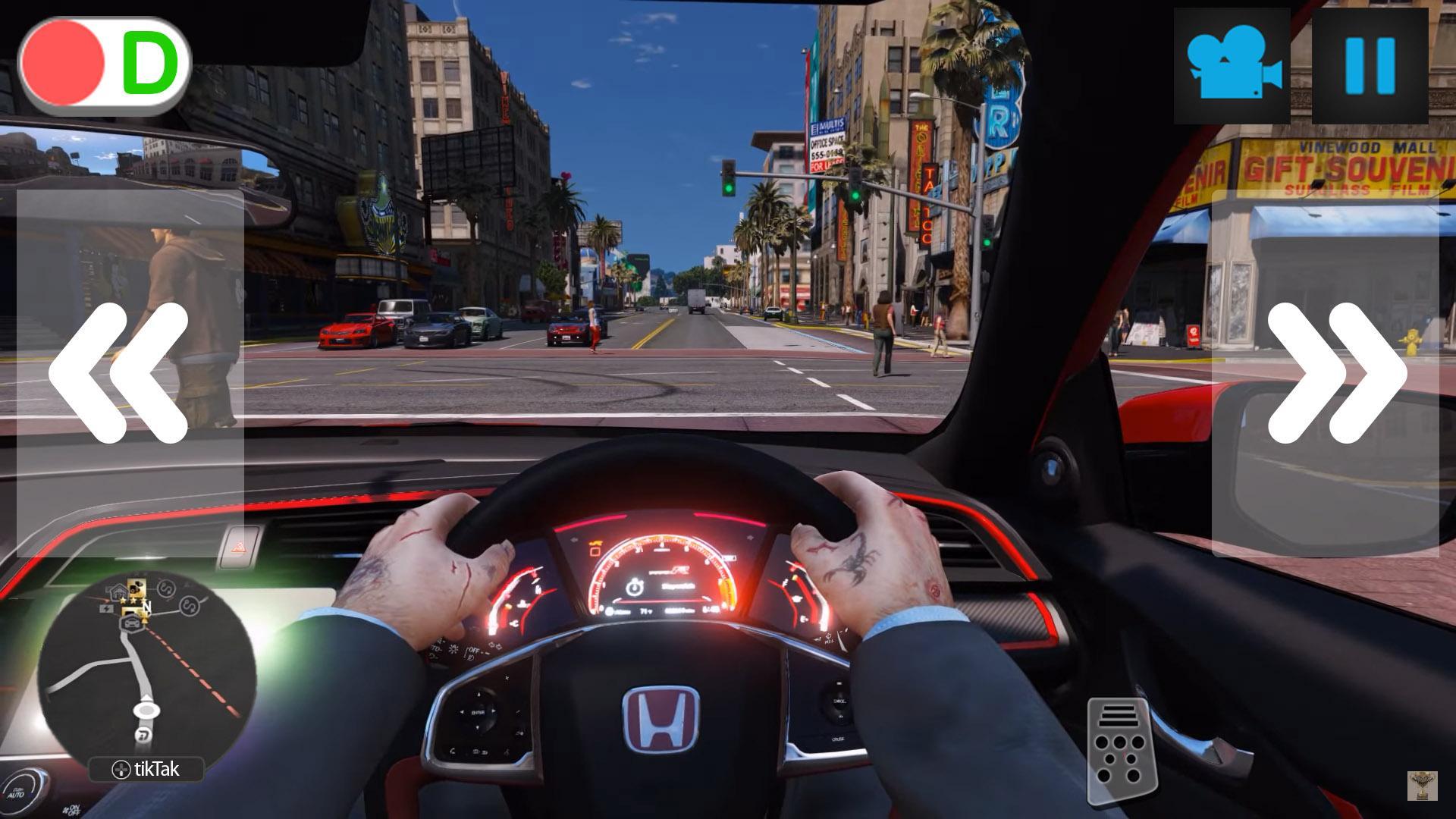
プレビュー
情報
デベロッパー
tikTak
最新バージョン
2
最終更新
2018-01-26
カテゴリー
シミュレーション
上で利用可能
Google Play
もっと見せる
PCでGameLoopを使用してCity Driver Honda Civic Simulatorをプレイする方法
1. 公式WebサイトからGameLoopをダウンロードし、exeファイルを実行してGameLoopをインストールします
2. GameLoopを開いて「City Driver Honda Civic Simulator」を検索し、検索結果でCity Driver Honda Civic Simulatorを見つけて、「インストール」をクリックします。
3. GameLoopでCity Driver Honda Civic Simulatorを楽しんでください
Minimum requirements
OS
Windows 8.1 64-bit or Windows 10 64-bit
GPU
GTX 1050
CPU
i3-8300
Memory
8GB RAM
Storage
1GB available space
Recommended requirements
OS
Windows 8.1 64-bit or Windows 10 64-bit
GPU
GTX 1050
CPU
i3-9320
Memory
16GB RAM
Storage
1GB available space