
VoiceClock -Miku- PC
IceImo-P
GameLoopエミュレーターを使用してPCにVoiceClock -Miku-をダウンロードします
VoiceClock -Miku- PC版
開発者IceImo-PからのVoiceClock -Miku-は、過去にAndroidsystermで実行されています。
これで、GameLoopを搭載したPCでVoiceClock -Miku-をスムーズにプレイできます。
GameLoopライブラリまたは検索結果にダウンロードしてください。 バッテリーに目を向けたり、間違った時間にイライラしたりすることはもうありません。
大画面でVoiceClock -Miku-PCを無料でお楽しみください!
VoiceClock -Miku- 序章
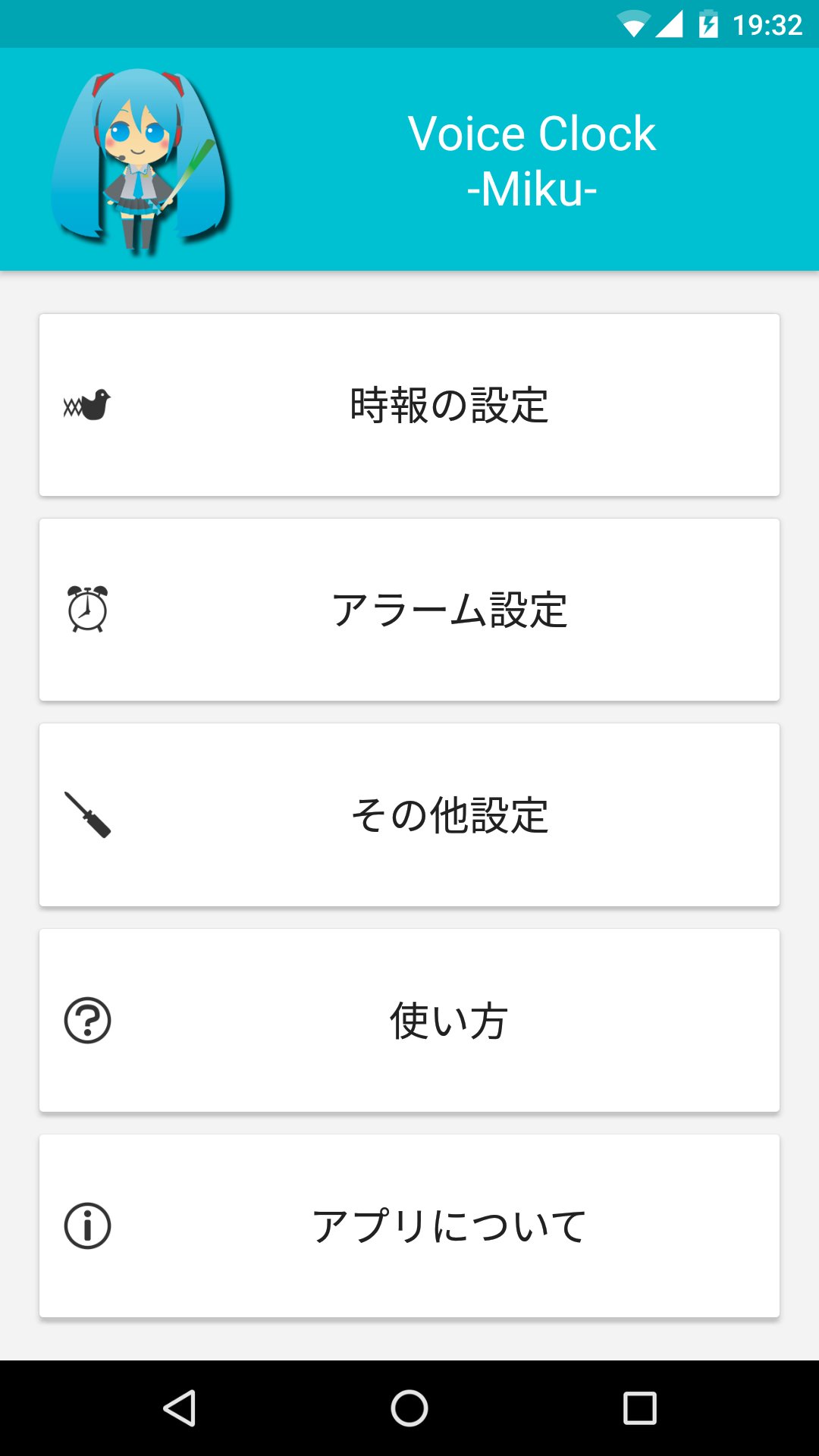
An alarm and time signal app that announces the time with Hatsune Miku's voice.
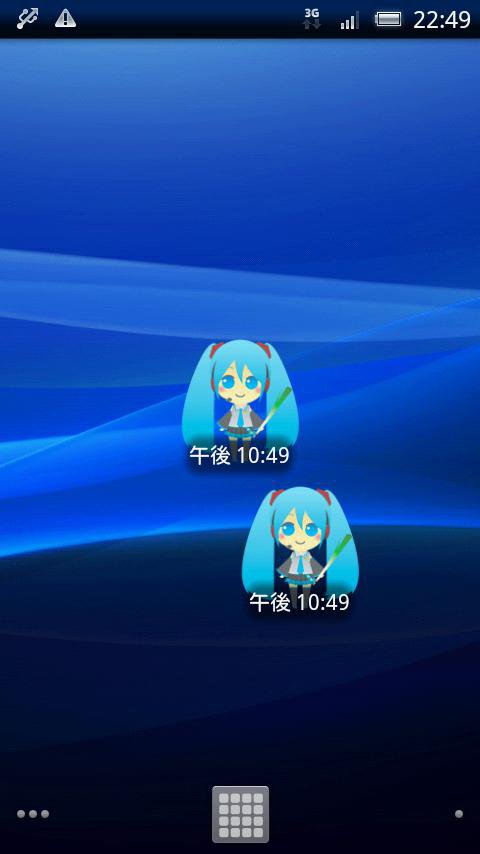
If you place the widget on the home (standby) screen and tap it, Hatsune Miku's voice will read out the current time.
■ Time signal function
Once every 30 minutes or 1 hour, the watch automatically announces the time by voice.
You can also set the time signal to stop for a specified time, such as when you go to bed, or when you are at school or work.
■Alarm
You can set an alarm that reads out the time.
You can tell the time by voice, so you don't have to look at the clock!
It's convenient for waking up or when you need to keep an eye on your work.
The illustration was borrowed from Piapro by Ezorenge. Thank you.
http://piapro.jp/t/xcNX
*This application is an unofficial fan-made application produced by an individual.
This application uses the name and illustration of the character "Hatsune Miku" from Crypton Future Media, Inc. under the Piapro Character License.
プレビュー
タグ
仕事効率化情報
デベロッパー
IceImo-P
最新バージョン
1.7.0
最終更新
2023-12-01
カテゴリー
仕事効率化
上で利用可能
Google Play
もっと見せる
PCでGameLoopを使用してVoiceClock -Miku-をプレイする方法
1. 公式WebサイトからGameLoopをダウンロードし、exeファイルを実行してGameLoopをインストールします
2. GameLoopを開いて「VoiceClock -Miku-」を検索し、検索結果でVoiceClock -Miku-を見つけて、「インストール」をクリックします。
3. GameLoopでVoiceClock -Miku-を楽しんでください
Minimum requirements
OS
Windows 8.1 64-bit or Windows 10 64-bit
GPU
GTX 1050
CPU
i3-8300
Memory
8GB RAM
Storage
1GB available space
Recommended requirements
OS
Windows 8.1 64-bit or Windows 10 64-bit
GPU
GTX 1050
CPU
i3-9320
Memory
16GB RAM
Storage
1GB available space