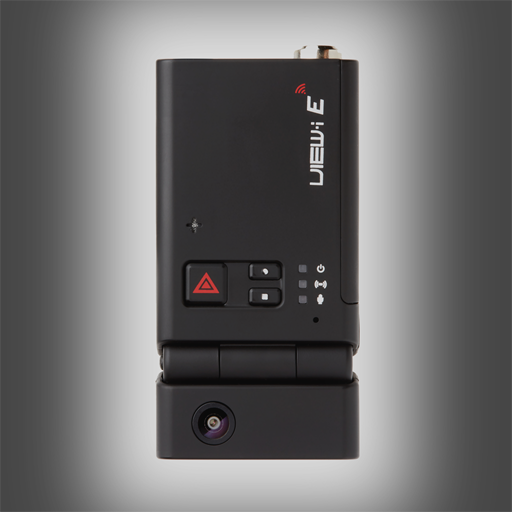
VIEW-i Elite Player PC
Hyung Jong Ki
GameLoopエミュレーターを使用してPCにVIEW-i Elite Playerをダウンロードします
VIEW-i Elite Player PC版
開発者Hyung Jong KiからのVIEW-i Elite Playerは、過去にAndroidsystermで実行されています。
これで、GameLoopを搭載したPCでVIEW-i Elite Playerをスムーズにプレイできます。
GameLoopライブラリまたは検索結果にダウンロードしてください。 バッテリーに目を向けたり、間違った時間にイライラしたりすることはもうありません。
大画面でVIEW-i Elite PlayerPCを無料でお楽しみください!
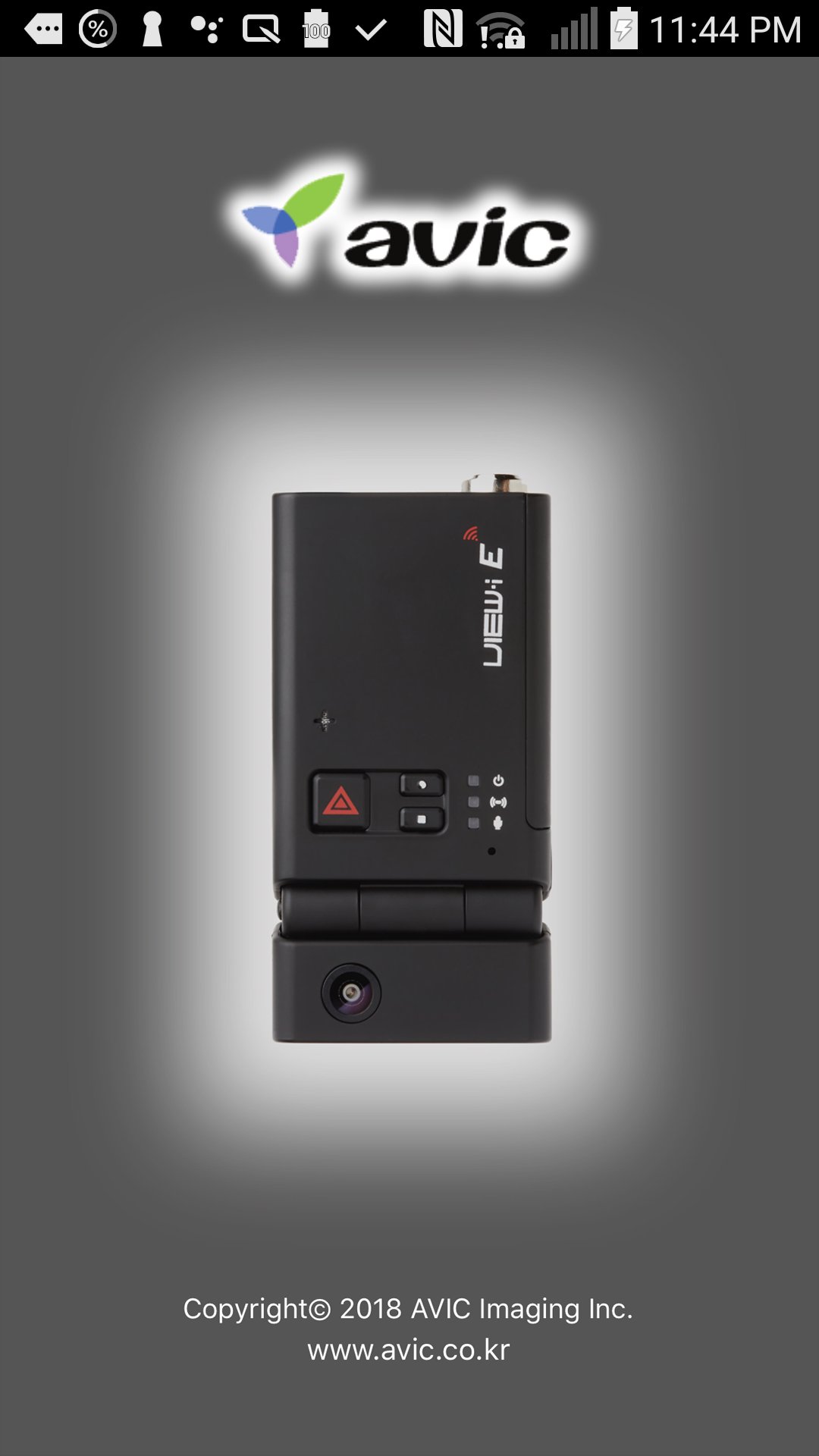
VIEW-i Elite Player 序章
This app needs View-I Elite Plus device provided by AVIC Inc.
View-I Elite Plus device can store and playback driving scene while running your vehicle. VIEW-i app continuously communicate driving status with phone connected to WiFi.
Please be informed from local providers for more details.
**Notice**
This app is operating with "VLC for android". Therefore please download "VLC for android" at the play store together.
** Main feature **
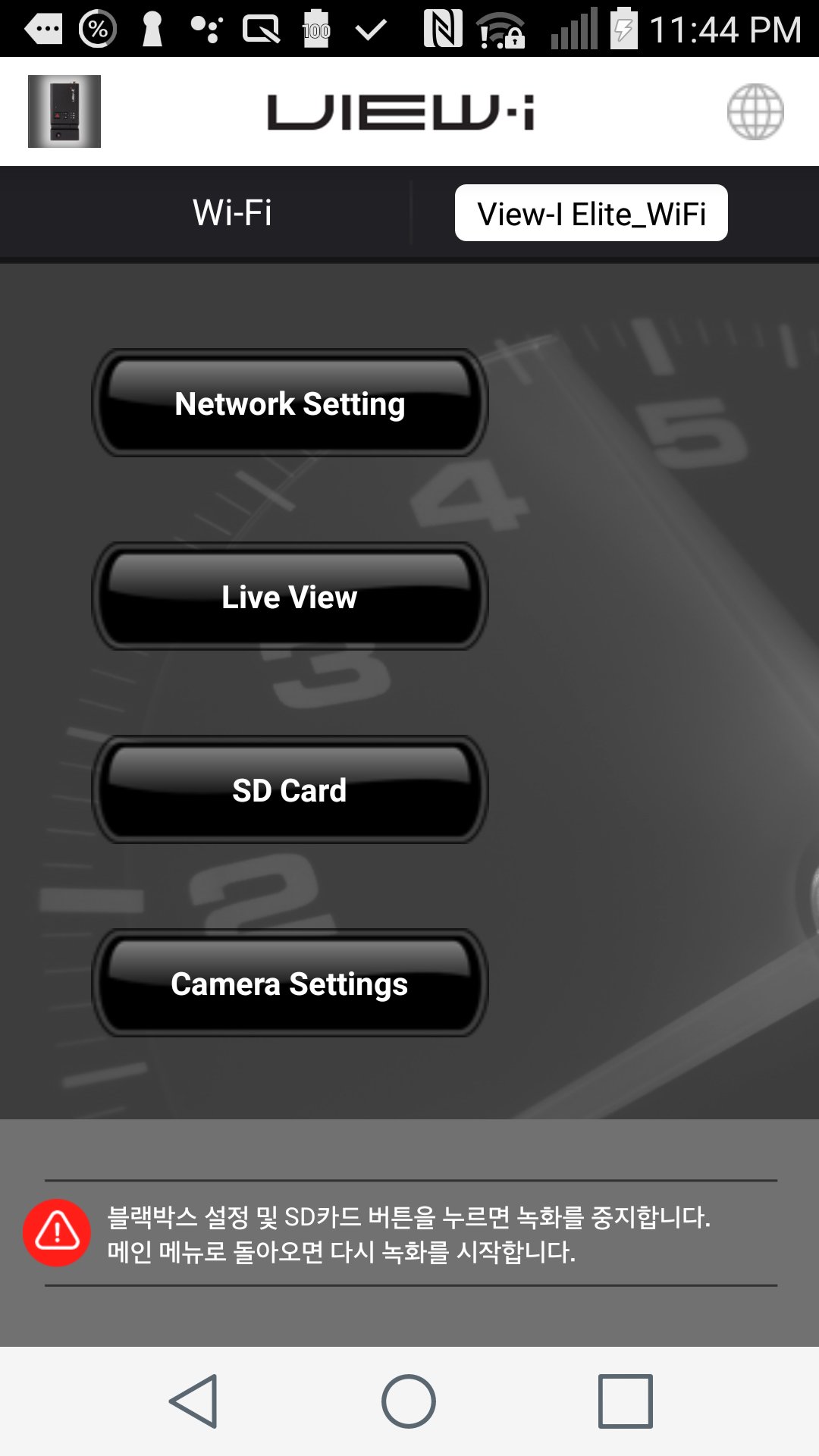
- Connection to the device View-I Elite Plus through WiFi.
- Live View : Front / Rear camera displays on the screen
- SD card : Playback / Storing the video clip from iPhone
- Various Camera Settings
- Record Quality/Video Quality/Record Brightness
- G-Sensor Sensitivity
- TV output Mode : NTSC/PAL
- Video Clip Time : 1min/3min/5min
- Speed Limit(alarm) : Mile/Km
プレビュー
タグ
仕事効率化情報
デベロッパー
Hyung Jong Ki
最新バージョン
1.7
最終更新
2018-08-01
カテゴリー
仕事効率化
上で利用可能
Google Play
もっと見せる
PCでGameLoopを使用してVIEW-i Elite Playerをプレイする方法
1. 公式WebサイトからGameLoopをダウンロードし、exeファイルを実行してGameLoopをインストールします
2. GameLoopを開いて「VIEW-i Elite Player」を検索し、検索結果でVIEW-i Elite Playerを見つけて、「インストール」をクリックします。
3. GameLoopでVIEW-i Elite Playerを楽しんでください
Minimum requirements
OS
Windows 8.1 64-bit or Windows 10 64-bit
GPU
GTX 1050
CPU
i3-8300
Memory
8GB RAM
Storage
1GB available space
Recommended requirements
OS
Windows 8.1 64-bit or Windows 10 64-bit
GPU
GTX 1050
CPU
i3-9320
Memory
16GB RAM
Storage
1GB available space