Take Control Console PC
N-able Solutions ULC
GameLoopエミュレーターを使用してPCにTake Control Consoleをダウンロードします
Take Control Console PC版
開発者N-able Solutions ULCからのTake Control Consoleは、過去にAndroidsystermで実行されています。
これで、GameLoopを搭載したPCでTake Control Consoleをスムーズにプレイできます。
GameLoopライブラリまたは検索結果にダウンロードしてください。 バッテリーに目を向けたり、間違った時間にイライラしたりすることはもうありません。
大画面でTake Control ConsolePCを無料でお楽しみください!
Take Control Console 序章
The best remote support is not the one you’re thinking.
Try a real-time platform able to deliver much more than just remote access & support: Take Control also provides easy and efficient remote management and monitoring, allowing a cost-saving complete intervention over your business.
Like thousands of other users worldwide, enjoy this app to:
•Easily provide Support to any Windows® OS or Mac OS®;
•Access any machine desktop as if you’re in front of it;
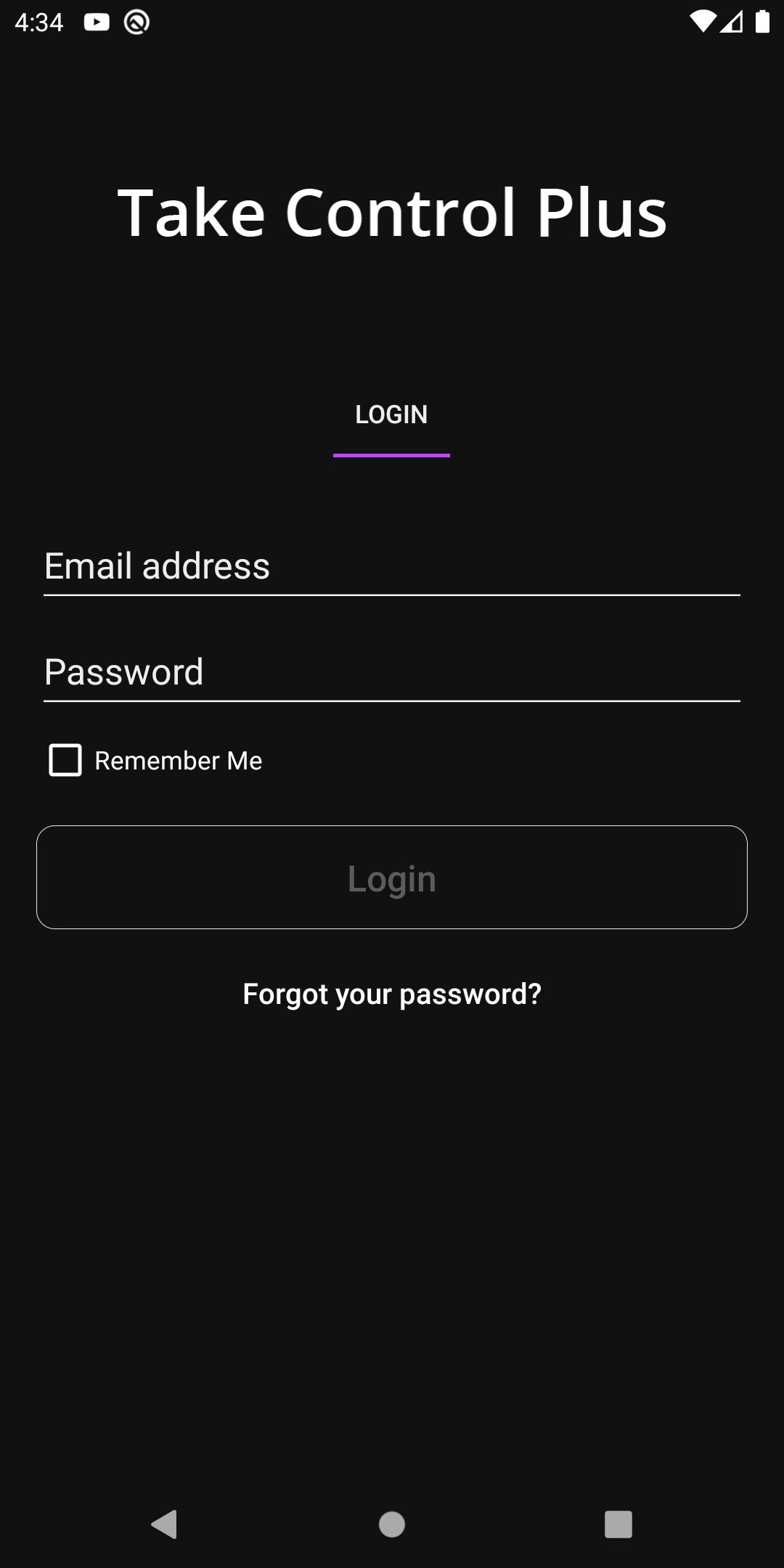
•Chat with the remote user;
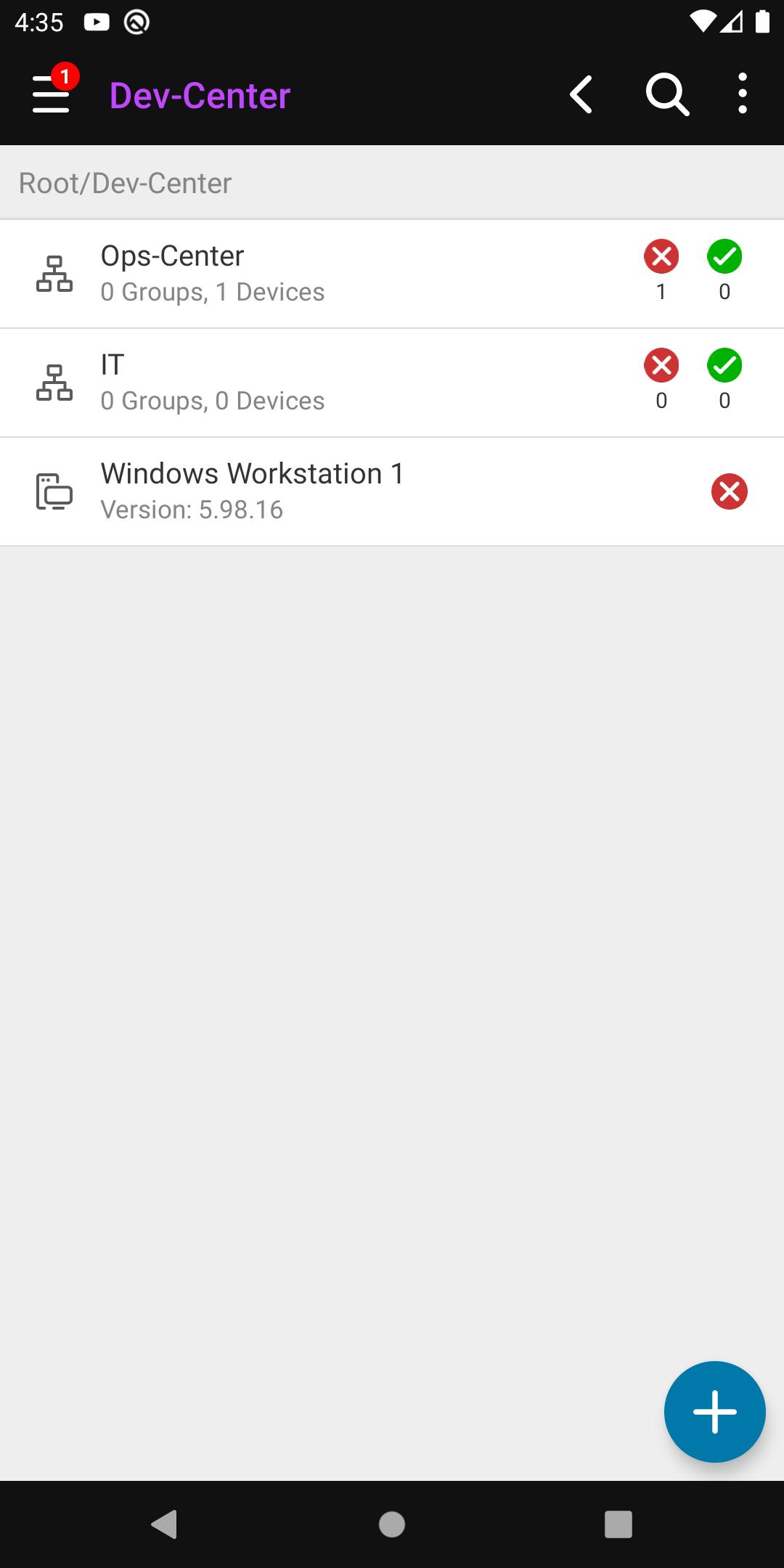
•Check the remote system info;
•And much, much more…
To create a free trial account, please visit www.n-able.com
プレビュー
タグ
仕事効率化情報
デベロッパー
N-able Solutions ULC
最新バージョン
1.02.73
最終更新
2025-08-18
カテゴリー
仕事効率化
上で利用可能
Google Play
もっと見せる
PCでGameLoopを使用してTake Control Consoleをプレイする方法
1. 公式WebサイトからGameLoopをダウンロードし、exeファイルを実行してGameLoopをインストールします
2. GameLoopを開いて「Take Control Console」を検索し、検索結果でTake Control Consoleを見つけて、「インストール」をクリックします。
3. GameLoopでTake Control Consoleを楽しんでください
Minimum requirements
OS
Windows 8.1 64-bit or Windows 10 64-bit
GPU
GTX 1050
CPU
i3-8300
Memory
8GB RAM
Storage
1GB available space
Recommended requirements
OS
Windows 8.1 64-bit or Windows 10 64-bit
GPU
GTX 1050
CPU
i3-9320
Memory
16GB RAM
Storage
1GB available space