AirPrint: Mobile printer, scan PC
TV Cast Pte. Ltd.
GameLoopエミュレーターを使用してPCにAirPrint: Mobile printer, scanをダウンロードします
AirPrint: Mobile printer, scan PC版
開発者TV Cast Pte. Ltd.からのAirPrint: Mobile printer, scanは、過去にAndroidsystermで実行されています。
これで、GameLoopを搭載したPCでAirPrint: Mobile printer, scanをスムーズにプレイできます。
GameLoopライブラリまたは検索結果にダウンロードしてください。 バッテリーに目を向けたり、間違った時間にイライラしたりすることはもうありません。
大画面でAirPrint: Mobile printer, scanPCを無料でお楽しみください!
AirPrint: Mobile printer, scan 序章
Print directly from your Android device instantly, easily, and for FREE!
AirPrint: Mobile printer, scan help you to print photos and share them with family and friends. Print documents, PDF files, invoices, receipts, boarding passes, and more at home, at work, or while on the go!
With the AirPrint: Mobile Printer, Scan, now you can scan and print your files immediately from your printer.
AirPrint: Mobile Printer makes printing easy and convenient whether your printer is right next to you or across the world!
You can print images, photos, web pages, PDF and Microsoft Office documents without downloading any additional apps or printing tools anytime anywhere on almost any WiFi, Bluetooth, or USB printer.
• Print photo, email, document (including PDF, Microsoft Word, Excel, PowerPoint, and other files), message, bill, invoice, and more
• Import existing files or any cloud files from your Google account
• Select and print multiple photos at the same time
• Detailed Setup Guide and Print Service appropriate for your printer
• High-quality Camera Scan
• Use Wi-Fi network connection directly
• Automatically search for supported devices on a local wireless network
• Hundreds of templates, crafts, cards, and arts with our gallery
• No additional computer and no driver required.
• Print photos and images (JPG, PNG, GIF, WEBP)
• Print PDF files and Microsoft Office Word, Excel, and PowerPoint documents
• Print multiple images per sheet
• Print stored files, email attachments (PDF, DOC, XSL, PPT, TXT), and files from Google Drive or other cloud services
• Print websites (HTML pages) accessed through the built-in web browser
• Print on WiFi, Bluetooth, USB-OTG connected printers
• Integration with other apps via Print, Share menus
Advanced Features
• Many print options (including number of copies, collate, page range, paper size, paper type, paper tray, output quality, and more)
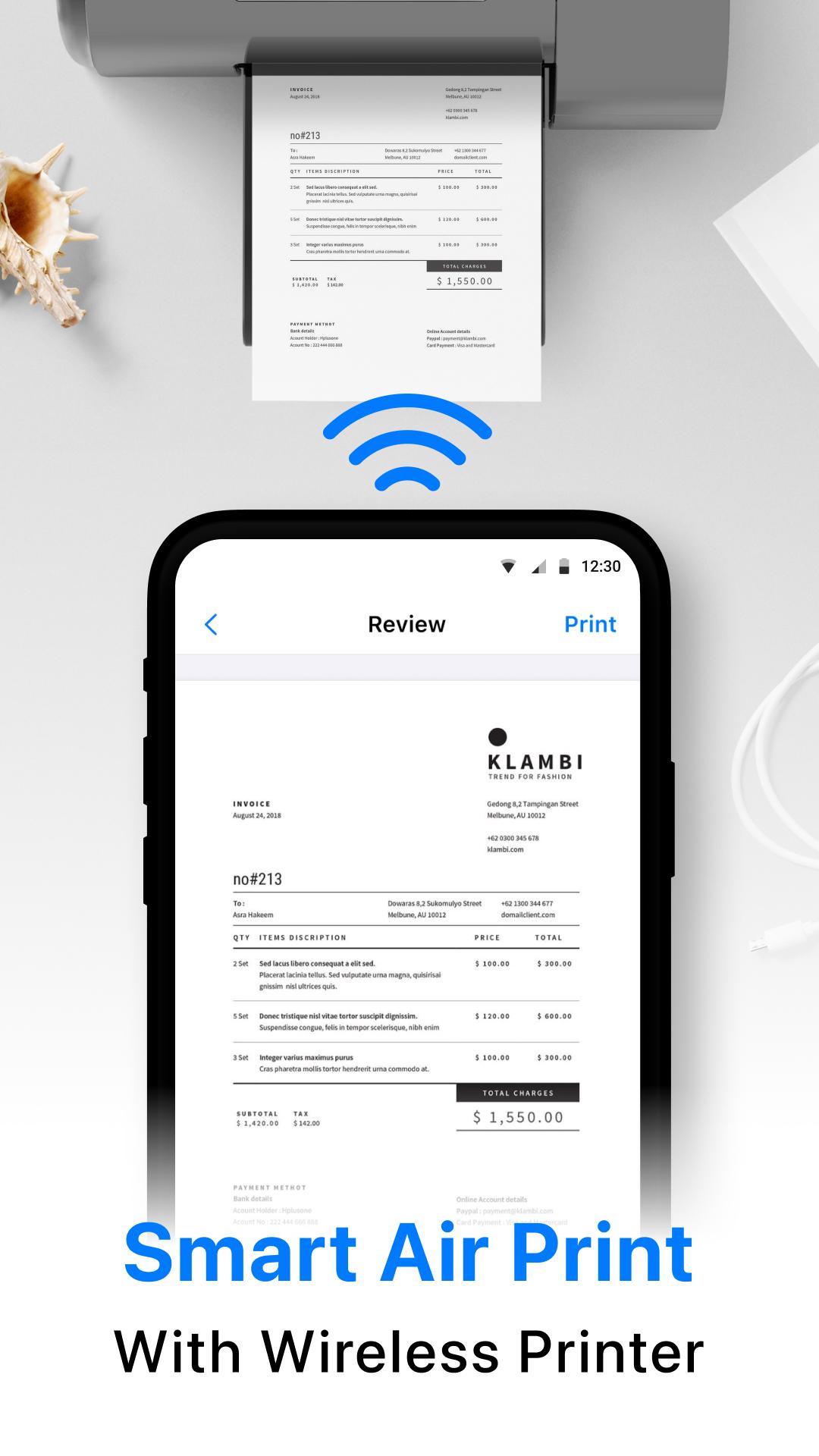
• Preview PDF, docs, images, and other content before printing
• Borderless photo printing on matte or glossy photo paper
• Color or monochrome (black and white) printing
• Duplex (one or two-sided) printing
• Printing on AirPrint capable printers
• Printing on Mopria compatible printers
• Printing on mobile thermal printers
• Compatible with Windows printer share (SMB/CIFS) and Mac/Linux printer share (Bonjour/IPP/LPD)
Supported Printers
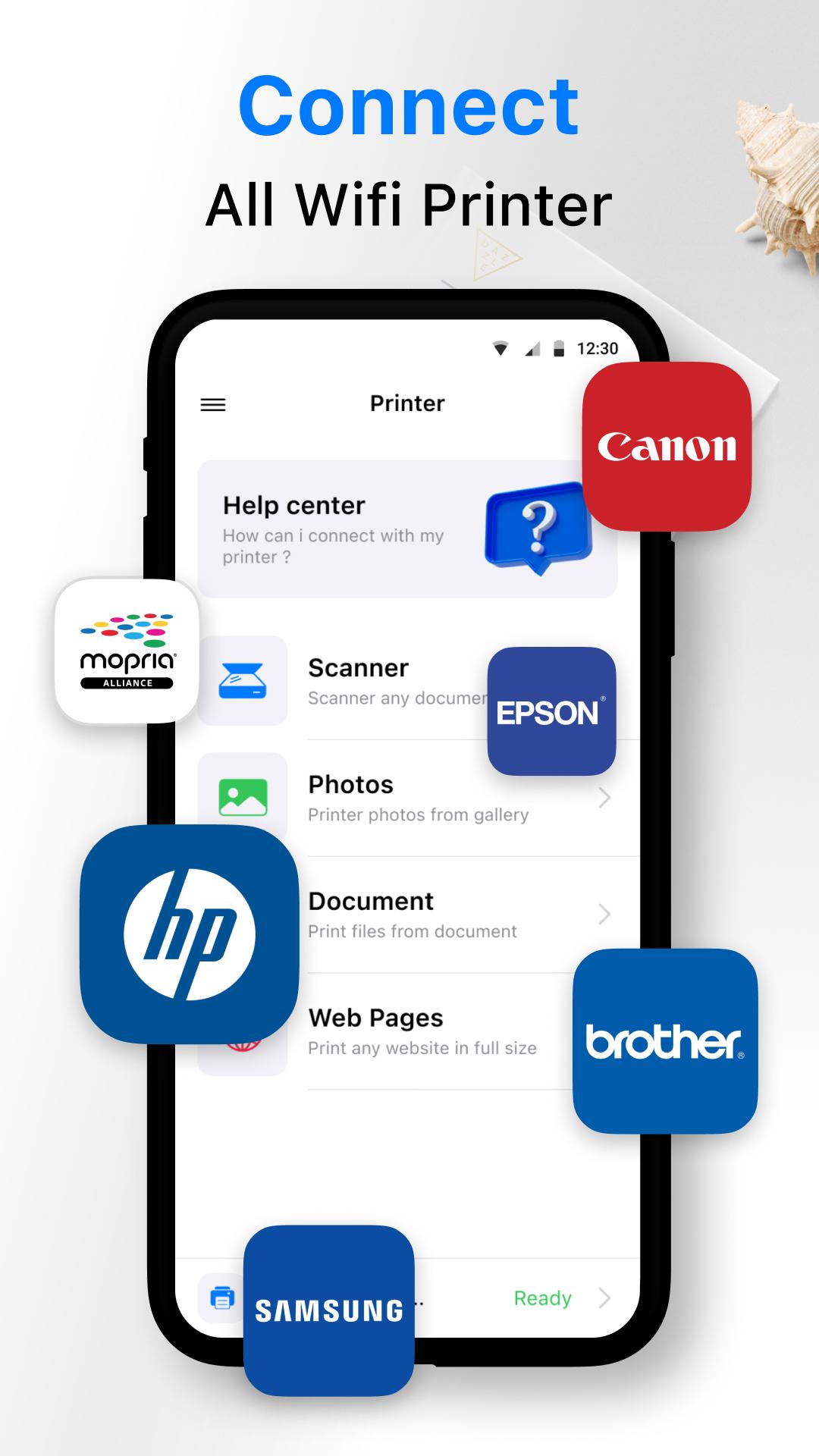
• HP Officejet, HP LaserJet, HP Photosmart, HP Deskjet, HP Envy, HP Ink Tank, and other HP models
• Canon PIXMA, Canon LBP, Canon MF, Canon MP, Canon MX, Canon MG, Canon SELPHY, and other Canon models
• Epson Artisan, Epson WorkForce, Epson Stylus, and other Epson models
• Brother MFC, Brother DCP, Brother HL, Brother MW, Brother PJ, and other Brother models
• Samsung ML, Samsung SCX, Samsung CLP, and other Samsung models
• Xerox Phaser, Xerox WorkCentre, Xerox DocuPrint, and other Xerox Models
• Dell, Konica Minolta, Kyocera, Lexmark, Ricoh, Sharp, Toshiba, OKI, and other printers
Disclaimer: we are a third-party app that is not affiliated with official brands including Canon, HP, Brother, Epson, Samsung, Xerox, Dell, and this is not an official app of these brands.
プレビュー
タグ
仕事効率化情報
デベロッパー
TV Cast Pte. Ltd.
最新バージョン
1.1
最終更新
2022-02-11
カテゴリー
仕事効率化
上で利用可能
Google Play
もっと見せる
PCでGameLoopを使用してAirPrint: Mobile printer, scanをプレイする方法
1. 公式WebサイトからGameLoopをダウンロードし、exeファイルを実行してGameLoopをインストールします
2. GameLoopを開いて「AirPrint: Mobile printer, scan」を検索し、検索結果でAirPrint: Mobile printer, scanを見つけて、「インストール」をクリックします。
3. GameLoopでAirPrint: Mobile printer, scanを楽しんでください
Minimum requirements
OS
Windows 8.1 64-bit or Windows 10 64-bit
GPU
GTX 1050
CPU
i3-8300
Memory
8GB RAM
Storage
1GB available space
Recommended requirements
OS
Windows 8.1 64-bit or Windows 10 64-bit
GPU
GTX 1050
CPU
i3-9320
Memory
16GB RAM
Storage
1GB available space