Smart Call Recorder App 2022 PC
Goldy IT Solutions
GameLoopエミュレーターを使用してPCにSmart Call Recorder App 2022をダウンロードします
Smart Call Recorder App 2022 PC版
開発者Goldy IT SolutionsからのSmart Call Recorder App 2022は、過去にAndroidsystermで実行されています。
これで、GameLoopを搭載したPCでSmart Call Recorder App 2022をスムーズにプレイできます。
GameLoopライブラリまたは検索結果にダウンロードしてください。 バッテリーに目を向けたり、間違った時間にイライラしたりすることはもうありません。
大画面でSmart Call Recorder App 2022PCを無料でお楽しみください!
Smart Call Recorder App 2022 序章
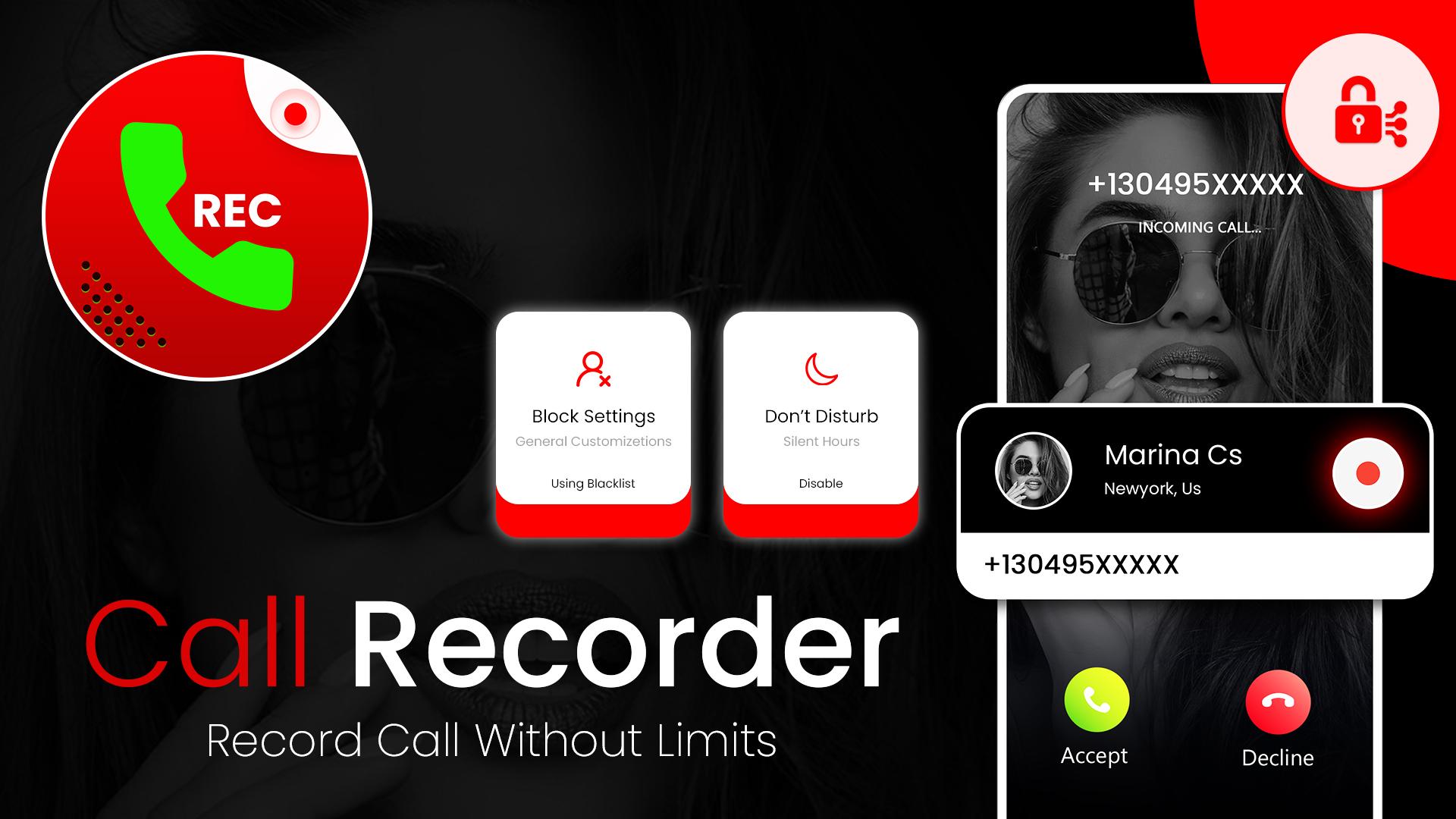
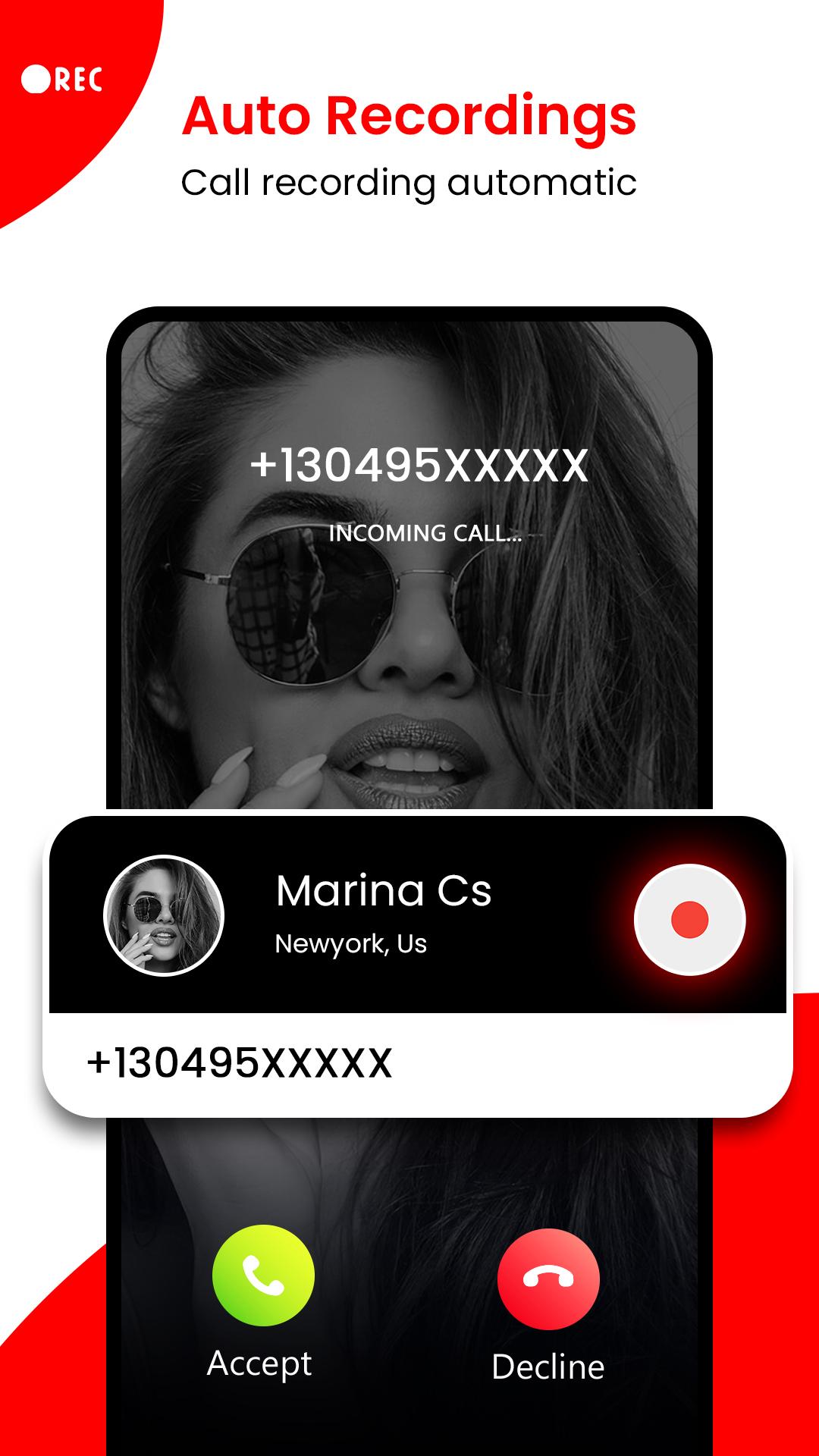
Automatic call recorder app is an easy-to-use and also a smart call recorder for android devices to record phone calls while on phone automatically. Our latest version automatic call recorder pro app for android has advanced features that make it different from other apps.
Call recording software 2022 lets you record all calls and manage the recorded calls carefully with pro features like play, pause, share, delete, and rename. Call recorder app is totally safe and keeps private your data so never worry about losing the data.
Voice recorder call app is free and it has been specially designed for high quality and real-time recording with a simple user interface. You can catch night sleep talks or some snoring whatever you wish for with this amazing smart call recorder app😉. Voice recorder is easy to use automatic call recording app that records day-to-day calls with high quality and clear voice.
Record any phone calls you want by using automatic call recording software. With this voice recorder call app, you can set which calls will be recorded and which calls are ignored. Please keep in mind that all call recording does not work on certain handsets. Recorded calls are stored in the Inbox, you can set the size of the inbox in settings.
Smart call recorder app saves your phone calls recording in the saved calls folder if you decide that your conversation is important, if not then old recordings will automatically be removed when your new calls fill up in the inbox. You can search for your saved recordings by contact name, number, or note in the recorder call app.
Three default settings for voice recorder call app:
✔ Record everything: This call recorder setting records all calls except contacts that are pre-selected to be ignored.
✔ Ignore Everything: This voice recorder setting records no calls except contacts that are pre-selected to be recorded.
✔ Ignore Contacts: This smart call recorder setting records all calls even people who are not in the contact list except contacts that are pre-selected to be recorded.
Voice recorder call app features:
• Recording in the background (Less RAM Consumption)
• HD quality recordings call recorder both side voice
• Play/pause/save/delete/resume/cancel recording process control
• Efficient and less battery consuming
• Recording is time-limited, it depends on available space in your storage
• Global smart call recorder app
• Record calls automatically on all android devices
• Caller ID
- Check who's calling before you receive the call
- See unknown number's name before you receive any calls
- Identify spam caller's location
- Get details via mobile number tracker by entering any number
• Backup from Google Drive
• App lock facility to keep your recorded calls private
• This recorder call app is localized in different languages
• Add important numbers to the special list
• Add recordings to favorites
• Multiple audio formats supported (AMR, MP3, AAC, WAV, etc.) to record calls
• Backup to the cloud
• Small Apk size in Automatic Call Recorder
Don't miss out to use the advanced features of the smart call recorder. DOWNLOAD NOW
Please feel free to provide any suggestions or comments you wish to share on our app.
プレビュー
タグ
仕事効率化情報
デベロッパー
Goldy IT Solutions
最新バージョン
1.0
最終更新
2022-06-10
カテゴリー
仕事効率化
上で利用可能
Google Play
もっと見せる
PCでGameLoopを使用してSmart Call Recorder App 2022をプレイする方法
1. 公式WebサイトからGameLoopをダウンロードし、exeファイルを実行してGameLoopをインストールします
2. GameLoopを開いて「Smart Call Recorder App 2022」を検索し、検索結果でSmart Call Recorder App 2022を見つけて、「インストール」をクリックします。
3. GameLoopでSmart Call Recorder App 2022を楽しんでください
Minimum requirements
OS
Windows 8.1 64-bit or Windows 10 64-bit
GPU
GTX 1050
CPU
i3-8300
Memory
8GB RAM
Storage
1GB available space
Recommended requirements
OS
Windows 8.1 64-bit or Windows 10 64-bit
GPU
GTX 1050
CPU
i3-9320
Memory
16GB RAM
Storage
1GB available space