
SignNow New (Beta) PC
SignNow
GameLoopエミュレーターを使用してPCにSignNow New (Beta)をダウンロードします
SignNow New (Beta) PC版
開発者SignNowからのSignNow New (Beta)は、過去にAndroidsystermで実行されています。
これで、GameLoopを搭載したPCでSignNow New (Beta)をスムーズにプレイできます。
GameLoopライブラリまたは検索結果にダウンロードしてください。 バッテリーに目を向けたり、間違った時間にイライラしたりすることはもうありません。
大画面でSignNow New (Beta)PCを無料でお楽しみください!
SignNow New (Beta) 序章
• Sign and fill out documents for free, there are no limits.
• Send documents to others for signature.
• Store, manage, and access your documents from anywhere.
Common documents people use with SignNow
• Financial agreements
• NDAs
• Sales contracts
• Health care documents
• Permission slips
• Waivers
• Lease agreements
Key Features:
Signing Documents
• Fill out and sign documents from your Android device
• Create and customize your personalized signature right from your Android device.
• Supports PDF, Word, Images (JPEG, PNG, TIFF), Text, and more.
• Open an email attachment, image or document from one of our supported cloud services in SignNow.
Sending Documents
• Send documents out for signature after you’ve set them up or created a template on the web.
• Send a document to multiple signers.
• Request in-person signing or allow your signer to sign remotely.
Security and Legality
• Legally binding - SignNow is ESIGN, UETA and eIDAS compliant
• Complete audit trail providing visibility into who signed, at what time, and where.(on Web)
• Documents are encrypted during transit
• SignNow is SOC 2 type II certified
Ease of use
• Pressure sign - Pressure sensitive pen and paper style signing with your finger
• Photo documents - Turn a picture into a PDF
• Folder views - Gridview and Listview are available for folders
• Quick menu - Swipe layouts for list items to unveil quick menu option.
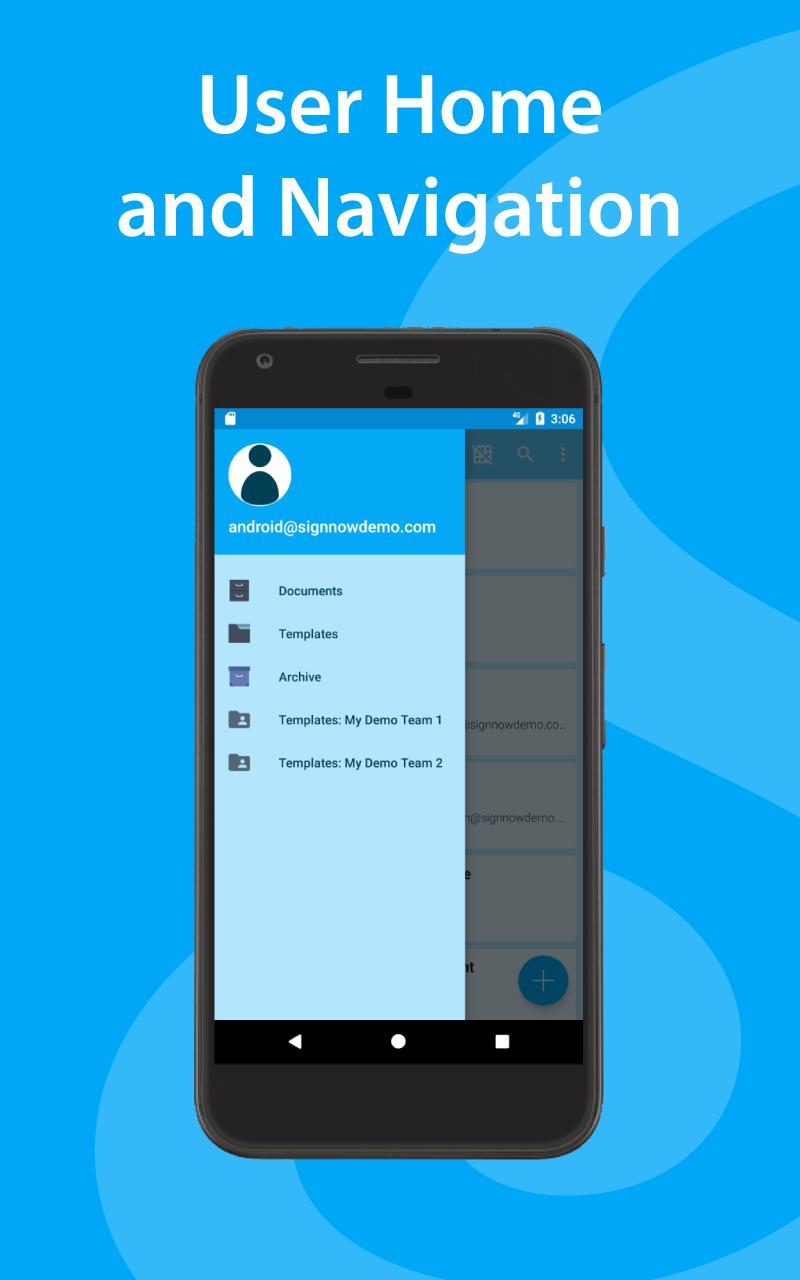
• Document archive - Archive documents into folders for organization and safe keeping
• Team templates - View your team templates from your mobile device
• Templates - Send documents from a template
• Offline signing - sign documents even when you don’t have an internet connection
• Landscape and Portrait view - view documents in landscape or portrait mode on your phone or tablet
Pricing:
While the Android app is free to use, a SignNow subscription is required to access the full suite of web features necessary to properly setup a document for signature. You can learn more about the different plan types we offer for SignNow at https://www.signnow.com/pricing
Business
Business is our most affordable plan at $5 a month per user. You won’t find a plan at this price with these features anywhere else. Our Business plan features include:
• Unlimited documents
• Unlimited templates
• 1 team
• OneDrive, Google, Box
• Self serve and email support
• Audit log and history
• Multiple signers
• Password protected signing
• Document expiration dates
• Kiosk mode
• iPhone, iPad, Android app access
Business Premium
Business premium is $15 per user. With this plan, you can do everything you can do in Business plus bulk sending, signing links, custom branding, and more. You will receive all the features listed under our Business Plan plus:
• Bulk sending
• Signing links
• Custom branding
• Link protection
• Unlimited teams
• Document groups
• Conditional fields
• Conditional routing
• Advanced forms
• Smart fields
Enterprise
Our Enterprise plan is our highest and most efficient plan. Some popular reasons for choosing Enterprise is for our phone support, advanced threat protection, and API integrations. With this plan, you will receive all of the Business and Business Premium features plus:
• Phone support
• Advanced threat protection
• CRM/ERP integration
• Designated integration support
• Organizational dashboard
• Digital certificates
• HIPAA
• AD/LDAP/SAML/SSO
• API integration
• Payment solutions
For questions or feedback email support@signnow.com
プレビュー
情報
デベロッパー
SignNow
最新バージョン
4.0.1
最終更新
2017-08-08
カテゴリー
仕事効率化
上で利用可能
Google Play
もっと見せる
PCでGameLoopを使用してSignNow New (Beta)をプレイする方法
1. 公式WebサイトからGameLoopをダウンロードし、exeファイルを実行してGameLoopをインストールします
2. GameLoopを開いて「SignNow New (Beta)」を検索し、検索結果でSignNow New (Beta)を見つけて、「インストール」をクリックします。
3. GameLoopでSignNow New (Beta)を楽しんでください
Minimum requirements
OS
Windows 8.1 64-bit or Windows 10 64-bit
GPU
GTX 1050
CPU
i3-8300
Memory
8GB RAM
Storage
1GB available space
Recommended requirements
OS
Windows 8.1 64-bit or Windows 10 64-bit
GPU
GTX 1050
CPU
i3-9320
Memory
16GB RAM
Storage
1GB available space